
8 Sample Voicemail Messages for Business That Work
Sample voicemail messages for business you can copy today: after-hours, holiday, salon, clinic, hotel, contractor and franchise scripts with tips.
Table of Contents
- 1Introduction
- 21. After-Hours Greeting for a Restaurant
- 3Match the hours before recording
- 42. Holiday and Closure Notice for a Restaurant
- 5Change every public answer together
- 63. Fully Booked Salon Greeting
- 7Let the booking page handle changing availability
- 84. After-Hours Clinic Message With Emergency Instructions
- 9Keep clinical details out of the recording
- 105. Hotel Front Desk Busy Greeting
- 11Separate booking questions from guest assistance
- 126. Contractor On-Site Callback Message
- 13Keep the service area consistent
- 147. Multi-Location Franchise Greeting With Location Options
- 15Test the destination, not just the menu
- 168. Owner Out-of-Office Message With Backup Contact
- 17Brief the backup before leaving
- 18Which voicemail script fits which situation
- 19Pick One Script and Record It Today
- 20Check what happens after the recording
Introduction
A caller at 9 p.m. wants tomorrow's table. Your host has gone home, and the recording says only to leave a message. Across town, a hotel guest waits while one person covers the front desk. A homeowner calls the next contractor in Google's map results because yours hasn't explained when anyone will call back.
A missed call needs a useful answer, even when you can't give it live. Tell callers they've reached the right business, explain what they can do now, and give a callback window you can keep. Otherwise, they have to decide whether waiting is worth it.
In a CallRail survey of 1,000 U.S. consumers, 42% said they leave a voicemail when a business doesn't answer, according to JustCall's missed-call statistics roundup. Don't build your entire response process around callers leaving messages.
Your greeting should answer the caller's immediate question before asking them to do more work.
These eight sample voicemail messages for business cover everyday situations, from a closed dining room to a crew working on a roof. Replace the brackets, check the details against your Google Business Profile, and assign someone to return calls. If you need live handling rather than a recording, you can also explore automated reception for gyms when comparing reception options.
1. After-Hours Greeting for a Restaurant
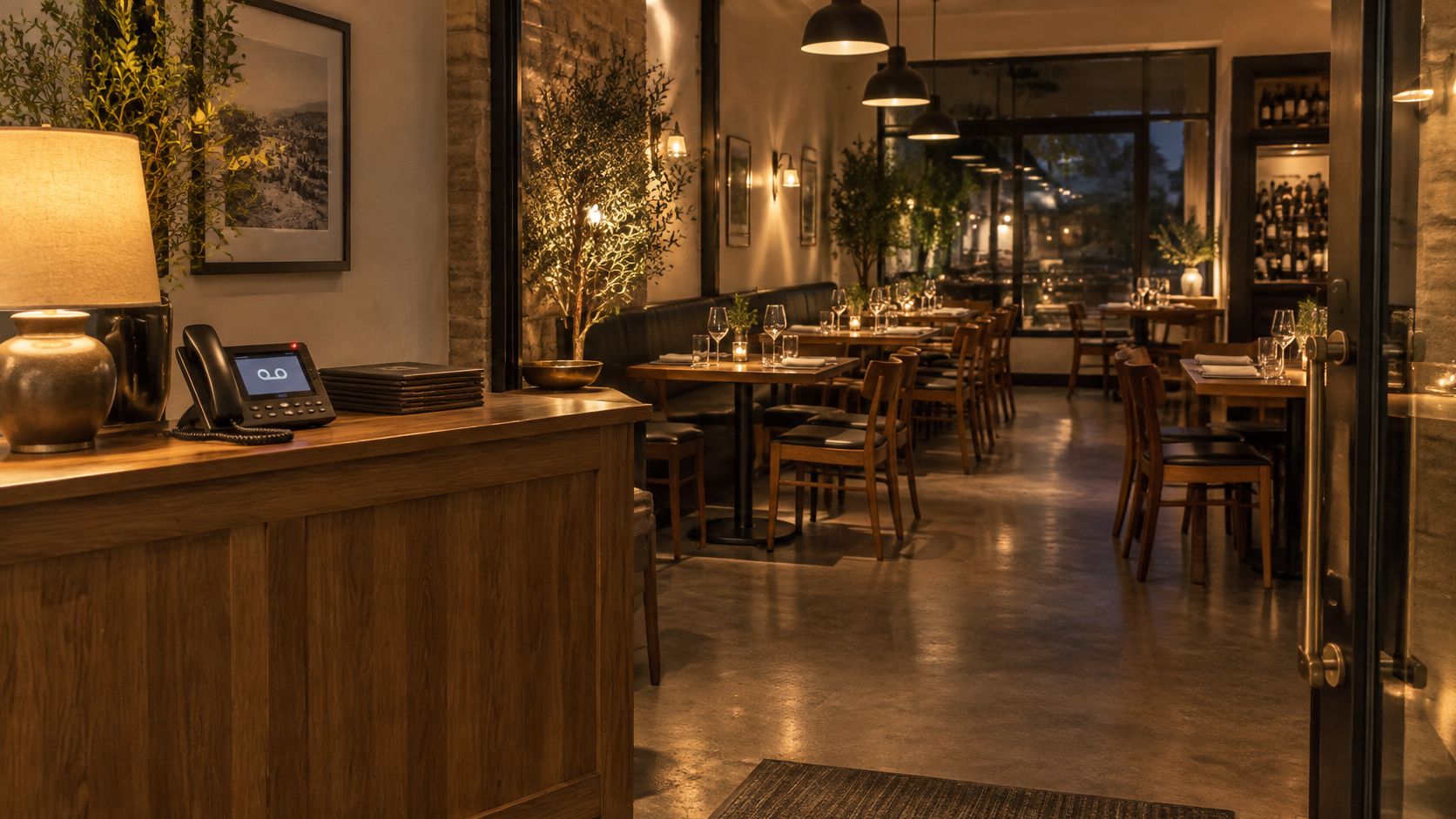
The dining room is dark, but someone's planning tomorrow's dinner. Your greeting should distinguish closed now from unable to answer during service. A recording that says the kitchen is closed while you're serving dinner gives callers the wrong answer.
Ready-to-record script
*Thanks for calling [Restaurant Name]. Our dining room is closed right now. We're open [days and hours] and reopen [day] at [time]. To reserve a table, visit [website], or leave your name, requested date, party size, and callback number. We'll return reservation calls [callback window]. Your reservation isn't confirmed until you hear from us.*
The opening confirms the restaurant. The hours answer whether a visit is possible, and the booking option gives callers something useful to do immediately. The final sentence prevents a reservation request from being mistaken for a confirmed table.
Match the hours before recording
Copy the hours from your operating schedule, then check your website and Google Business Profile against that same schedule. If the kitchen closes before the dining room, say which hours you mean. Don't make guests guess whether they can still order food.
Check the recording monthly and whenever hours change. During a rush, use a separate busy greeting that directs callers to online reservations without incorrectly announcing a closure.
- Use a speakable address. Give your existing short website address, not a long reservation-platform path.
- Record somewhere quiet. Your own clear voice is enough. Kitchen noise and background music make details harder to hear.
- Test the full route. Call from a cell phone, listen through the greeting, and leave a test message.
2. Holiday and Closure Notice for a Restaurant
A private event has taken over the dining room, but your usual hours still suggest walk-ins are welcome. Someone searching nearby may already be on the way. A closure greeting needs a reopening date and time, not just an apology.
Ready-to-record script
*Thank you for calling [Restaurant Name]. We're closed [closure date or date range] for [holiday, private event, or repair]. We'll reopen on [weekday, month, and date] at [time]. For reservations after we reopen, visit [website]. You can leave your name and callback number, and we'll return messages [callback window].*
Use a confirmed reopening time. If storm damage or repairs make that impossible, replace the promise with a clear update instruction: *Our reopening time hasn't been confirmed. Please check our website and Google Business Profile for updates.*
Closure rule: Don't promise tomorrow's opening just because you hope the repair will be finished.
Change every public answer together
Update the greeting before staff leave, and enter the same affected dates in your Google Business Profile's special hours. Check the booking system too. A closed restaurant shouldn't continue accepting tables that nobody can honor.
Write the closure date, reopening date, and reopening time on a card beside the phone. Give the same information to whoever manages your website so they don't publish a different answer.
Set a calendar reminder to restore the normal greeting when you reopen. For a weather closure, assign a named person to update all channels when the decision changes. A stale closure message can turn away guests even after the lights are back on.
3. Fully Booked Salon Greeting
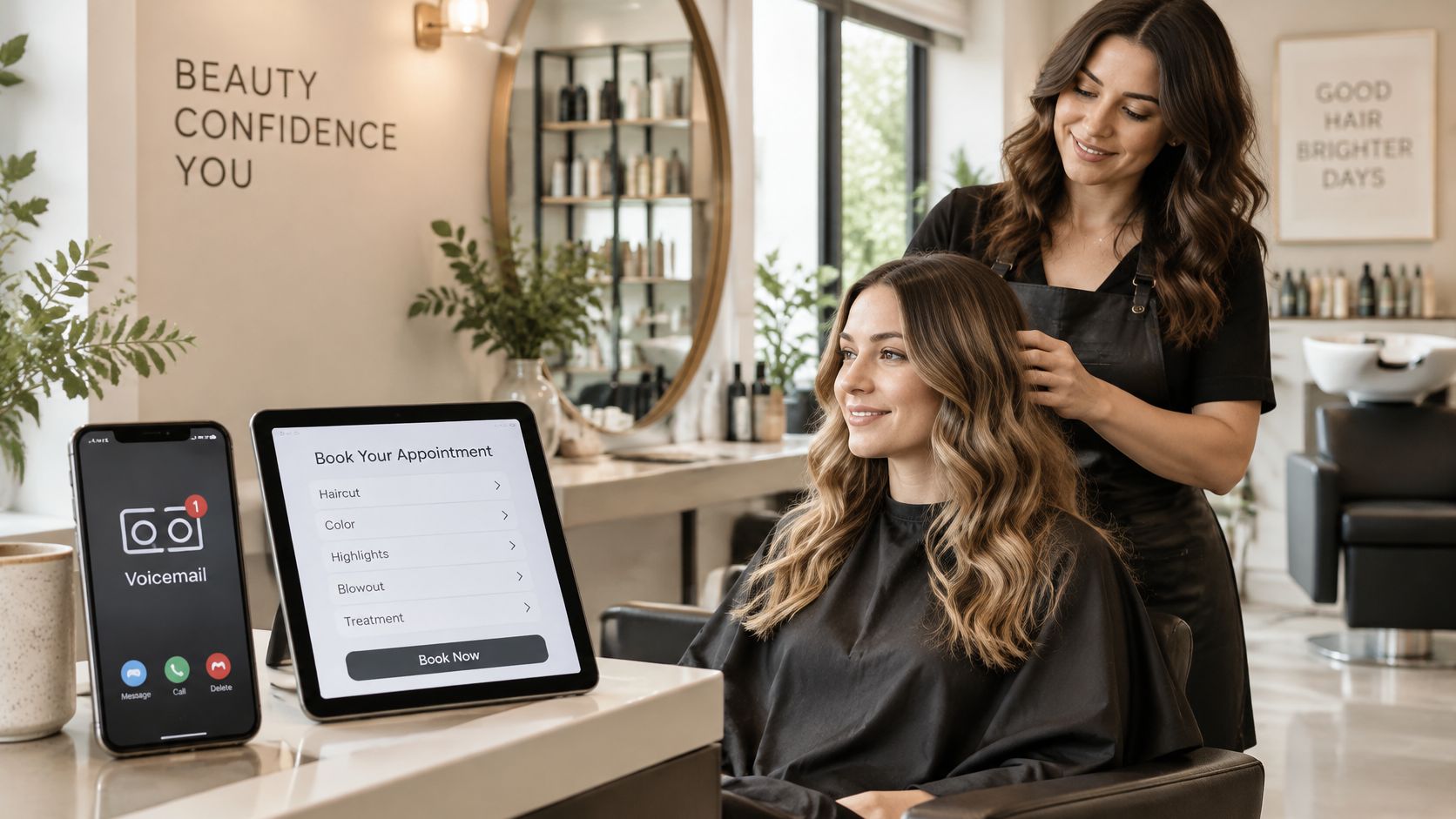
A stylist with wet hands can't safely stop mid-service to answer the phone. That doesn't mean the salon is closed, and your greeting shouldn't sound as though nobody's there. Send new appointments toward your booking page while preserving a callback option.
Ready-to-record script
*Hi, you've reached [Salon Name]. We're with clients and can't answer right now. For current appointment availability, use the booking button on our website at [website]. If you'd prefer a callback, leave your name, number, and the service you're interested in. We'll call you back [realistic window during business hours].*
Busy isn't the same as fully booked. Don't record that you have no availability unless the whole salon is full. A color specialist may have no openings while another stylist can still accept a haircut.
Let the booking page handle changing availability
Put stylist-specific availability or a cancellation-list option on the booking page. Keep the voicemail stable enough that you don't need to rerecord it whenever someone moves an appointment.
For a caller seeking a major color correction, the requested service helps staff decide whether to arrange a consultation. Don't ask for a full treatment history on voicemail. Get the conversation started, then collect the details through your normal consultation process.
- Match the destination. The booking link on your Google Business Profile should reach the same scheduling system named in the greeting.
- Protect the callback promise. Choose a window staff can meet during a busy service day, not just a quiet morning.
- Assign message checks. Put voicemail review into shift handovers so everyone doesn't assume someone else handled it.
4. After-Hours Clinic Message With Emergency Instructions
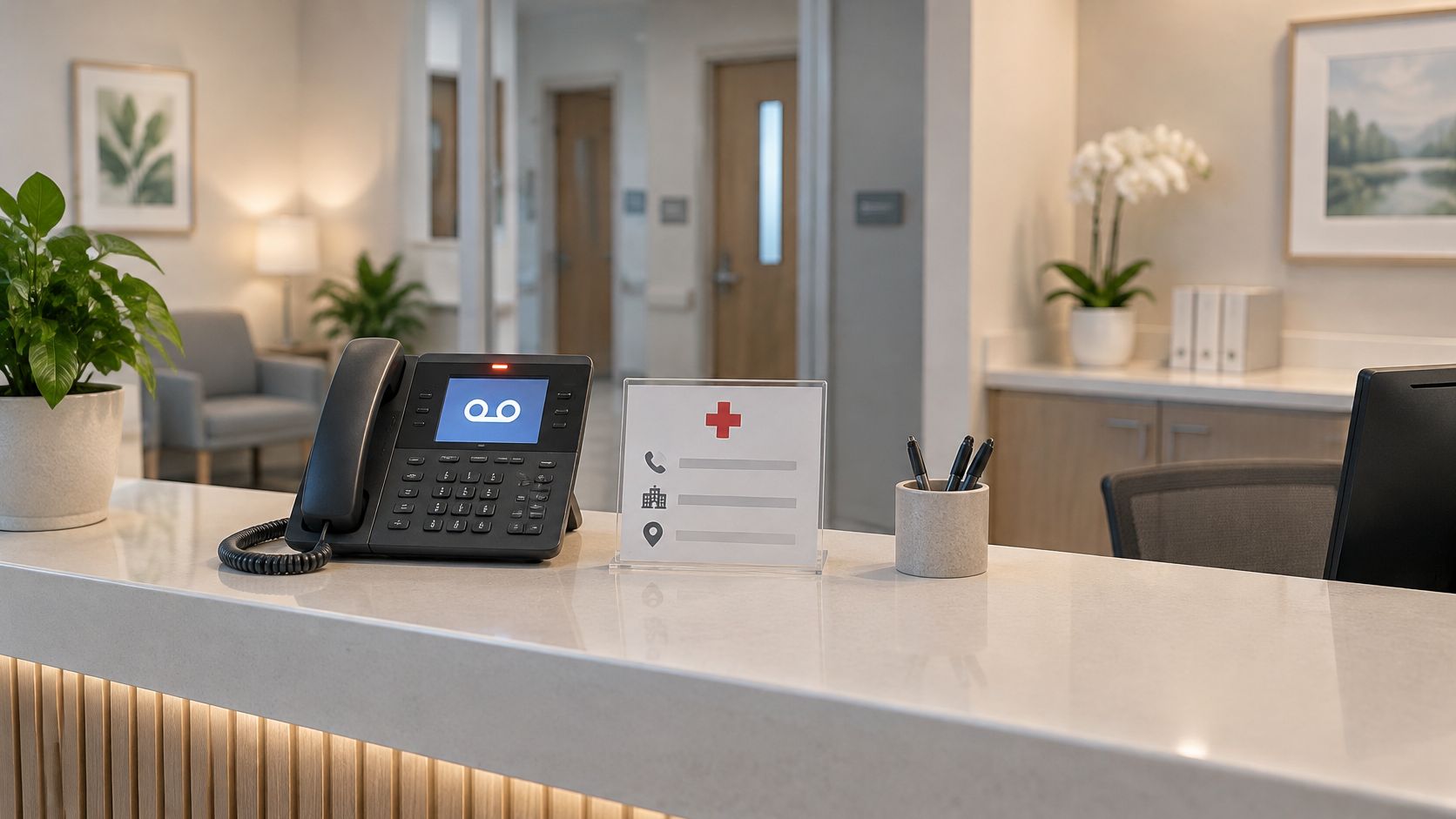
Put emergency instructions before office details. A patient shouldn't have to listen through opening hours and portal directions before hearing that voicemail isn't the place for an emergency.
Ready-to-record script
*Thank you for calling [Clinic Name]. If you're having a medical emergency, hang up and call 911 or go to the nearest emergency room. Our office is currently closed. Our hours are [days and hours]. For non-urgent questions, use our patient portal at [website]. For a callback, leave your name and number, without detailed medical information. We'll return calls on the next business day.*
Have your practice manager and compliance or legal contact approve the wording before it goes live. They should confirm the emergency language, message handling, and any specialty-specific instructions. The greeting must not diagnose symptoms or imply that someone monitors the mailbox continuously.
Keep clinical details out of the recording
Don't include patient names or health information in the greeting. Don't encourage callers to leave detailed medical histories in an ordinary voicemail box. Use your practice's approved system for collecting and handling patient information.
Say a patient calls after closing about a routine appointment change. The script gives them an appropriate route without suggesting that an urgent concern should wait until morning.
Make the Google Business Profile show the same office hours, and don't confuse administrative opening times with an approved after-hours clinical service. Test the patient portal link monthly. If an on-call route exists, describe only the service your practice provides and have the responsible clinician approve that instruction.
5. Hotel Front Desk Busy Greeting
Your receptionist is checking in a family while the outside line rings. The caller may only need parking information or the check-in time. A busy greeting can answer those questions without claiming the hotel itself is closed.
Ready-to-record script
*Thank you for calling [Hotel Name] at [location]. Our front desk is assisting guests right now. Check-in starts at [time], and check-out is at [time]. For rates, availability, and parking details, visit [website]. For a reservation change, leave your name, callback number, and confirmation number. We'll return your call [staffed callback window].*
Use this recording when the desk line is busy, not just after administrative hours. A hotel that accepts late arrivals needs a separate, working arrival-assistance route. Don't send a guest standing outside to an unattended mailbox.
Separate booking questions from guest assistance
A confirmation number helps the receptionist locate the right reservation before calling back. Don't request payment-card details in the message. Cancellation terms can vary by booking, so direct callers to their confirmation rather than announcing a blanket policy.
Repeated questions about parking or arrival instructions deserve attention beyond the phone. Use those themes to improve your guest information, and treat Google reviews for hotels as another place to understand where guests need clearer answers.
- Check public details. Match check-in and check-out information across your website, booking pages, and Google Business Profile wherever those details appear.
- Cover shift changes. Hand over unresolved voicemails alongside arrivals and guest requests.
- Keep promises staffed. A callback within the hour only belongs in the script if someone can deliver it.
6. Contractor On-Site Callback Message
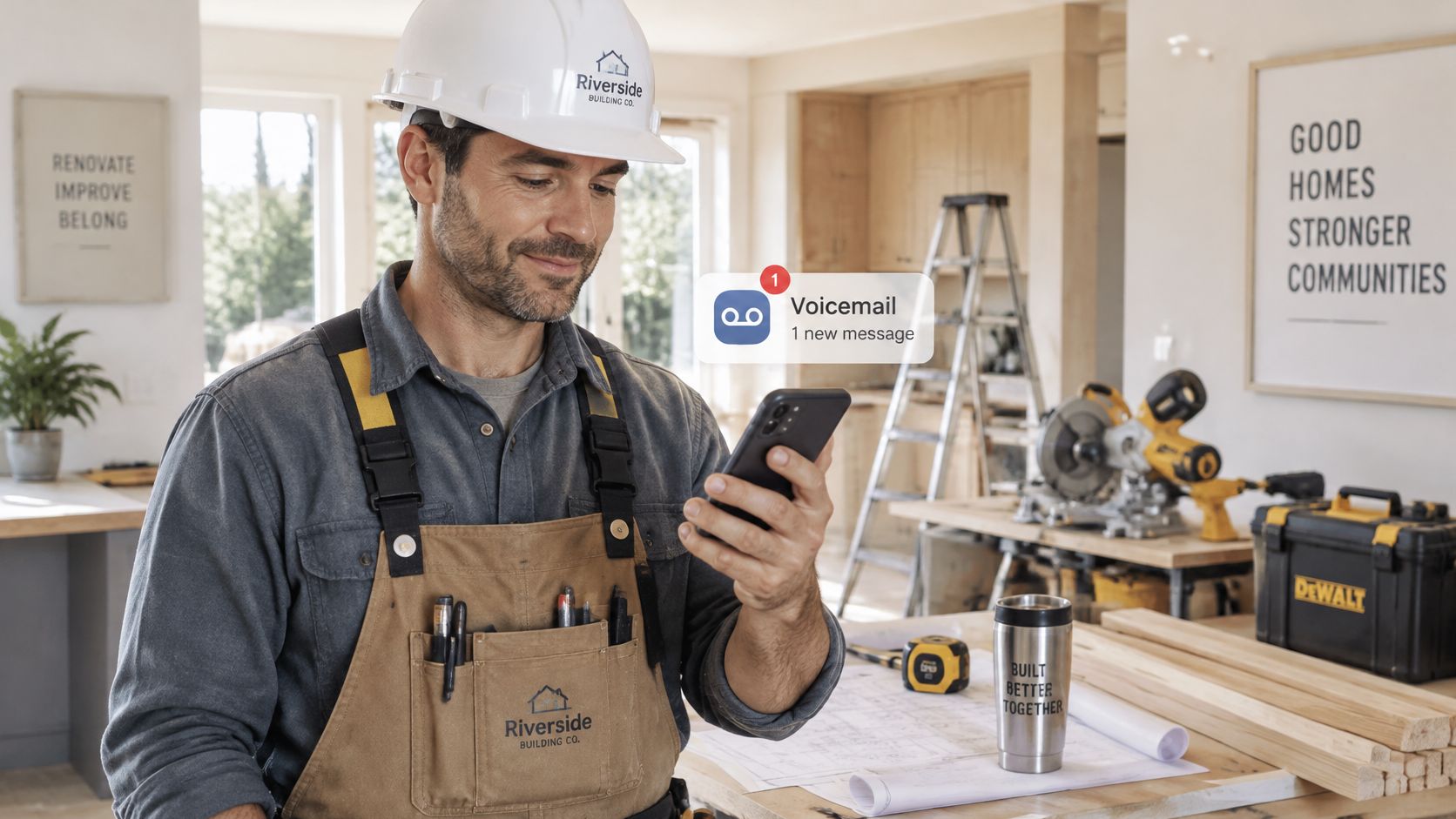
Don't climb down from a roof to answer a new inquiry. Give the homeowner enough information to leave a useful message, and give yourself enough detail to make the callback productive.
Ready-to-record script
*You've reached [Company Name]. Our crew is on a job site and can't take your call. We serve [cities or counties]. Please leave your name, callback number, job address, the type of work you need, and the best time to reach you. We'll call you back [realistic business-day window]. You can also text a description or photo to [monitored business number].*
Naming your service area lets an out-of-area caller know whether to continue. Asking for the job type helps you separate a repair inquiry from an estimate request. Offer photo messages only if the number accepts them and someone checks them.
A callback deadline is an operating commitment. Don't put it in the greeting unless someone owns the message queue.
Keep the service area consistent
Use the same cities or counties on your website and Google Business Profile. Don't name distant areas in the recording just because you'd consider traveling there for a large job. Your normal coverage should be clear.
For example, a homeowner finding you through a nearby roof-repair search should hear the same business name and service area they just saw in map results. The practical setup details in Google Business Profile for contractors help keep that information organized.
Review messages before the promised callback window closes. If the crew can't handle callbacks while working, assign office coverage or choose a later, honest deadline.
7. Multi-Location Franchise Greeting With Location Options
A customer knows the neighborhood, not your internal store number. Name locations the way people ask for them: downtown, westside, or airport. A short routing menu should help them reach the right business, not teach them your company structure.
Ready-to-record script
*Thank you for calling [Brand Name]. For downtown, press 1. For westside, press 2. For airport, press 3. If you're not sure which location you need, stay on the line for assistance. Addresses and opening hours are available on our website and each location's Google Business Profile.*
Keep the main menu to three location choices or fewer. For a larger network, use a tested city-name directory or regional routing rather than reading every store aloud. Only offer a stay-on-the-line option if it reaches assistance.
8. Owner Out-of-Office Message With Backup Contact
Taking a day away shouldn't make every booking, supplier question, and customer concern wait for your return. Your personal business voicemail needs a backup who has both the information and authority to help.
Ready-to-record script
*Hi, you've reached [Owner Name] at [Business Name]. I'm out of the office and will resume returning calls on [weekday and date]. For reservations or bookings, call [backup number] or visit [website]. For an urgent issue at the location, call [manager number]. Otherwise, leave your name, callback number, and reason for calling. I'll respond [return callback window].*
Use a realistic callback-resumption date, including time to catch up after you return. If you expect to arrive back earlier, that doesn't mean you'll immediately be available for calls. Don't promise a return window that leaves no room for delayed travel or operational work.
Brief the backup before leaving
Give the backup person current booking information, supplier contacts, and clear limits on what they can approve. Test both numbers from an outside phone. Read phone numbers at a measured pace, and repeat the most important one.
A salon owner attending a supplier meeting might route appointment changes to reception and premises problems to the shift manager. Those are different needs, even if the owner normally handles both.
If your personal number is the main public contact, arrange coverage for it. Don't change the Google Business Profile to an unprepared employee's private number for a short absence.
- Keep public hours accurate. Your absence doesn't mean the business is closed. Leave Google Business Profile hours unchanged if normal service continues.
- Keep contacts accessible. Store a written backup list near the business phone.
- Restore the greeting. Remove the dated message as soon as you resume normal callbacks.
Which voicemail script fits which situation
| Script | Business type | Best used for | Key promise to callers |
|---|---|---|---|
| After-Hours Greeting for a Restaurant | Restaurant | Closed hours or unanswered calls during a rush | Clear hours and a way to request a reservation or callback |
| Holiday and Closure Notice for a Restaurant | Restaurant | Holiday, private event, repair, or weather closure | Closure dates and when the restaurant will reopen |
| Fully Booked Salon Greeting | Salon | Staff busy serving clients | Online booking or a callback within the stated window |
| After-Hours Clinic Message With Emergency Instructions | Clinic | After-hours calls and urgent or non-urgent requests | Emergency directions and guidance for non-urgent messages |
| Hotel Front Desk Busy Greeting | Hotel | Front desk busy assisting guests | Check-in details, booking information, and a callback option |
| Contractor On-Site Callback Message | Contractor | Crew working at a job site | A same-business-day callback after callers share job details |
| Multi-Location Franchise Greeting With Location Options | Franchise | Routing callers to the right location | A quick path to the correct store or corporate office |
| Owner Out-of-Office Message With Backup Contact | Small business | Owner or manager temporarily unavailable | A backup contact for urgent needs and a realistic return date |
After-Hours Greeting for a Restaurant
Holiday and Closure Notice for a Restaurant
Fully Booked Salon Greeting
After-Hours Clinic Message With Emergency Instructions
Hotel Front Desk Busy Greeting
Contractor On-Site Callback Message
Multi-Location Franchise Greeting With Location Options
Owner Out-of-Office Message With Backup Contact
Pick One Script and Record It Today
Start with the greeting that matches your busiest missed-call situation. Record it in your own voice, then call from another phone and listen as a customer would. Check that the hours, location, booking route, and service area agree with your Google Business Profile.
Assign the callbacks before publishing the promise. Name the person who checks messages, the person who covers their absence, and the place where unresolved calls are recorded. A shared task list can be enough if staff consistently use it.
Check what happens after the recording
Track whether callers receive a response within the window you announced and whether missed calls turn into useful conversations or bookings. Include missed calls without messages in your review process, using your approved contact procedures. Don't assume silence means the caller no longer needs help.
If clinic administration needs more coverage, compare the duties you need handled before exploring MedicalVirtual assistants. Decide whether the gap is answering calls, handling appointment requests, or following up on messages. A better recording won't replace missing staff coverage.
Calls you never receive because someone chose another business in Google Maps need a different review. Check your profile's completeness and accuracy rather than treating every quiet phone as a voicemail problem. Google's local ranking guidance identifies relevance, distance, and prominence as the main factors and says review count and positive ratings can help local ranking, without promising placement.
We automate review requests, replies, and profile upkeep, with setup taking within 15 minutes after activation. Every customer sees a public Google review option and a private feedback option side by side and chooses for themselves. That keeps feedback open rather than steering customers according to sentiment.
If you're unsure which setup fits your locations and workload, a free onboarding call can help you choose and configure it. For today, make the phone task concrete: record the greeting you need most and assign its callback owner before your next busy shift.
---
RecensioAI B.V. offers automated review requests, review replies, and Google Business Profile upkeep to support the public information customers check before calling. Visit RecensioAI B.V. to book a free onboarding call and set up the profile work alongside your missed-call process.
- Listen for friction. Shorten hard-to-follow website directions and remove information callers don't need.
- Test the alternative. A booking link, portal, or text number must work when the greeting sends someone there.
- Review repeat questions. If callers keep asking about parking, opening times, or location, make those answers easier to find.
Frequently asked questions
You might also like
Handpicked articles for you
Hotel Review Management: Automate Post-Stay Requests with Apaleo, Mews and Your PMS
A practical guide to turning hotel checkouts into timely review requests, with Apaleo live, Mews early access and flexible PMS alternatives.
Why the Business Around the Corner Beats You on Google: What 21,373 Profiles Reveal
We compared 21,373 Google Business Profiles with their three strongest nearby competitors. The gap is smaller than most owners think, but it has two sides: rating and volume.
Treatwell Review Management for Salons: One Reputation View Alongside Google
Bring your public Treatwell rating and recent reviews into RecensioAI, then combine salon signals with Google for faster, better decisions.