
Treatwell Review Management for Salons: One Reputation View Alongside Google
Bring your public Treatwell rating and recent reviews into RecensioAI, then combine salon signals with Google for faster, better decisions.

Table of Contents
Your salon has more than one reputation
Many salon customers compare you on both Google and Treatwell. The stars may look similar, but the comments differ. Google often reflects the overall experience. Treatwell reviews tend to go deeper into treatments, atmosphere, punctuality and the professional who delivered the appointment.
Putting both sources side by side gives you a fuller view of what customers choose, value and miss.
What the Treatwell connection actually does
RecensioAI reads the public Treatwell salon page and imports the rating, total review count and recent reviews. The rating appears in a compact card below Google. New Treatwell reviews can then feed Sentiment.
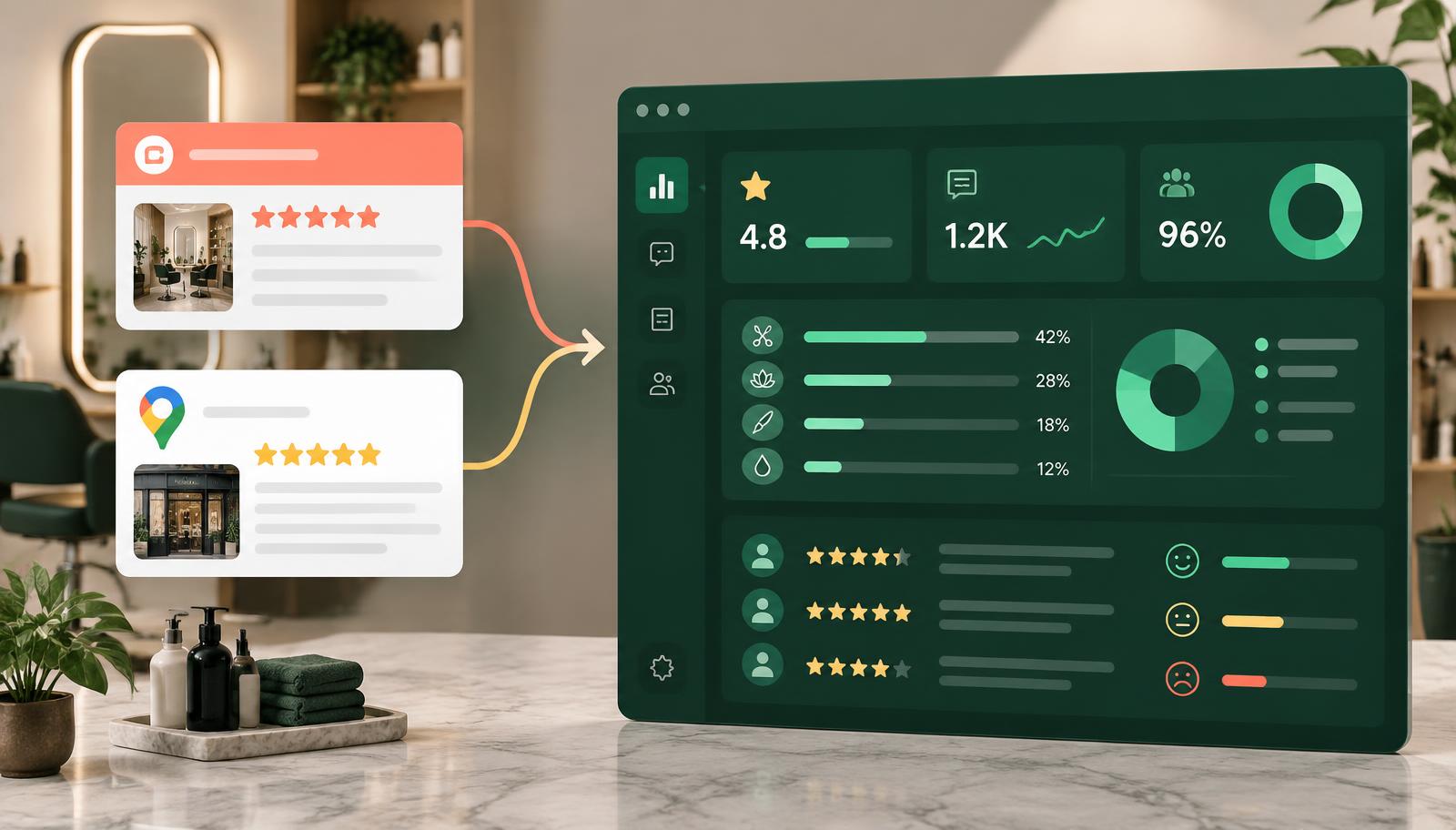
- Public rating and review count
- Newest public review texts
- Compact card below the Google score
- Combined sentiment analysis across the latest six months
Strict verification prevents the wrong salon
Salon names are not always unique. RecensioAI therefore accepts a discovered Treatwell page only when the address matches your business details. For salons, we run this check automatically after Google is connected. If your page uses an unusual URL, paste it yourself under Settings → Integrations → Treatwell.
What Treatwell review management does not do
The connection is deliberately read-only. RecensioAI does not import appointments, customer data or payments from Treatwell. We also cannot publish replies back to Treatwell. You answer Treatwell reviews inside Treatwell itself.
That clear boundary keeps the connection simple and prevents any effect on salon operations or bookings.
Better salon insights by combining sources
One wait-time complaint may not be a trend. When the same subject returns on Treatwell and Google, it deserves attention. RecensioAI groups these signals, including mentions of treatments, service and staff. We look back no more than six months and normally show an improvement point from three customers, or two for a quiet location.
How to add Treatwell
Open Settings → Integrations → Treatwell, paste your public salon page and let RecensioAI verify the business name and address. After the first sync, the rating card appears and imported reviews feed Sentiment. You can hide the rating card without removing Treatwell from the analysis.
Frequently asked questions
You might also like
Handpicked articles for you
Best NiceJob alternative in 2026: RecensioAI vs. NiceJob (honest comparison)
Looking for the best NiceJob alternative in 2026? This in-depth comparison covers pricing, AI replies, review requests, lead capture, social media auto-posting, Wi-Fi review capture, kiosk mode, AI visibility (ChatGPT/Gemini/Perplexity) and support, with G2/Capterra pain points.
Get More and Better Google Reviews in 2026, Without Spam or Hassle
Volume isn't enough. In 2026 the businesses winning are those with recent, detailed reviews. A practical guide with scripts, timing, and what definitely not to do.
Why Do Google Reviews Sometimes Disappear on Their Own?
You had 85 reviews, now only 79. Where did they go? Google regularly removes reviews. Learn why it happens, when to worry, and how to reduce the risk.