
How To Build A Website For Hair Salon Bookings In 2026
A modern salon website must make pricing and availability clear instantly. Discover how a bespoke site turns AI research traffic into confirmed bookings.
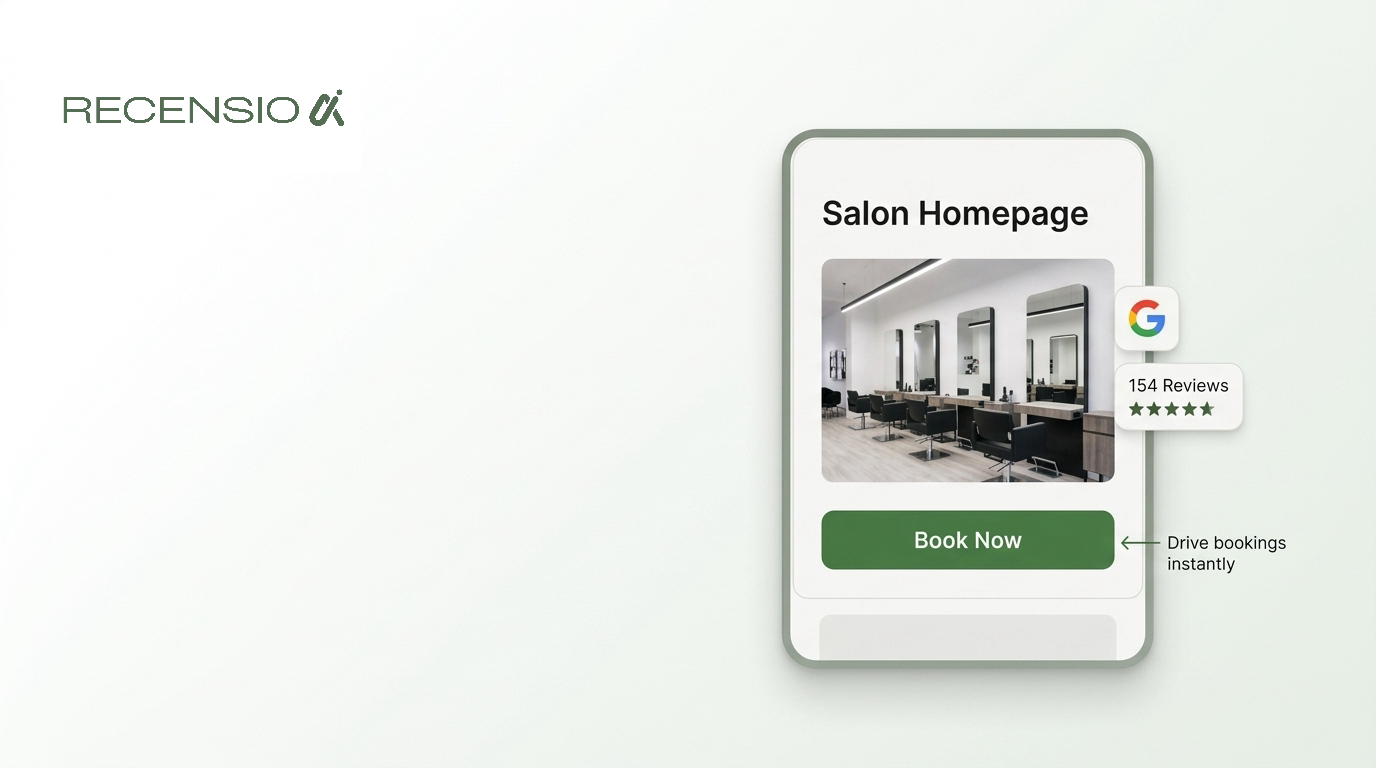
Table of Contents
- 1The short answer
- 2Why generic templates fail busy salon owners
- 3The homepage layout that drives appointments
- 4Why stylist bios build immediate trust
- 5Clear pricing pages capture AI search traffic
- 6Keep clients on your site with embedded booking
- 7Integrating Google Reviews and real photos
- 8Bespoke builds save time for busy owners
The short answer
A website for a hair salon must focus entirely on converting research traffic into real appointments. Search engines and AI tools now answer basic questions directly in the search results. By the time a client clicks through to your site, they already know they want a haircut.
They are looking for three specific things. They want to see clear pricing, they want to read about your stylists, and they want a button to book immediately. If your site hides these details behind slow pages or confusing menus, that client will go to a competitor. A bespoke site built for mobile users ensures they can find prices and book a slot in seconds.
- Focus entirely on driving instant online bookings
- Make pricing clear to capture AI search traffic
- Include photos and specialties for every stylist
- Ensure your site loads perfectly on all mobile phones
Why generic templates fail busy salon owners
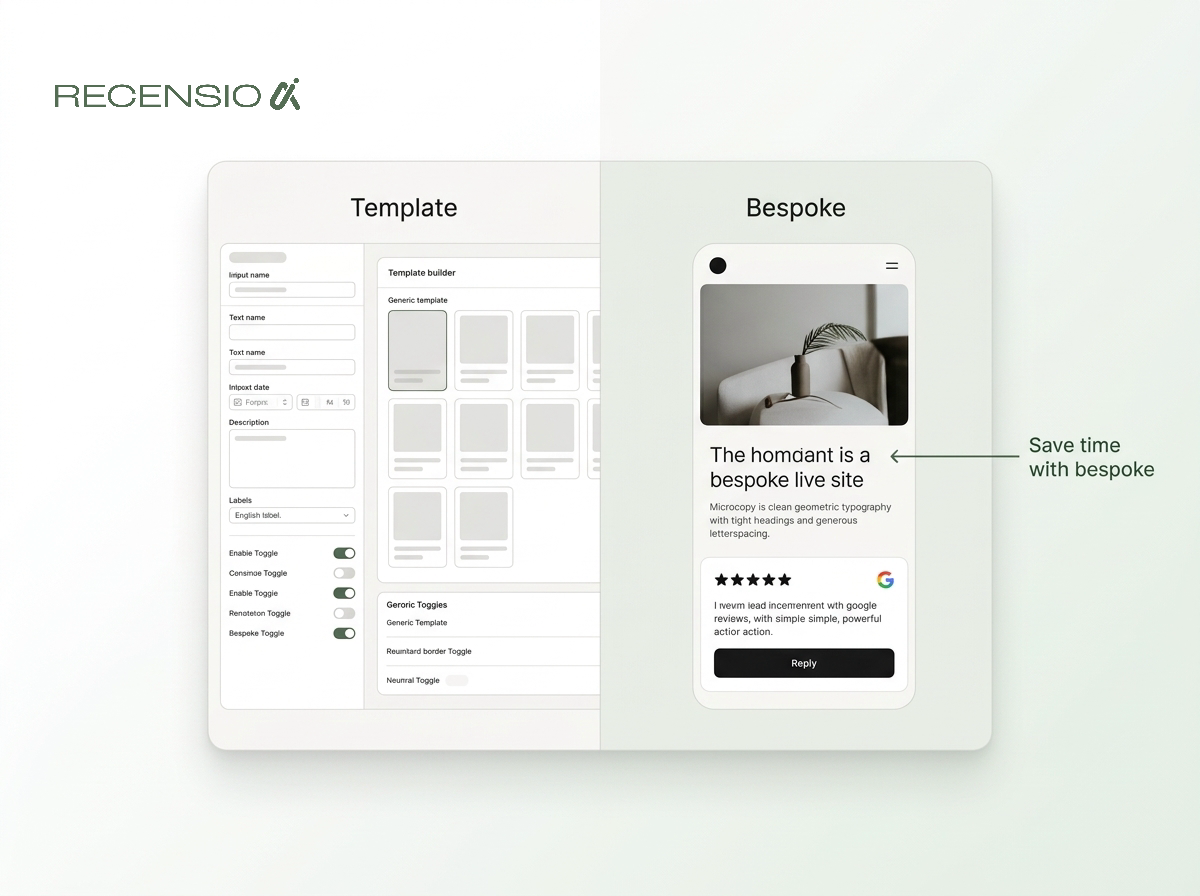
Many salon owners start with a template from Wix or Squarespace. These builders offer great drag and drop tools for people with plenty of free time. But salon owners are busy cutting hair and managing staff. Fighting with a layout on a tablet between appointments is frustrating.
Templates also tend to prioritize pretty pictures over practical booking flows. They often bury your pricing page or force users through clumsy mobile menus. When something breaks, you have to submit a help ticket and wait.
A bespoke website built by a human team solves this. You get a custom design, fast mobile loading, and direct support via WhatsApp. You can leave the tech work to experts and focus on your clients.
- Wix and Squarespace offer good generic templates
- Drag and drop builders require hours of free time
- Generic templates often hide important booking links
- Bespoke sites provide real human support via WhatsApp
- Custom sites are fully tested for mobile devices
The homepage layout that drives appointments
Your homepage is your digital reception desk. It needs to guide visitors straight to the booking system without any confusing detours. Start with a clear header at the very top of the screen. This should include your logo, your opening hours, and a primary booking button.
Just below the header, use a high quality photo of your actual salon. Avoid stock images of models. Clients want to see where they will be sitting.
Below this photo, list your three most popular services. Give a short description and a starting price for each. Then, place a second booking button. This simple structure captures users who are ready to buy right away.
- Put a Book Now button in the top right corner
- Use a real photo of your salon interior
- List your top three services with starting prices
- Add your opening hours near the top of the page
- Include your exact address and a map link
Why stylist bios build immediate trust
Haircuts are personal. Clients want to know exactly who will be working on their hair. A dedicated team page helps build trust before they even walk through the door. AI search tools often pull specific names from Google Reviews when users search for specialty cuts.
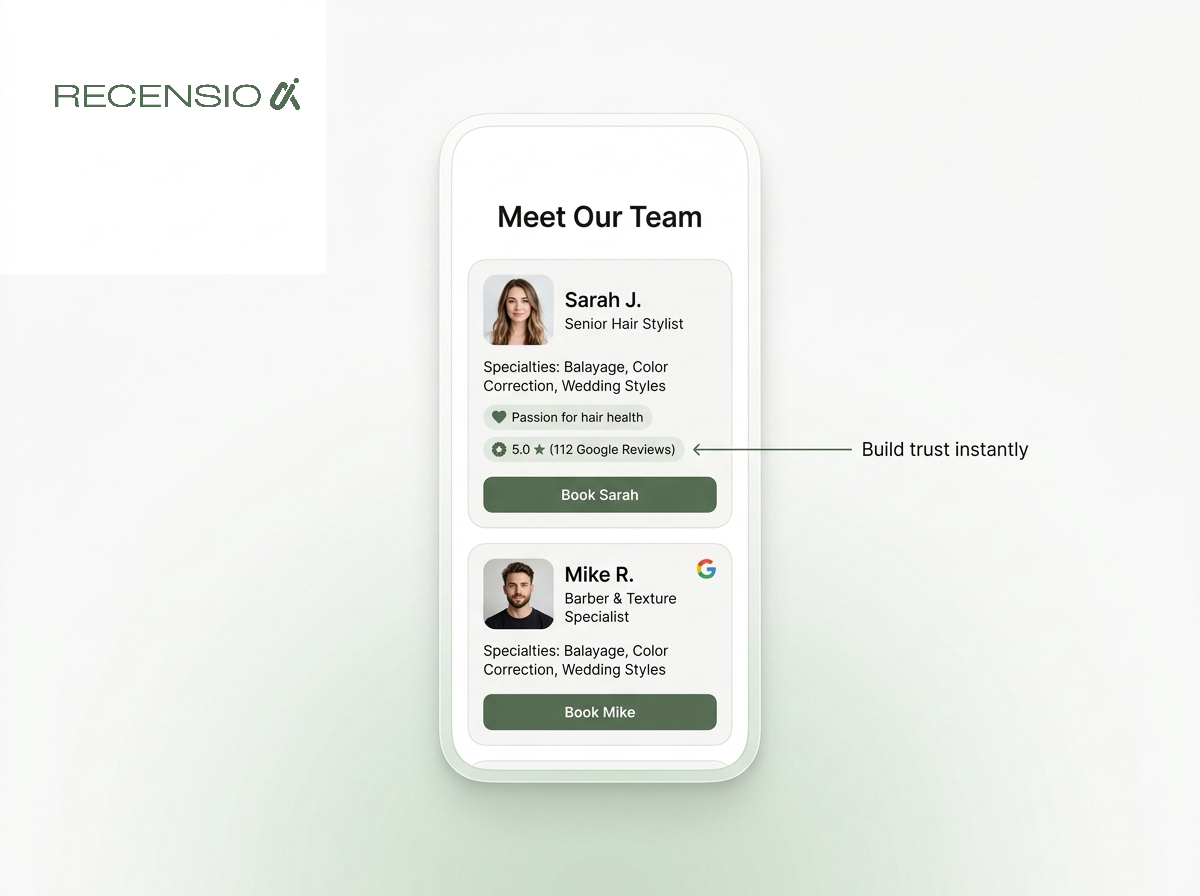
Create a short bio for every stylist. Include their first name, a friendly photo, and their specific specialties. If someone is great at balayage or curly hair, say so clearly.
When clients see a friendly face and read about a relevant skill, they feel confident. Connect each bio directly to that stylist in your booking system.
- Add a dedicated page for your salon team
- Include a clear photo of every stylist
- List the specific specialties of each team member
- Mention how long they have worked in the industry
- Link directly to their individual booking calendar
Clear pricing pages capture AI search traffic
People use ChatGPT and Google AI Overviews to compare local salon prices. If your website does not list prices, these tools cannot recommend you. Hiding your prices to encourage phone calls is a mistake in 2026. Most clients will simply leave your site instead of calling.
Create a dedicated services page with a clear menu. Break it down into categories like cuts, colors, and treatments. List a starting price for every single option.
If prices vary by stylist level, explain this in one simple sentence. Transparency builds trust. When clients know exactly what they will pay, they are much more likely to complete their booking online.
- Create a dedicated page just for your pricing
- Break services down into clear simple categories
- Always list a starting price for every service
- Explain if prices change based on hair length
- Avoid hiding prices to force phone calls
Keep clients on your site with embedded booking
Sending clients away to a separate booking website can cost you appointments. When you link out to external platforms, the client leaves your branded environment. Sometimes these external pages load slowly or prompt the user to download an app.
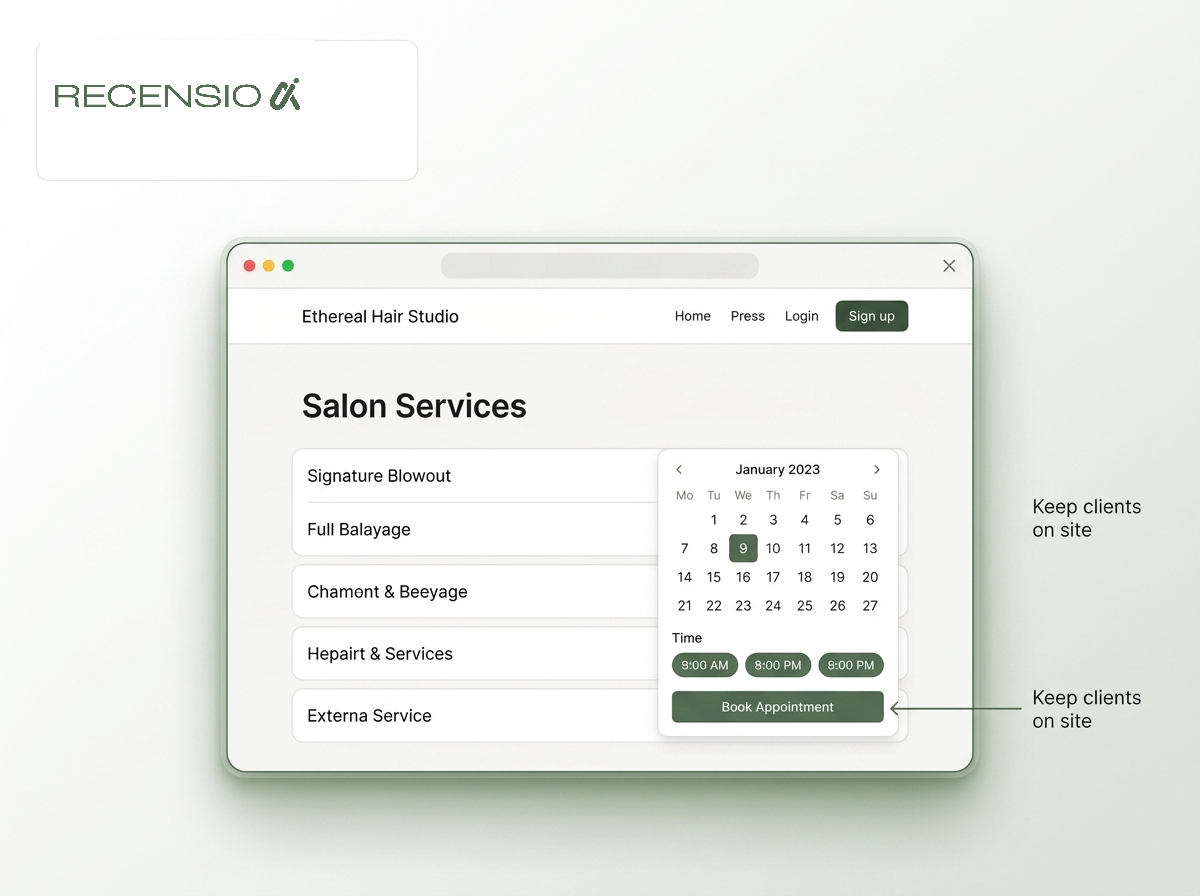
The best approach is to embed your booking widget directly into your own website. The client stays on your domain from start to finish. This feels more professional and keeps the user focused.
Whether you use specialized salon software or a simple calendar tool, integration is key. A bespoke website allows you to embed these tools seamlessly on every page.
- Keep clients on your domain during booking
- Embed your booking widget directly on the page
- Avoid forcing users to download third party apps
- Ensure the booking tool loads fast on mobile
- Place a booking link in your main navigation menu
Integrating Google Reviews and real photos
Social proof is the final push a client needs to make an appointment. Your Google Business Profile gathers all your client feedback. You should display these reviews directly on your website. This saves the client from having to search for your salon on Google Maps just to check your reputation.
Embed a live feed of your best Google reviews on your homepage. Pair these reviews with an Instagram feed showing your recent work. Seeing real hairstyles on real clients is incredibly powerful.
Just remember to always reply to your Google reviews. Replying shows that you care about client feedback and run an active business.
- Embed a live feed of Google reviews on your site
- Show real client photos from your Instagram account
- Place reviews near the bottom of your homepage
- Always reply to reviews on your Google Business Profile
- Update your photo gallery regularly with new cuts
Bespoke builds save time for busy owners
Building a proper salon website takes technical skill and an eye for design. You can definitely try to do it yourself with a template. But your time is better spent running your salon and managing your team.
At RecensioAI, we build bespoke websites for local businesses. Our team handles the design, the mobile optimization, and the basic local SEO. Packages start from 349 one-time.
You get a custom modern design without the monthly subscription fees of website builders. We also manage the hosting and SSL certificates. Most importantly, you get real human support whenever you need to update a price or add a new stylist.
- Bespoke sites remove the stress of DIY builders
- Get a custom modern design built by experts
- RecensioAI packages start from 349 one-time
- We handle hosting and mobile optimization entirely
- Enjoy direct human support for any website updates
Frequently asked questions
You might also like
Handpicked articles for you
Hotel Review Management: Automate Post-Stay Requests with Apaleo, Mews and Your PMS
A practical guide to turning hotel checkouts into timely review requests, with Apaleo live, Mews early access and flexible PMS alternatives.
Why the Business Around the Corner Beats You on Google: What 21,373 Profiles Reveal
We compared 21,373 Google Business Profiles with their three strongest nearby competitors. The gap is smaller than most owners think, but it has two sides: rating and volume.
Treatwell Review Management for Salons: One Reputation View Alongside Google
Bring your public Treatwell rating and recent reviews into RecensioAI, then combine salon signals with Google for faster, better decisions.