
QR Code Generator with Logo: Best Free Options 2026
Generate a custom QR code generator with logo for your brand. Add logos, change colors, and download high-resolution codes for free.
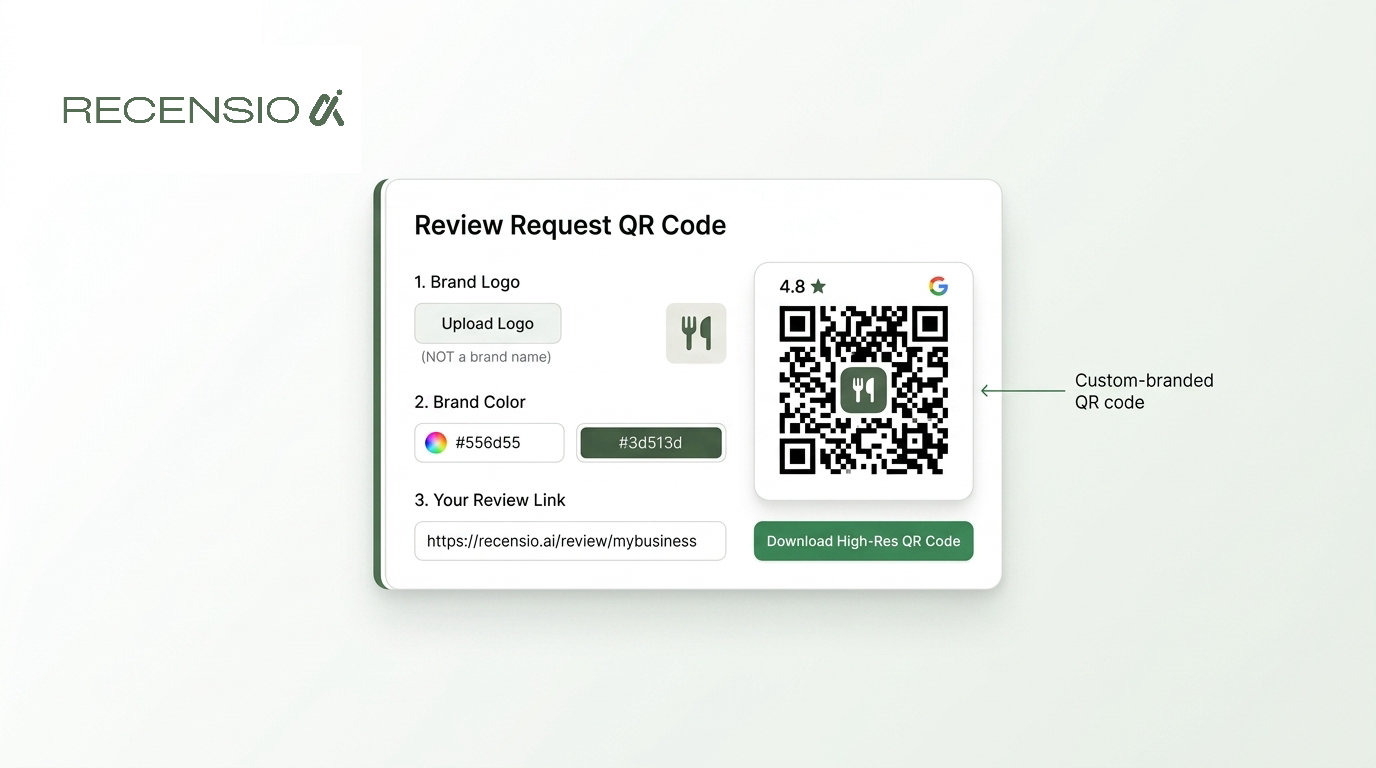
Table of Contents
- 1Introduction
- 21. Uniqode formerly Beaconstac
- 3Where Uniqode fits
- 42. Bitly QR Codes
- 5Decide whether link management justifies the cost
- 63. Flowcode
- 7Check the brand and account limits
- 84. QR TIGER
- 9Style needs restraint
- 105. Scanova
- 11Guided design versus control
- 126. QRCode Monkey
- 13A good fit for codes you will not need to edit
- 147. QRCodeChimp
- 15Useful for shared brand work
- 168. QRStuff
- 17Practical output over polished interface
- 189. GOQR.me
- 1910. Short.io
- 20Top 10 QR Code Generators with Logo Support
- 21Pick a Tool and Test the Printed Code
Introduction
Your restaurant's menu changed, but the QR codes on the tables still point to last month's prices. Or your salon wants a review request code at the front desk, while a franchise team needs separate codes for every location and the ability to update them later. The logo is the easy part.
The practical questions are harder. Can you change the destination after printing? Does the tool export a clean SVG or only a small image? Will its branding appear before customers reach your page? Can staff manage several locations without losing track of the files? And will the code remain readable after you add your colors, frame, and logo?
QR codes are now routine in local business settings. A 2025 industry summary reported that over 90% of marketers used QR codes, while 94% said usage had increased during the previous 12 months. The same source projects 102.6 million QR-code scanners in the United States in 2026. That makes the choice of a QR code generator with logo a practical customer-access decision, not just a design preference. The list below compares tools by the choices you'll face before printing menus, cards, signs, booking materials, Wi-Fi instructions, and review requests.
1. Uniqode formerly Beaconstac
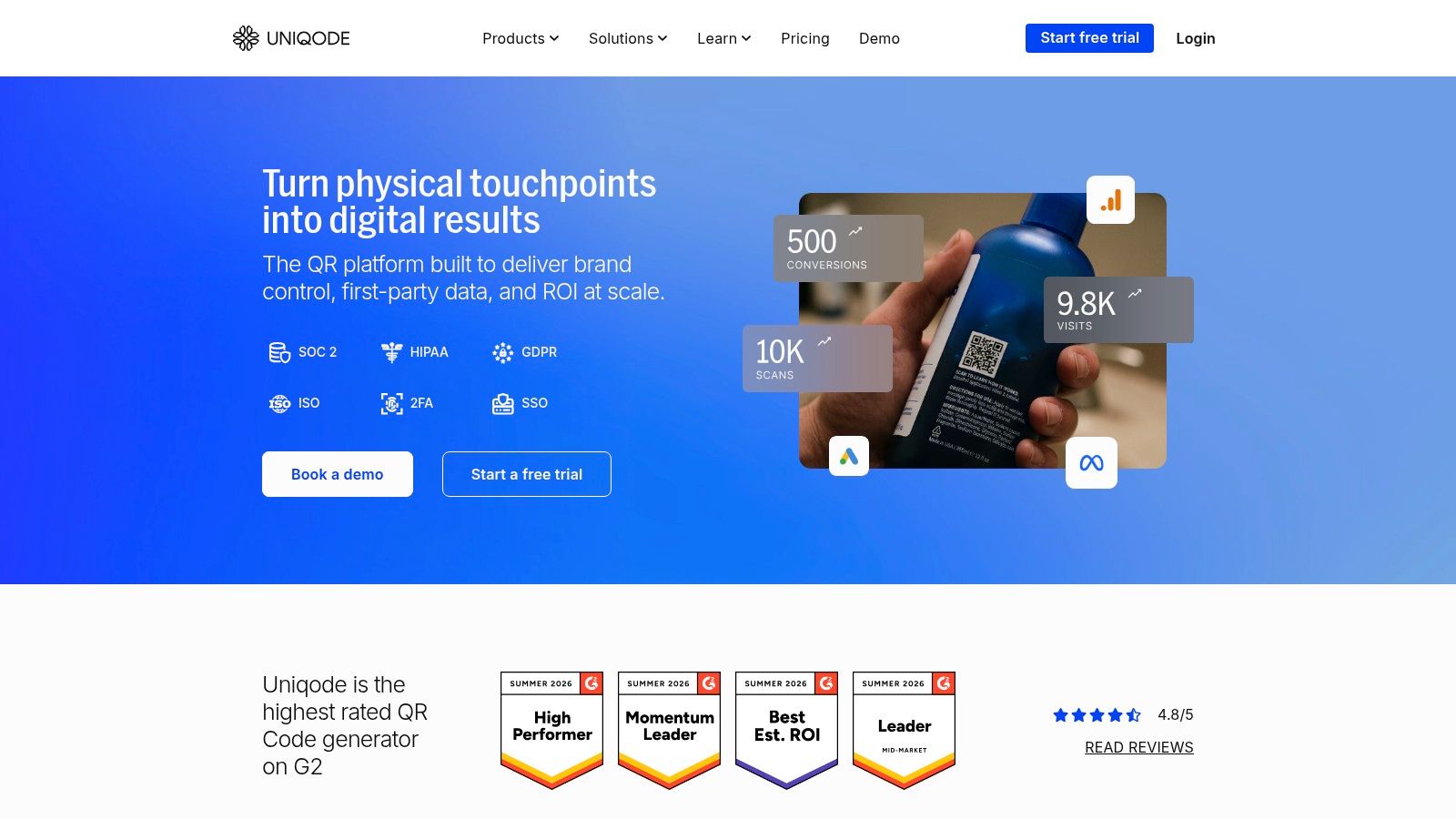
Uniqode is built for an operator who expects QR work to grow beyond one menu or counter sign. It supports branded designs with logos, colors, frames, and editable destinations through dynamic codes. That combination suits a restaurant that changes menus, a hotel that updates event pages, or a multi-location franchise that needs central control without replacing every printed asset.
The important distinction is between static and dynamic codes. Uniqode explains that static codes hold the destination directly, while dynamic codes use an editable redirect and can provide scan analytics. Static generation is available without the same ongoing commitment as dynamic management, but dynamic codes require a paid plan. Check that difference before you send artwork to a printer.
Where Uniqode fits
Bulk generation, an API, team permissions, and controls such as SSO make Uniqode more suitable for several locations than for a one-off contractor flyer. A franchise can separate location work, while a central team keeps brand rules consistent. Its published 99.99% uptime and 14-day free trial are stated on the product materials, but you should still confirm the current plan terms before committing.
What works well:
What to watch: Annual billing is the default on most tiers, and the features that matter most after printing, editing and analytics, sit behind a paid plan. If you're comparing a QR code generator for business, include the cost of continued management, not only the download step.
- Multi-location control: Bulk tools and permissions reduce manual file handling.
- Brand management: Logo, frame, and color controls support consistent customer-facing materials.
- Planning before print: Its static-versus-dynamic explanations make the destination decision clearer.
2. Bitly QR Codes
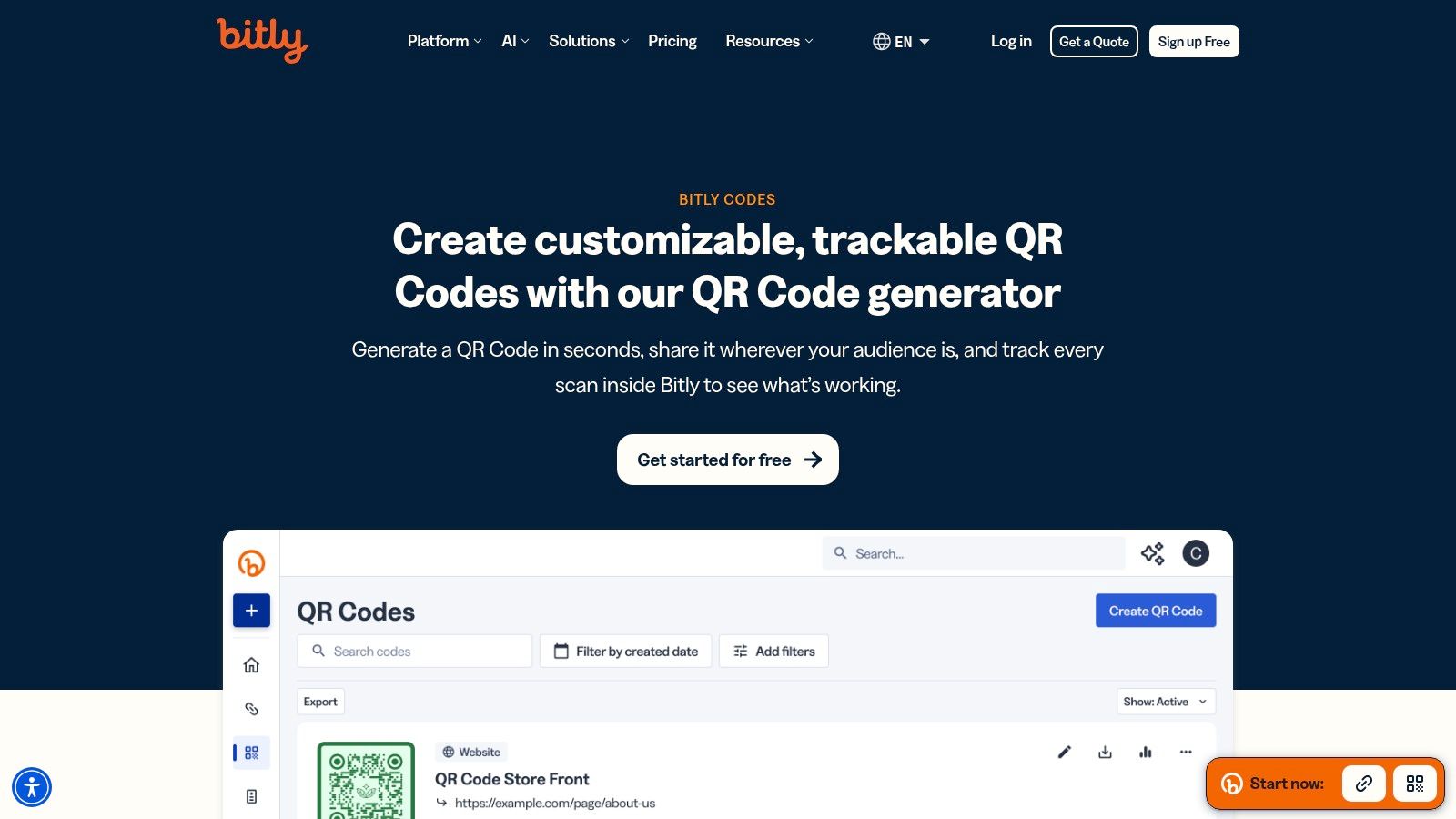
A restaurant may print one QR code for a menu, while a contractor may need to change a quote form after flyers are distributed. Bitly suits teams that already manage these destinations there. Its QR code points to a Bitly short link, so you can edit the destination and review activity without replacing the printed symbol. The same setup can support a hotel changing booking pages or a salon testing service pages.
Logo uploads and advanced styling require a paid tier. Bitly provides frames, corner treatments, and exports in JPEG, PNG, and SVG, according to Bitly's QR code product information. Choose SVG for signs and professionally laid-out cards. It resizes cleanly, unlike a bitmap that can lose sharpness when enlarged.
Decide whether link management justifies the cost
Bitly focuses on link control rather than a broad library of QR campaign templates. Some tiers include device- or location-based routing, but access varies. That can be unnecessary for one permanent menu and useful for a franchise or multi-audience campaign.
The practical fit is clear:
Static versus dynamic behavior should be checked before design approval. Advanced customization and logo uploads are paywalled, and pricing depends on the tier. Confirm whether the redirect remains active if the subscription ends, especially before ordering a large print run.
- Existing Bitly workflow: Staff can edit destinations and review activity in one place.
- Print-ready output: SVG is available alongside common image formats.
- Review campaigns: A Google review link or QR code can use the same short-link process.
3. Flowcode
Flowcode suits operators who need more than a printed URL. A restaurant can connect ordering, events, and promotions to a Flowpage. A hotel can group several services on one mobile page, while a franchise can reuse campaign formats across locations.
Its main trade-off is control versus dependence on the platform. The printed code can point to a Flowpage, so staff can change the page content without replacing menus, counter cards, or signs. Analytics and team sharing also help when marketing and location managers share responsibility. A basic static code is simpler for one permanent link, but it cannot provide the same editable campaign destination.
Check the brand and account limits
Flowcode's templates reduce setup time for menus, social links, videos, and promotions. Lower plans include Flowcode branding, while higher plans remove it and allow more customization. That distinction matters on customer-facing material. A short trial or internal sign may tolerate the provider's branding, but a clinic, luxury hotel, or established restaurant may want the scan page and printed design to carry only its own identity.
Flowcode is a practical fit when:
For one permanent destination, a static generator may involve fewer account decisions and no ongoing reliance on a redirect service. Before printing, export the finished design and test it from the intended distance. Check the logo, contrast, quiet zone, and surrounding artwork. A polished template can still become difficult to scan if those elements crowd the code. Also confirm which features remain available after a plan change, especially when a campaign will stay on printed materials for a long time.
- The code needs a landing page: Flowpage can organize several campaign elements instead of sending visitors to one URL.
- The same format appears repeatedly: Templates reduce design work across menus, promotions, or social campaigns.
- Several people manage the campaign: Shared access and analytics support handoffs between teams and locations.
4. QR TIGER
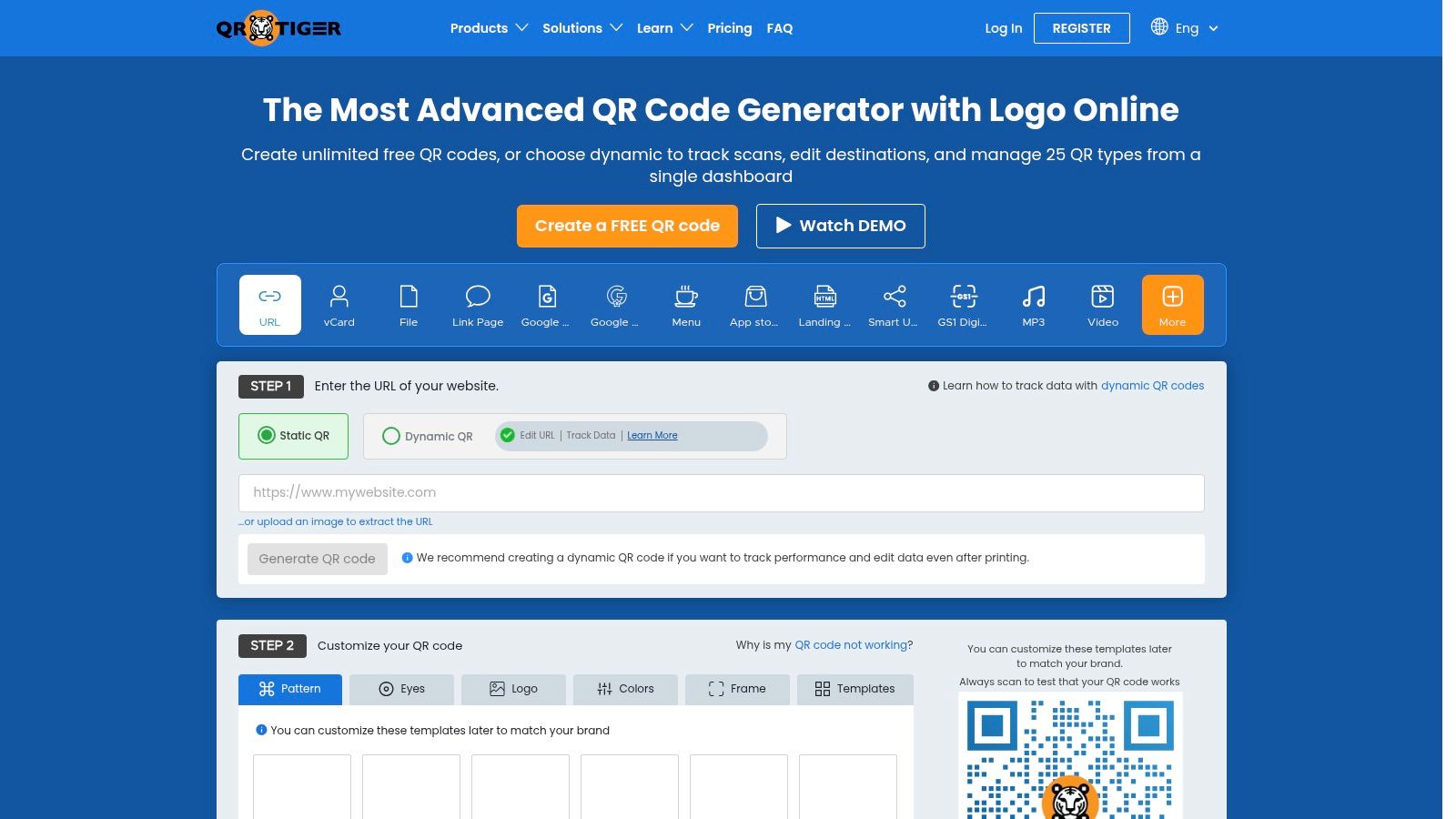
QR TIGER is a strong choice when visual control is your primary concern. It supports logo embedding, frames, pattern styles, custom eyes, and many content types, including files, vCards, and Wi-Fi details. A salon can build a branded service link, a clinic can share contact information, and a restaurant can create a menu or Wi-Fi code without treating every QR project as the same kind of asset.
Dynamic codes provide editable destinations and scan analytics. API and enterprise options also give larger teams a path beyond manual creation. The free plan has an important branding condition: it shows a QR TIGER logo pop-up after scanning unless you upgrade. That post-scan experience may be more noticeable than a small mark on the exported image, so test it with the customer journey in mind.
Style needs restraint
A logo and custom shape can make a code look more recognizable, but design changes also create more ways to weaken contrast or interfere with the modules. ISO/IEC 18004 defines four Reed-Solomon correction levels, L, M, Q, and H. They allow recovery of 7%, 15%, 25%, and 30% of symbol codewords, respectively.
That correction capacity is not permission to cover the code freely. The logo removes part of the symbol, so you need headroom. Keep the center mark modest, protect the clear margin, and test the actual printed size.
QR TIGER makes sense when:
- You want many design controls: Pattern, frame, eye, and logo options are unusually broad.
- You need varied content types: It can handle more than basic URLs.
- You can accept paid branding removal: The free scan experience may not match your business presentation.
5. Scanova
Scanova is aimed at businesses that want help creating a branded code without designing every technical detail from scratch. It places the logo in the center and offers custom eyes and frames, while its Smart Design feature can suggest a brand-matched treatment from a logo or domain. That guided approach can help an owner avoid turning a functional code into an unreadable graphic.
Dynamic codes, analytics, bulk creation, and enterprise API options make Scanova suitable for growing teams. A franchise can create a batch of location-specific codes, while a clinic group can keep destinations editable as booking or intake pages change.
Guided design versus control
The advantage is not just that Scanova adds a logo. It helps direct the design toward a readable result. That's valuable when the person creating the code isn't a designer and needs a practical starting point for a menu, counter card, or outdoor sign.
The trade-off is that the full workflow is paid. Dynamic editing, analytics, and broader operational features depend on the plan and usage. Pricing also varies by plan, so compare the number of codes, users, and destinations you'll manage rather than judging the tool by the initial generator screen.
Practical rule: A design suggestion is a starting point, not a test result. Print a sample, scan it under the lighting customers will face, and keep the logo smaller if recognition slows down.
Scanova is a sensible middle ground for an owner who wants stronger design guidance than a basic free generator, but doesn't yet need the deepest enterprise administration. It becomes more attractive as bulk work and centralized brand control become regular tasks.
6. QRCode Monkey
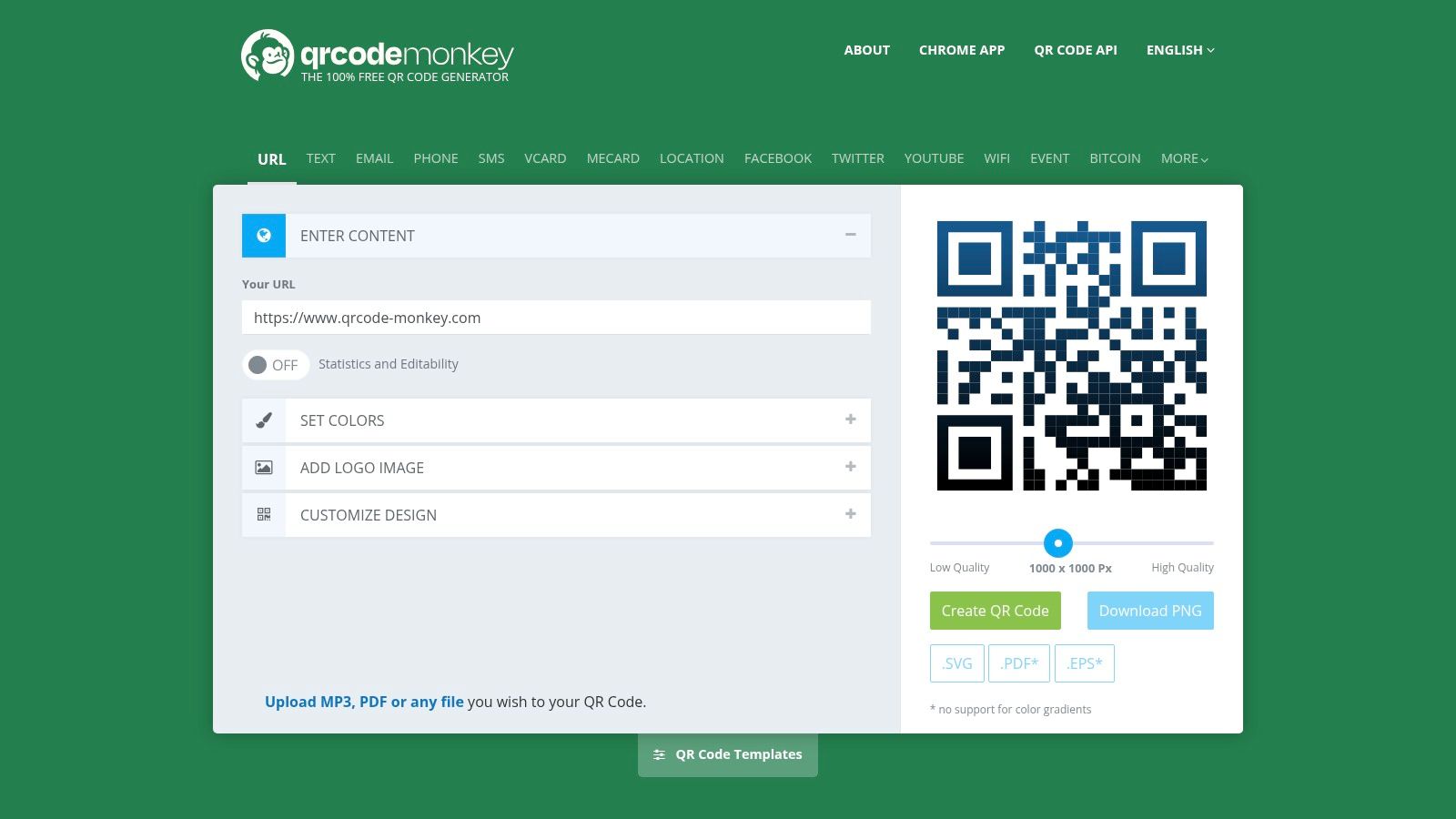
For a restaurant printing one code across menus, table cards, and packaging, QRCode Monkey keeps setup simple. It is a free option for a static QR code with a logo. Enter the permanent destination, add the logo, adjust colors and shapes, then export the result. The practical advantage is print output, including SVG, PDF, and EPS alongside raster formats.
Vector files give printers more control than a screenshot. A contractor can use the same code on a truck panel and service card, while a salon or hotel can prepare artwork for signs and printed handouts. The file still needs enough physical size, strong contrast, and a clear quiet margin.
A good fit for codes you will not need to edit
QRCode Monkey does not provide native dynamic editing or analytics in its free tool. Encode a menu URL directly, and changing that URL later will not change the QR pattern. Keep the original destination live, route it through a website address you control, or replace the printed material.
That trade-off makes the code predictable. It does not depend on a provider dashboard or a paid redirect remaining active. The destination controls its future, so test ownership, redirects, and availability before printing a large batch.
Choose QRCode Monkey when:
Logo placement still needs a printed test. Error correction provides some tolerance, not immunity. Keep the logo from covering too much of the pattern, preserve contrast, and scan the final artwork under the lighting customers will encounter.
- The destination is stable: A homepage, Wi-Fi instruction page, or permanent contact page can work well.
- Print quality matters: Vector exports support professional layouts and resizing.
- You do not need scan reports: It is not a campaign analytics platform.
7. QRCodeChimp
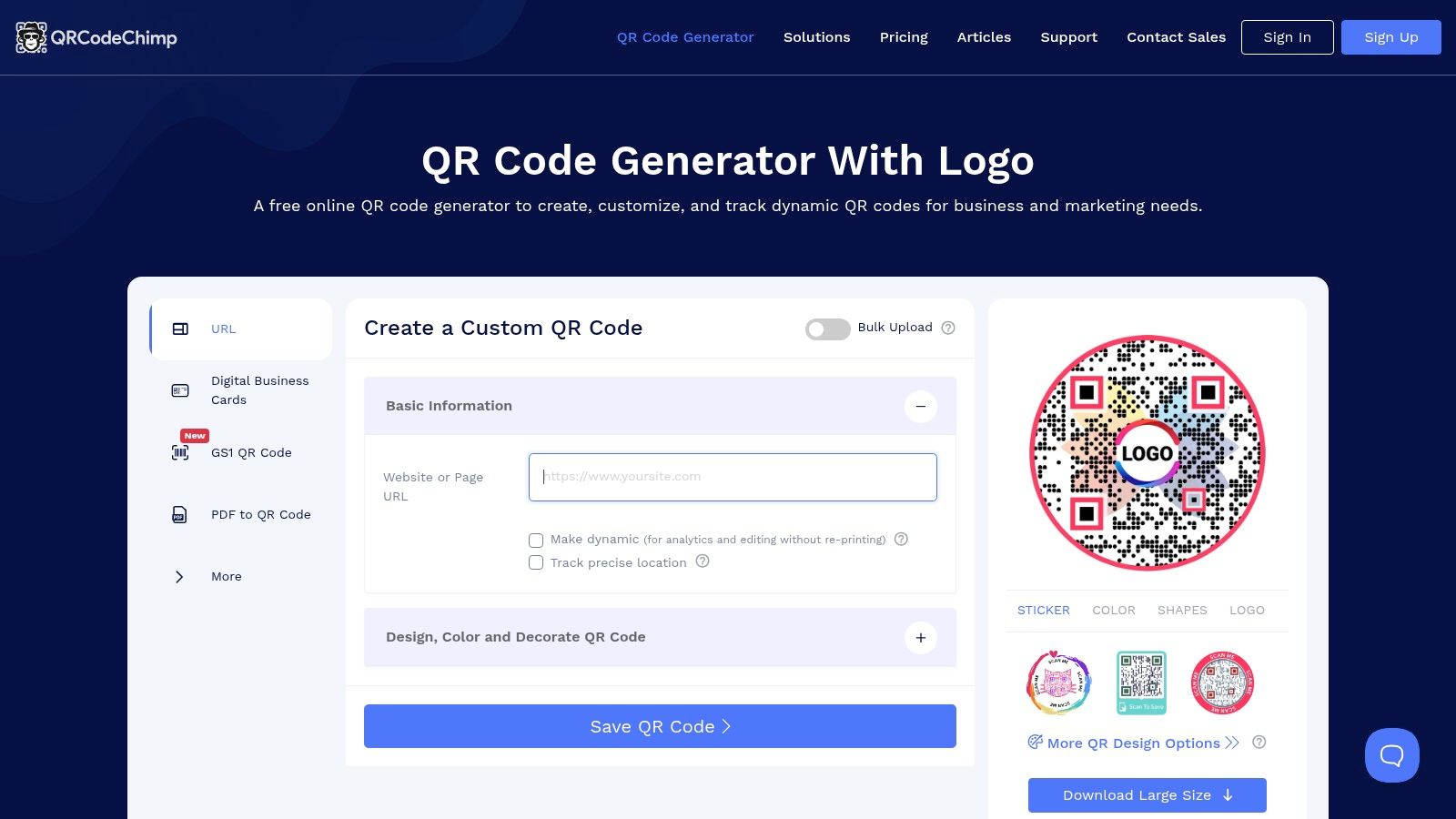
QRCodeChimp suits teams that need branding, permissions, and campaign control in one workspace. It supports logo embedding, custom shapes, sticker templates, brand kits, team management, dynamic codes, and analytics. Higher plans add white-label and custom-domain options, which can matter when a franchise operator manages codes across locations or a contractor prepares codes for clients.
A restaurant may use a dynamic menu code so the destination can change without reprinting. A clinic or salon may prefer static codes for a stable contact page or booking link, avoiding an ongoing subscription. Confirm the current quotas, branding rules, and dynamic-code terms before choosing the free tier. A free download does not necessarily include the editing, analytics, or white-label controls you may need after printing.
8. QRStuff
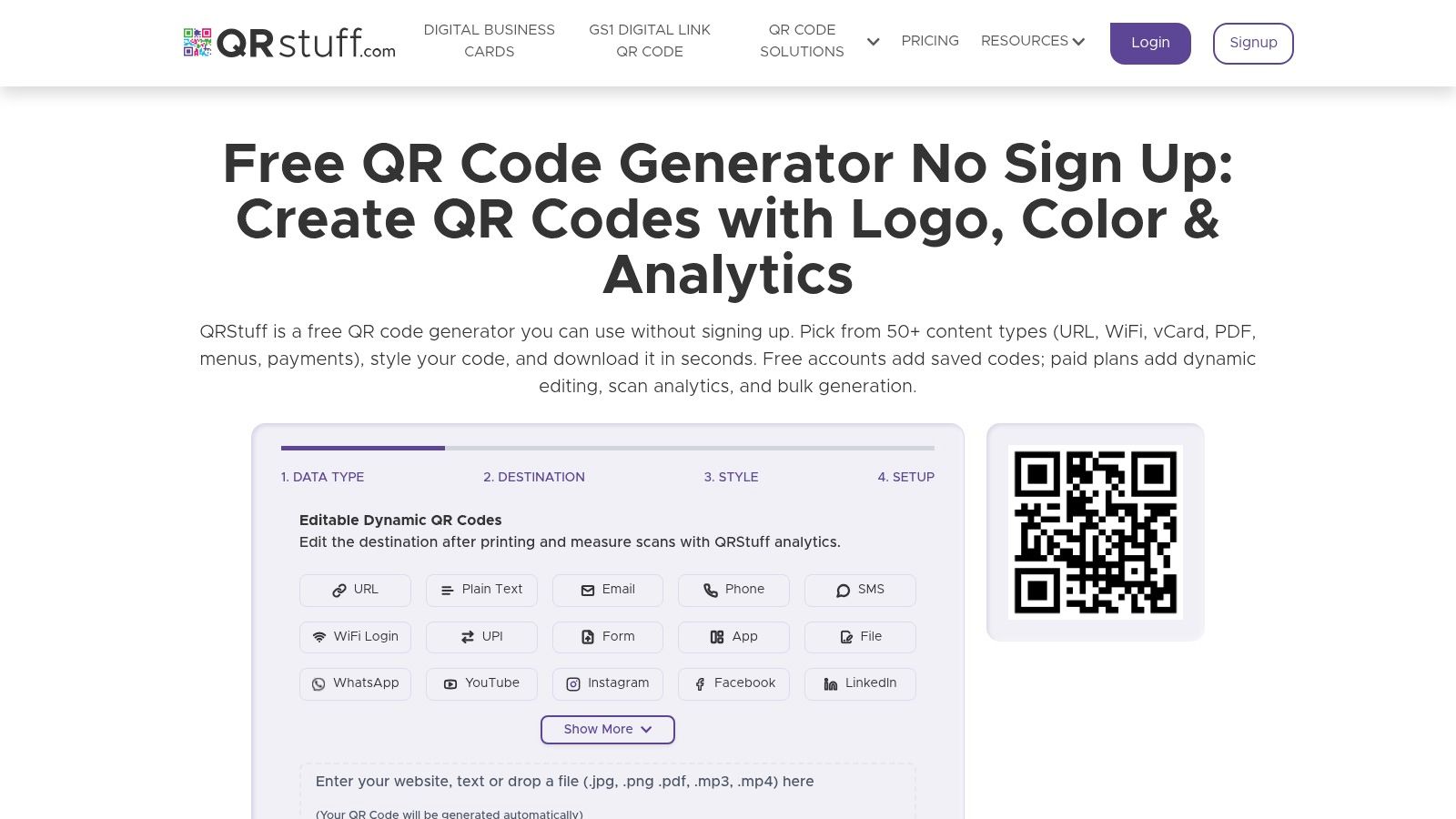
QRStuff takes a practical, operations-first approach. It supports static and dynamic codes, logo overlays, color controls, multiple data types, batch processing, and several export formats. You can create codes for URLs, Wi-Fi, vCards, and other common business actions from one utilitarian interface.
That makes it useful for repeatable production. A contractor may need several codes for service pages and contact details. A hotel may prepare codes for Wi-Fi, room information, and event registration. A franchise team can use batch processing when manual one-by-one creation would create file naming and placement problems.
Practical output over polished interface
QRStuff's interface isn't as modern as some competitors, but its documentation covers commercial use for free static codes and explains batch and logo workflows. That clarity can matter more than visual polish when the person preparing files also has to get a menu printed before lunch service.
Dynamic features and advanced controls require a subscription. For a static Wi-Fi code, the simpler path may be enough. If you're creating a QR code for Wi-Fi, verify that the network name, password, and security setting are correct before exporting. A code that scans but contains the wrong access details still fails the customer.
A QR code is only useful if the next step works. Test the destination, not just the image.
Choose QRStuff when you value multiple data types and batch work over a highly guided design experience. Keep an internal record of each file, its destination, and its location. That record becomes important when several staff members handle printed materials.
9. GOQR.me
GOQR.me suits a contractor, clinic, or restaurant that needs a permanent QR code without managing a campaign dashboard. Its free generator creates static codes and supports SVG and EPS exports. Developers can also use the public API to produce codes from an internal system, which is useful for a franchise team generating repeatable files across locations.
The trade-off is limited design control. The self-service tool is deliberately simple, so you can create a code quickly without setting up a subscription. Logo placement is not handled through a built-in editor. GOQR.me can arrange vendor-created logo QR designs on request, making custom branding a paid service rather than a setting you configure yourself.
A static code works well when the destination is stable, such as a clinic information page or a contractor's contact page. Vector files also hold up better when a printer places the code on a sign, menu, or vehicle graphic. Keep sufficient clear space around the symbol, and test the exported file at its intended print size before sending the artwork to production.
GOQR.me does not provide dynamic destination editing or scan analytics in its free tool. If a URL changes, you must generate and replace the code. If scan reporting, campaign management, or team permissions matter, this limitation may outweigh the fast setup and free static output.
Use GOQR.me when:
Store the original QR file separately from the finished sign or flyer. That keeps the code reusable and lets your team revise the surrounding design without recreating the asset.
- The print destination is stable: Static codes avoid an ongoing platform cost, provided the linked page stays live.
- Your workflow is automated: The public API supports programmatic creation instead of manual file production.
- You need vector artwork: SVG and EPS files give a designer more control over print layouts.
- Branding requires specialist work: Ask for the logo treatment, file format, and testing process before approving vendor-produced artwork.
10. Short.io
Short.io is built around branded short links. Create the link first, then turn it into a QR code with a logo, custom colors, and selectable shapes. A branded domain keeps the customer-facing URL under your business identity, while destination editing lets you update the target without replacing printed materials.
For a hotel, that could mean changing a room-information page after printing in-room cards. A contractor can keep a vehicle graphic in service while updating its quote form. A salon can redirect appointment cards when its booking system changes.
The practical decision is whether link control matters more than QR-specific design. Short.io offers fewer ready-made templates than Flowcode or QRCodeChimp, so teams seeking extensive frames, landing-page layouts, or campaign designs may need more manual design work. In return, the workflow fits businesses already managing branded short links, domains, analytics, or API connections.
Check the printed result at its final size, especially when a logo or custom shape reduces the contrast around the code. Keep a clean margin around the symbol and retain the original QR asset separately from the finished artwork.
Short.io suits operators who need:
Choose another platform if your team needs a large QR template library, built-in campaign landing pages, or extensive visual controls. Short.io's strength is destination ownership and link management, not decorative variety.
- Editable destinations: Update a booking page, menu, contact form, or offer after printing.
- A branded redirect: Staff can recognize and manage a domain they already use.
- Link-based campaign oversight: Analytics and API access can support recurring campaigns or technical workflows.
- A controlled ongoing cost: Compare the subscription with the cost of replacing signs, cards, or vehicle graphics when URLs change.
Top 10 QR Code Generators with Logo Support
| Provider | Core features ✨ | Quality ★ | Price / Value 💰 | Target audience 👥 | Highlight 🏆 |
|---|---|---|---|---|---|
| Uniqode (formerly Beaconstac) | ✨ Dynamic/editable codes, bulk + API, brand & team controls | ★★★★☆ | 💰 Dynamic codes paid; 14‑day trial | 👥 SMBs & multi‑location restaurants/retail | 🏆 Bulk + SSO + granular analytics |
| Bitly QR Codes | ✨ QR ↔ Bitly links, editable destinations, basic styling & logo (paid) | ★★★★☆ | 💰 Free basics; logo/custom on paid tiers | 👥 Marketers & teams using Bitly links | 🏆 All‑in‑one link + QR workflow |
| Flowcode | ✨ Branded templates, Flowpage landing pages, campaign analytics | ★★★★☆ | 💰 Free w/ Flowcode branding; paid removes branding | 👥 Franchises, marketers & campaign teams | 🏆 Integrated landing pages for quick campaigns |
| QR TIGER | ✨ Deep visual design (frames/eyes), dynamic editing, API | ★★★★☆ | 💰 Free shows QR TIGER pop‑up; paid removes | 👥 SMBs wanting custom visuals | 🏆 Rich visual design controls |
| Scanova | ✨ Centered logo, Smart Design, dynamic + bulk creation, API | ★★★★☆ | 💰 Paid plans for dynamic/analytics | 👥 Brands, agencies, enterprise users | 🏆 Guided on‑brand Smart Design |
| QRCode Monkey | ✨ Free static QR with logo, high‑res SVG/PDF/EPS exports | ★★★☆☆ | 💰 Truly free for static; no native dynamic | 👥 Print-heavy businesses (menus, signage) | 🏆 High‑quality vector exports for print |
| QrcodeChimp | ✨ Brand kits, team management, dynamic codes, white‑label options | ★★★★☆ | 💰 Generous free tier; advanced features paid | 👥 Agencies & multi‑client teams | 🏆 White‑label + brand kit support |
| QRStuff | ✨ Logo overlay, many data types, batch processing, multiple exports | ★★★☆☆ | 💰 Free static; subscription for dynamic/features | 👥 Ops teams needing high‑volume/patterned QR sets | 🏆 Batch processing for large runs |
| GOQR.me | ✨ Free SVG/EPS exports, public API, custom design service on request | ★★★☆☆ | 💰 Free static/API; custom logo work paid | 👥 Developers & one‑off projects | 🏆 Developer‑friendly public API + vectors |
| Short.io | ✨ Branded short links auto‑generate QR, dynamic editing, analytics | ★★★★☆ | 💰 Paid for branded domains & advanced analytics | 👥 Teams wanting domain‑controlled links & QR | 🏆 Persistent control via your own domain |
Uniqode (formerly Beaconstac)
Bitly QR Codes
Flowcode
QR TIGER
Scanova
QRCode Monkey
QrcodeChimp
QRStuff
GOQR.me
Short.io
Pick a Tool and Test the Printed Code
Start with the destination, not the logo. If the QR will always point to a stable page and you mainly need a clean file for a menu, sign, package, or card, choose a static generator. QRCode Monkey and GOQR.me are practical starting points when vector export matters. QRStuff is useful when you also need several data types or batch production.
Choose a dynamic platform when the printed code may need a new destination later. Menus change. Booking pages move. Review request pages get updated. Campaigns end. A dynamic code can preserve the printed asset while you edit the destination and, depending on the provider and plan, review scan activity. The trade-off is ongoing dependence on the provider, plus possible subscription limits, branding, quotas, or billing changes.
Logo safety needs its own decision. QR codes were invented by Denso Wave in 1994 to track automotive parts, with a design intended for high-speed scanning and error correction rather than marketing. That industrial origin explains why branded codes are possible, but it doesn't mean every decorative treatment is safe. The ISO/IEC 18004 standard covers encoding, dimensions, error correction, decoding, and production quality. Your generator should respect those technical requirements, but you're still responsible for checking the final printed asset.
Before you order signs or cards:
For local businesses, a QR code can support menus, bookings, Wi-Fi, registrations, support, and review requests. It can also make the next action easier for a customer who's already standing in your location. That activity should be handled transparently. Give customers a public Google review option and a private feedback option side by side, and let them choose. Don't filter or route people based on whether you expect a positive review.
If you want a simple free option for review activity, RecensioAI provides a free QR code generator that can create a code for a Google review page. Create one code this week, test it in the place customers will scan it, and record the destination so staff know exactly what it does.
---
RecensioAI B.V. offers review requests through QR codes, email, SMS, links, and other customer touchpoints, with a public Google review option and a private feedback option presented side by side. Visit RecensioAI B.V. to create a free QR code and connect it to your customer review process.
- Export the right file: Use SVG, EPS, or PDF when a printer or designer requests vector artwork. Use PNG or JPEG for ordinary digital placement when appropriate.
- Keep strong contrast: A dark code on a light background is the safer starting point. Be cautious with gradients, low-contrast brand colors, and reversed designs.
- Keep the logo modest: Guidance commonly recommends high correction and limited logo coverage. One independent guide places typical logo coverage around 10% to 20% of the data area, while another recommends about 20% to 25% of the total code area, with a clear margin around the logo. See the practical explanation from QR Verse, then test your own design.
- Test more than the screen preview: Scan from the actual table, counter, window, vehicle, or wall where customers will stand. Use more than one phone, include an older device if your audience may use one, and check under the lighting you expect.
- Give people another path: Pair the image with a readable URL, a plain-language label, and meaningful alt text when the code appears online. Accessible QR code guidance also recommends a fallback because the QR image alone doesn't serve every user.
- Check the scan experience: Confirm whether a provider's logo, landing page, pop-up, or subscription message appears before customers reach your destination.
Frequently asked questions
You might also like
Handpicked articles for you
Hotel Review Management: Automate Post-Stay Requests with Apaleo, Mews and Your PMS
A practical guide to turning hotel checkouts into timely review requests, with Apaleo live, Mews early access and flexible PMS alternatives.
Why the Business Around the Corner Beats You on Google: What 21,373 Profiles Reveal
We compared 21,373 Google Business Profiles with their three strongest nearby competitors. The gap is smaller than most owners think, but it has two sides: rating and volume.
Treatwell Review Management for Salons: One Reputation View Alongside Google
Bring your public Treatwell rating and recent reviews into RecensioAI, then combine salon signals with Google for faster, better decisions.