
10 Google Business Profile Audit Tool Options
Compare 10 Google Business Profile audit tool options, including free audits, feature gaps, limitations, and practical workflows for local businesses.
Table of Contents
- 1Introduction
- 21. RecensioAI B.V.
- 3Where it helps most
- 4What it checks
- 5What it misses, or where judgment still matters
- 6What to do next
- 72. BrightLocal
- 8Why owners choose it
- 93. Localo
- 10Good for weekly repair work
- 114. PlePer
- 12Where PlePer earns its spot
- 13Trade-off
- 145. GMB Everywhere
- 15Best use case
- 166. Semrush
- 177. Uberall
- 188. Yext
- 199. Birdeye
- 2010. Vendasta
- 21Top 10 Google Business Profile Audit Tools, Comparison
- 22Turn the Audit Into This Week's Work
Introduction
Your front desk gets a call at 8:10 a.m. A customer is outside, but Google says you open at 8. Your salon changed hours last month. Your clinic still shows the wrong category. Your hotel profile has old exterior photos and no clear amenities. Your contracting business serves three nearby towns, but your services list is thin and a competitor keeps showing up first in map results.
That's what a Google Business Profile audit is for. It's a practical check of the fields customers see in Google Maps and near me searches. Google's own local ranking guidance centers on relevance, distance, and prominence, and it tells businesses to keep hours, category, and attributes complete and accurate in the profile fields that shape visibility and trust (Google local ranking guidance).
A good audit doesn't promise rankings. It finds missing fields, weak spots, and upkeep problems before customers do. The tools below separate into a few useful groups: quick free scans, guided repair tools, specialist analysis tools, and multi-location platforms. If you need a grounding point before you choose, start with these local search optimization techniques.
1. RecensioAI B.V.
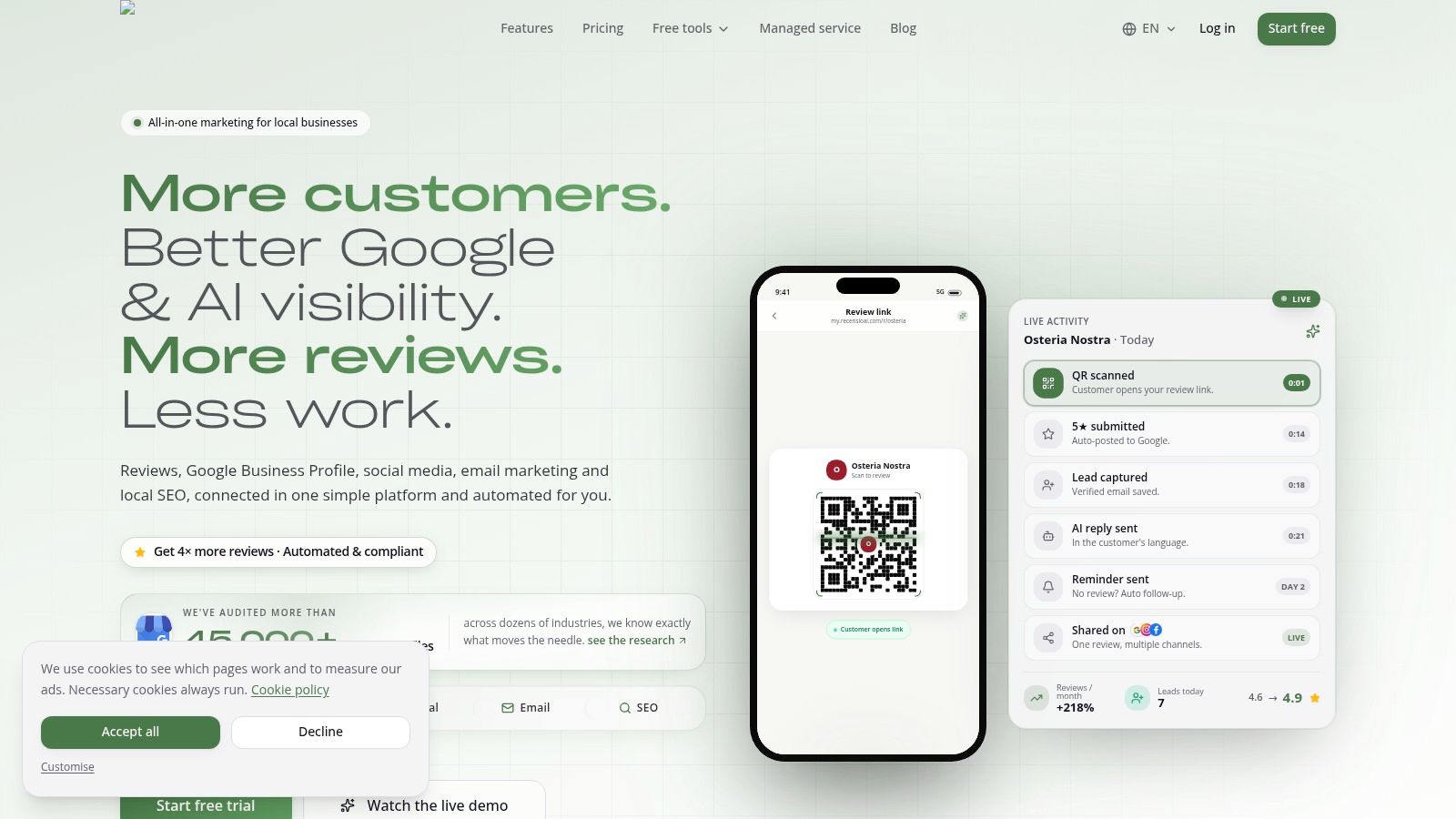
A common problem looks like this: the profile audit gets done once, a few issues get fixed, and then nothing happens for the next six weeks. Reviews go unanswered, holiday hours are missed, and new photos never get uploaded. RecensioAI B.V. is built for operators who need the audit and the follow-up work in the same system.
Its main use case is straightforward. Find missing profile fields, flag weak spots such as thin services or outdated photos, check nearby competitors, and turn that list into repeat weekly tasks. The platform also includes review requests, AI-assisted review replies, Google Posts, competitor tracking, and reporting for businesses with more than one location.
Where it helps most
RecensioAI fits businesses that struggle with follow-through more than discovery. A one-location salon, clinic, restaurant, or home service company can start with the free scan, see what is incomplete, and then handle review collection and profile upkeep from the same dashboard. That matters if the owner or front desk staff is already switching between too many tools.
It also makes sense for small groups with multiple locations that want one process across every profile. You can compare locations, spot which ones have weaker review response habits or thinner photo coverage, and assign cleanup work without building a manual spreadsheet first.
One practical strength is the review flow. Customers can choose between leaving a public Google review or sending private feedback. That approach helps businesses collect more useful input without pushing people away from public reviews.
What it checks
The audit focuses on the profile elements operators need to maintain: categories, business hours, photos, attributes, services, reviews, replies, and competitor presence.
That mix is useful because it covers both completeness and upkeep. Missing hours or attributes create trust problems right away. Thin services, stale photos, and slow review responses usually show up later as weaker conversion from profile views to calls, direction requests, or bookings.
What it misses, or where judgment still matters
RecensioAI is stronger as an audit-plus-execution tool than as a pure analyst tool. If you want a highly specialized reporting setup for ranking research, deep local search diagnostics, or enterprise listings governance, other tools later in this list go further in those areas.
Human review is still needed for sensitive cases. AI replies can save time, but a medical practice answering complaint-related feedback or a hotel handling billing disputes should still route certain responses through a manager. Multi-location costs also need a close look. The platform can work across several branches, but the value depends on whether each location will use the workflow instead of just running the initial scan.
What to do next
Start with the free scan. Use it to answer five practical questions: which profile fields are incomplete, which competitor profiles look more active, which locations need attention first, who on the team owns weekly fixes, and whether one system for audits plus review operations would save time.
If your main problem is getting from audit findings to weekly repair work, RecensioAI is a strong fit.
- Best for: Owners and small multi-location operators who want a free first scan and a clear repair workflow.
- Less ideal for: Enterprise teams that already run a separate listings or reporting stack.
- Website: RecensioAI B.V.
2. BrightLocal
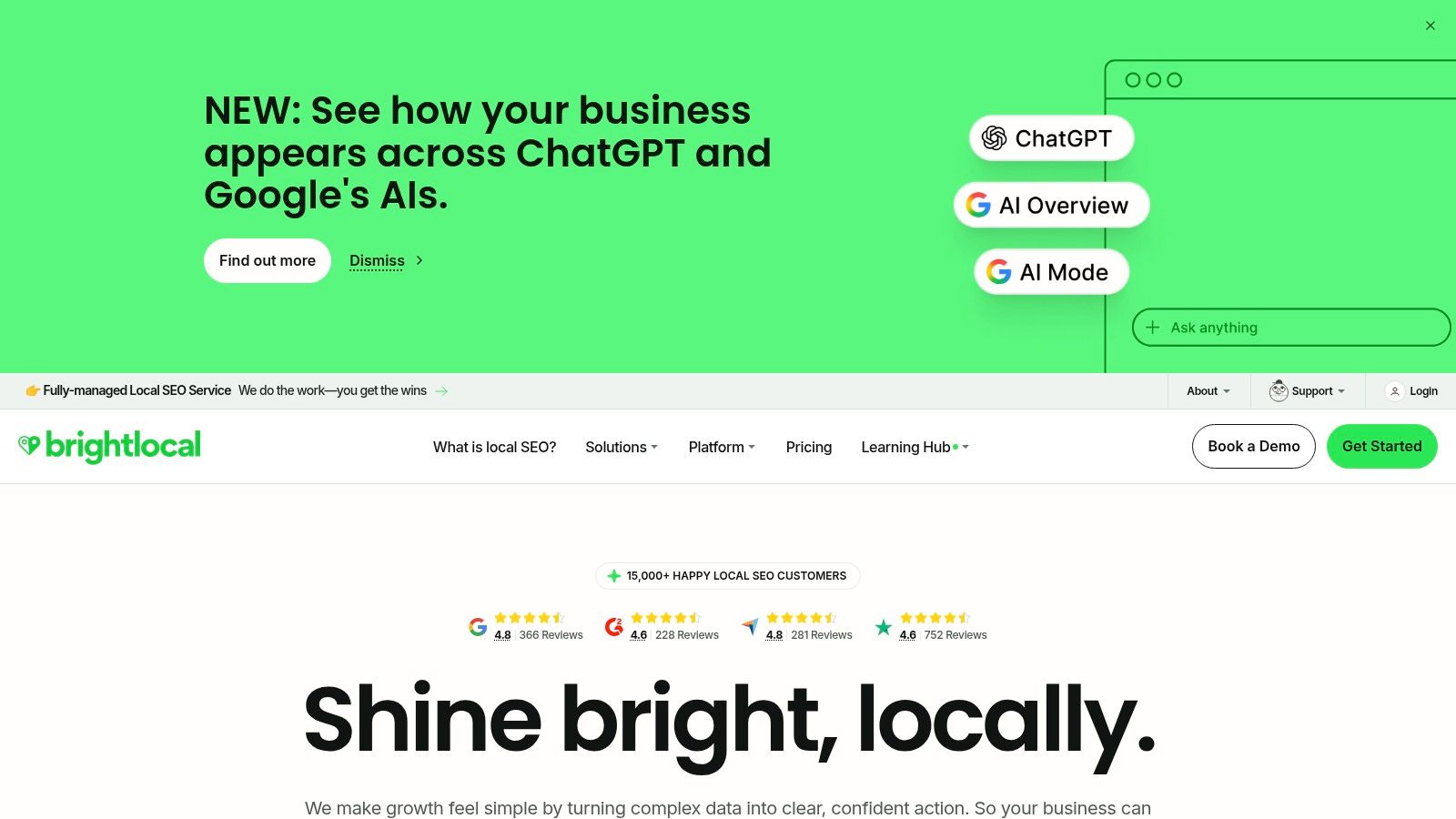
BrightLocal is the tool I'd put in the “structured and reliable” bucket. If you want a proper Google Business Profile audit report with competitor context, rank tracking, and review monitoring, it does that well. It's stronger than a quick scan and less specialized than a deep power-user toolkit.
For a franchise manager, hotel group, or operator with a few locations, BrightLocal works best when you need repeatable reporting. You can run audits, compare locations, and keep an eye on map visibility over time instead of just checking whether the profile has photos and hours filled in.
Why owners choose it
BrightLocal's main value is organization. The audit report looks at completeness and competitiveness, then connects that to other local search tasks like review monitoring and grid-based rank tracking. If you need a practical audit framework to compare your own listing against nearby competitors, this is one of the more mature options.
Recent local search guidance has moved beyond one generic score and toward geo-grid scans, recent review velocity, and competitor benchmarking across the service area (local SEO audit checklist guidance). BrightLocal fits that shift better than checklist-only tools.
If you want a simple repair playbook after the scan, this guide to a local SEO audit for your Google Business Profile gives a useful order of operations.
When you manage more than one location, consistency beats cleverness. The best audit tool is often the one your staff will actually rerun every month.
- Best for: Owners with multiple locations who want reporting and competitor context.
- Watch out for: A broader suite can mean a learning curve if you only need one profile checked.
- Website: BrightLocal
3. Localo
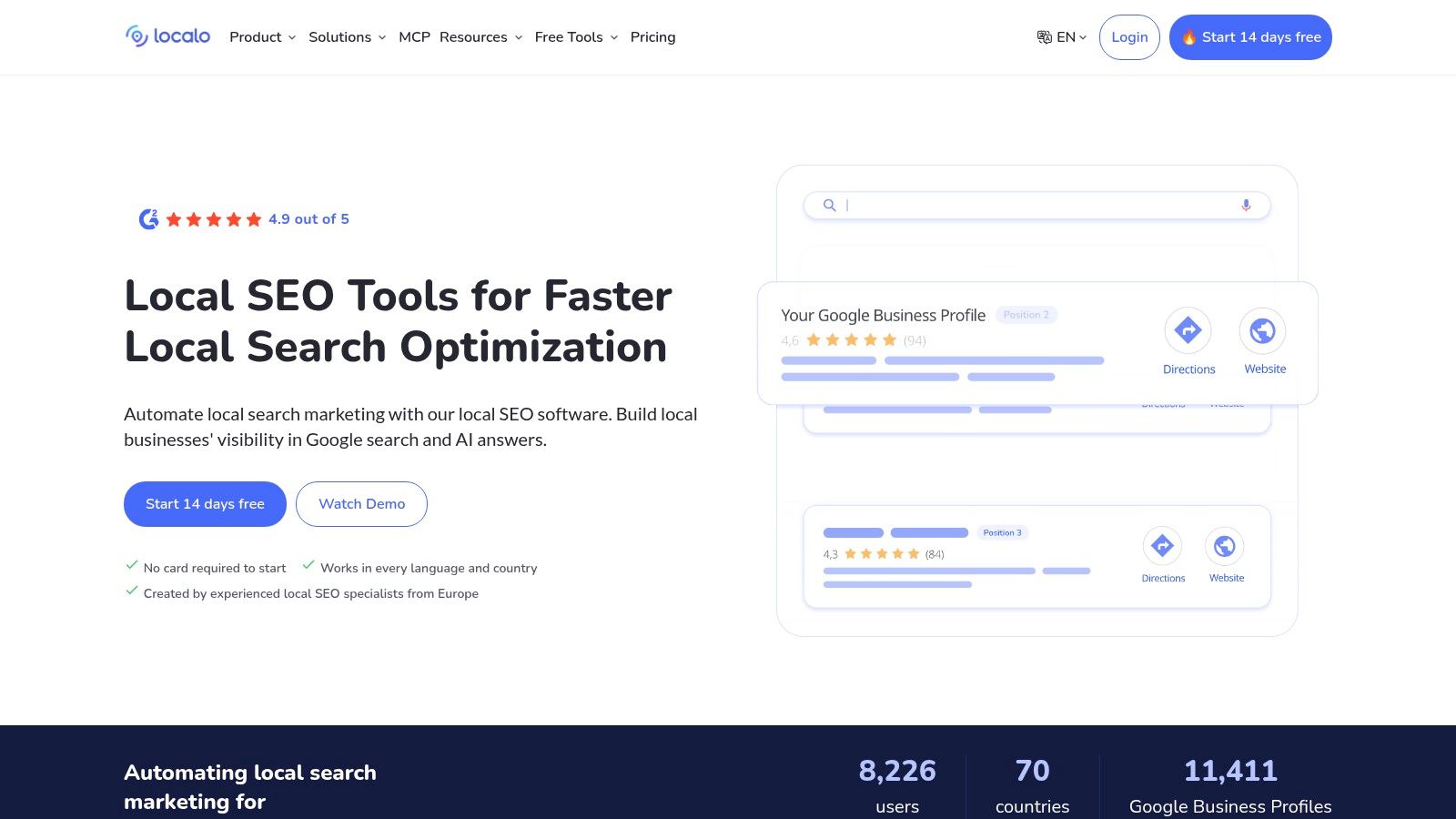
Localo is built for owners who don't want to interpret a pile of local SEO data. It scores the profile, flags issues, and pushes you toward next actions. That makes it a good fit for a salon owner, clinic manager, or contractor who needs a weekly to-do list more than a deep reporting system.
The appeal is simple. You don't just get “your profile is incomplete.” You get guided fixes and recurring tasks. For small teams, that's often the difference between an audit that leads to action and one that gets ignored.
Good for weekly repair work
Localo is strongest when you want the tool to tell you what to do next. It combines profile audit features with competitor insights, a local rank checker, review management, and posting support. If your listing upkeep happens in short bursts between real work, that structure helps.
Google's best-practices material also makes clear that media should be checked as a real audit target, not as an afterthought. Google says businesses can add multiple photos or videos to a Business Profile, and on Android can also set a cover photo or logo from the profile screen (Google Business Profile media guidance). A tool that keeps surfacing media gaps is useful because photo coverage goes stale fast.
- Best for: Small teams that want “do this next” guidance.
- Watch out for: It's more Google-focused than broader listings platforms.
- Website: Localo
4. PlePer
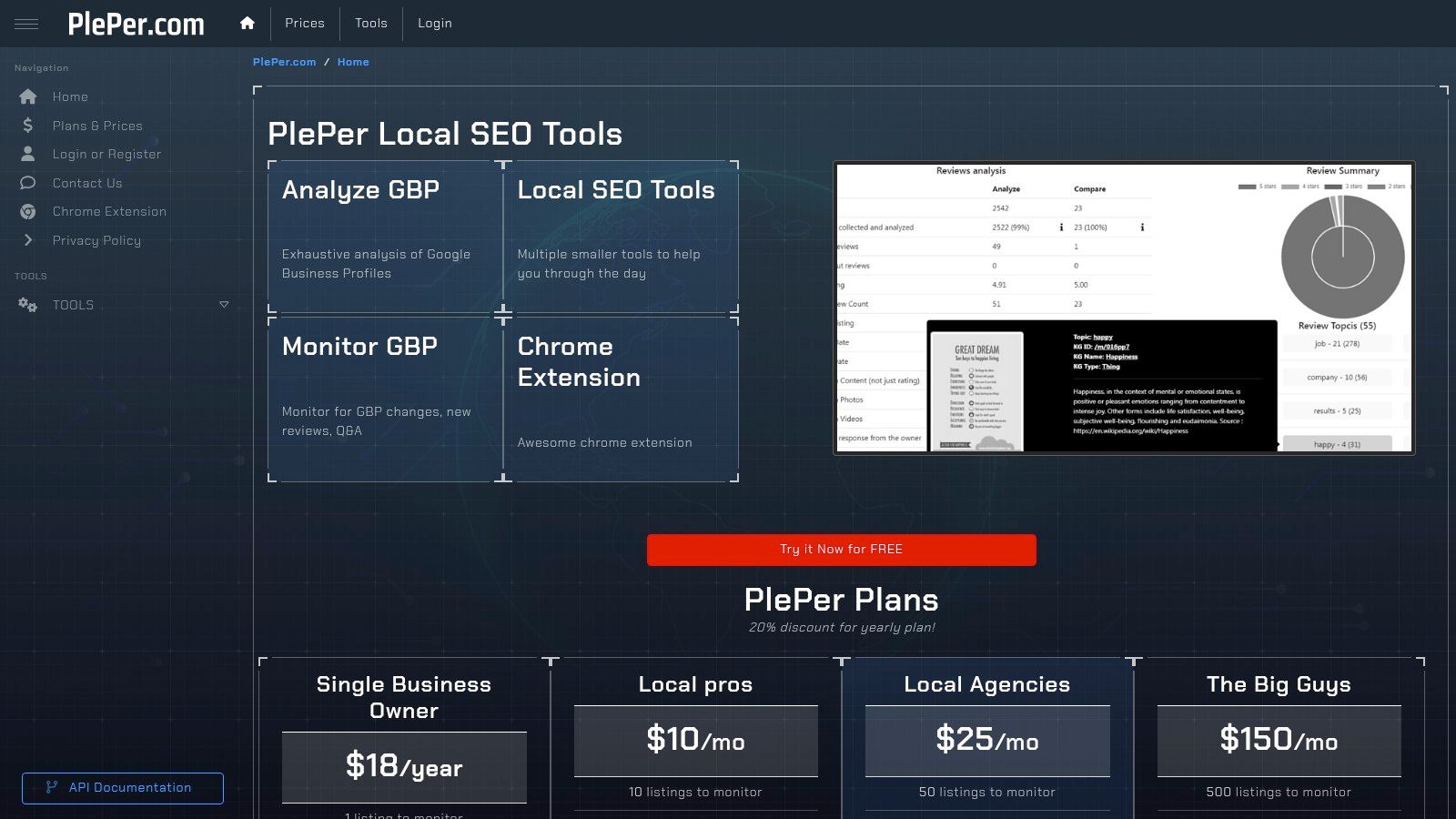
PlePer is for the owner or operator who wants deeper Google Business Profile detail, especially around categories, attributes, services, duplicates, and change monitoring. It feels more like a specialist toolbox than a polished “all-in-one” platform.
That can be a good thing. If you've ever looked at a competitor and wondered why their listing looks more complete or why they keep appearing in nearby searches, PlePer helps you inspect the underlying profile data more closely.
Where PlePer earns its spot
Its Category Helper is especially useful when your business sits between categories. Think med spa versus skin care clinic, boutique hotel versus extended stay, or plumber versus bathroom remodeler. Category choices shape relevance, and relevance is one of the three ranking factors Google explicitly names in local results.
A 2026 local search ranking survey summarized by independent coverage put Google Business Profile signals at 32% of Local Pack and Maps ranking weight, with review signals at 20% and on-page signals at 15% (2026 local search ranking factors summary). That's why category choice, profile completeness, photos, and posting activity deserve real attention in an audit.
Trade-off
PlePer gives you more raw analysis and less hand-holding. If you want a guided checklist and task automation, this won't feel as friendly as Localo or RecensioAI. If you want to inspect duplicates, monitor profile changes, and compare data at a detailed level, it's very useful.
- Best for: Operators who want deeper category and competitor research.
- Watch out for: You'll need to interpret results yourself.
- Website: PlePer
5. GMB Everywhere
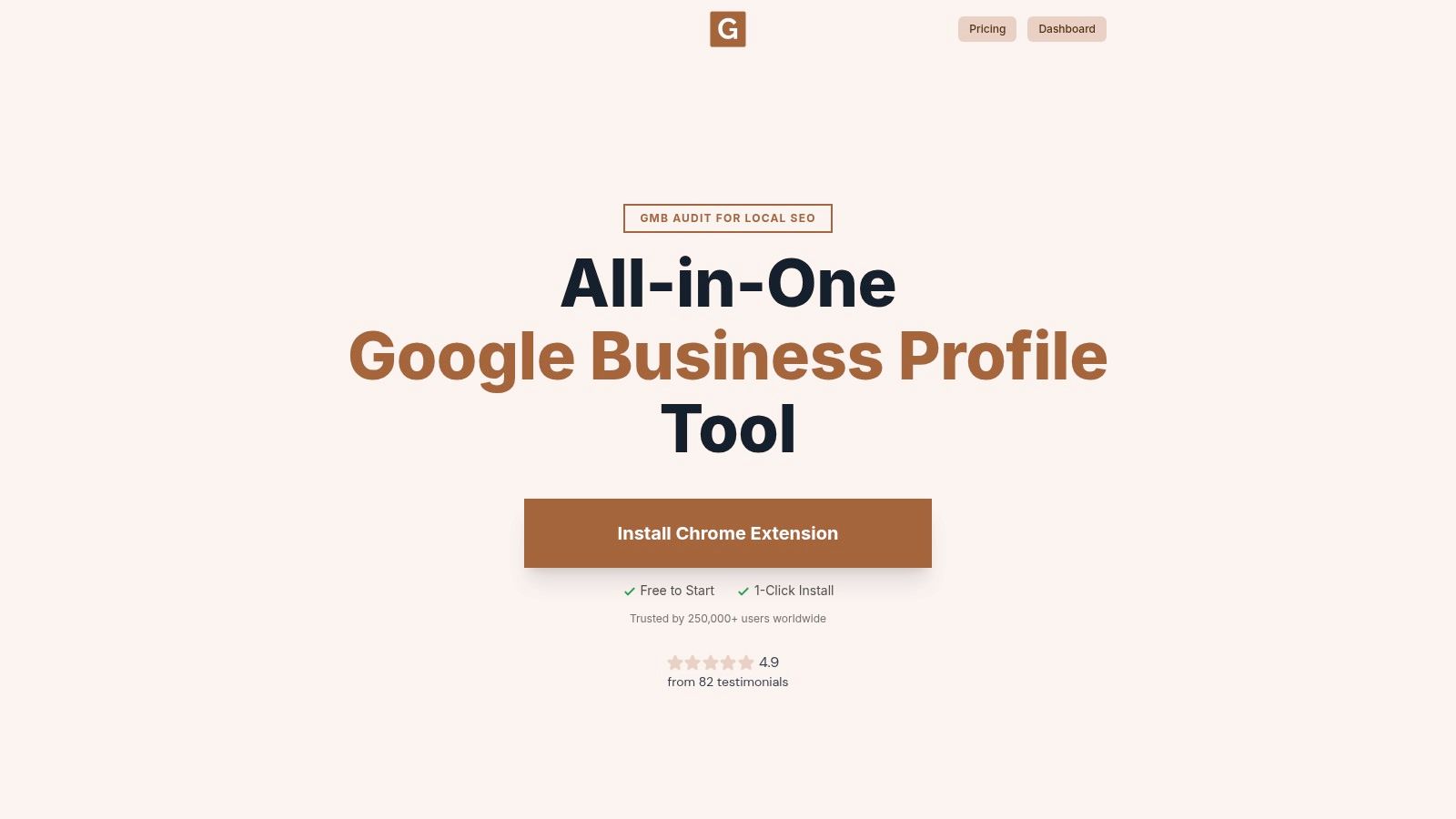
GMB Everywhere is the fastest spot-check tool in this list. It lives in your browser and works directly inside Google Search and Maps. If you want to inspect your own listing or a competitor while you're already looking at map results, this is the quickest way to do it.
That speed makes it handy for contractors checking nearby rivals, restaurant owners comparing categories and review patterns, or franchise managers doing quick checks across towns. You don't need a full platform login just to see useful profile details.
Best use case
Use GMB Everywhere when you need a lightweight Google Business Profile audit tool for inspection, not management. Its browser-based audit pulls profile details, review and post patterns, and consistency checks without making you jump between dashboards.
It's also a practical first step if you want to compare what a browser extension sees versus a standalone scanner like a free Google Business Profile check. That can help you separate obvious field issues from bigger workflow problems.
Fast audits are good for spotting problems. They're not enough for keeping multiple locations accurate over time.
- Best for: Quick spot checks and competitor peeks inside Maps.
- Watch out for: It's not a full reporting or workflow system.
- Website: GMB Everywhere
6. Semrush
A common Semrush setup looks like this: one person handles SEO, another updates Google Business Profile, and neither wants a separate local platform unless the audit finds real gaps. Semrush fits that situation well because Listing Management and Map Rank Tracker sit next to the rest of your search work.
The practical value is in the checks you can act on quickly. Listing Management surfaces missing or inconsistent business details such as hours, phone number, address, and category data across directories. If the problem is bigger than GBP alone, that saves time. You can clean up citation errors and profile gaps from one place instead of checking sites one by one.
Map Rank Tracker adds the local view many website-first tools miss. It shows how a business ranks on the map grid by location, so you can see whether weak visibility is concentrated around one part of town or spread across the service area. For an operator comparing branches or service zones, that is more useful than a single average ranking number.
Semrush works best for teams asking two questions at once: are we missing profile fields, and is the local problem showing up in the map pack as well? It is also a reasonable option for multi-location businesses already inside Semrush, because local checks can sit inside the same reporting rhythm as site and keyword work.
There are trade-offs. The GBP audit is not as inspection-heavy as tools built only for profile analysis, and it is slower for quick competitor peeks than a browser extension. If your main job is reviewing nearby competitors' categories, review velocity, or on-page profile details inside Maps, other tools in this list are faster.
Google notes that local prominence is influenced by information across the web, along with reviews and the details on the profile itself (Google Business Profile best practices playbook). That lines up with Semrush's strength. Use it when you need to turn audit findings into a weekly repair list across GBP, citations, and map visibility.
- Best for: Businesses already using Semrush that want one workflow for listings, map tracking, and broader search reporting.
- Watch out for: Better for ongoing operations than a free first scan or fast competitor inspection.
- Website: Semrush Listing Management
7. Uberall
A common multi-location problem looks like this. Corporate assumes locations are using the same hours, categories, and review process, but the audit shows each branch has drifted in a different direction.
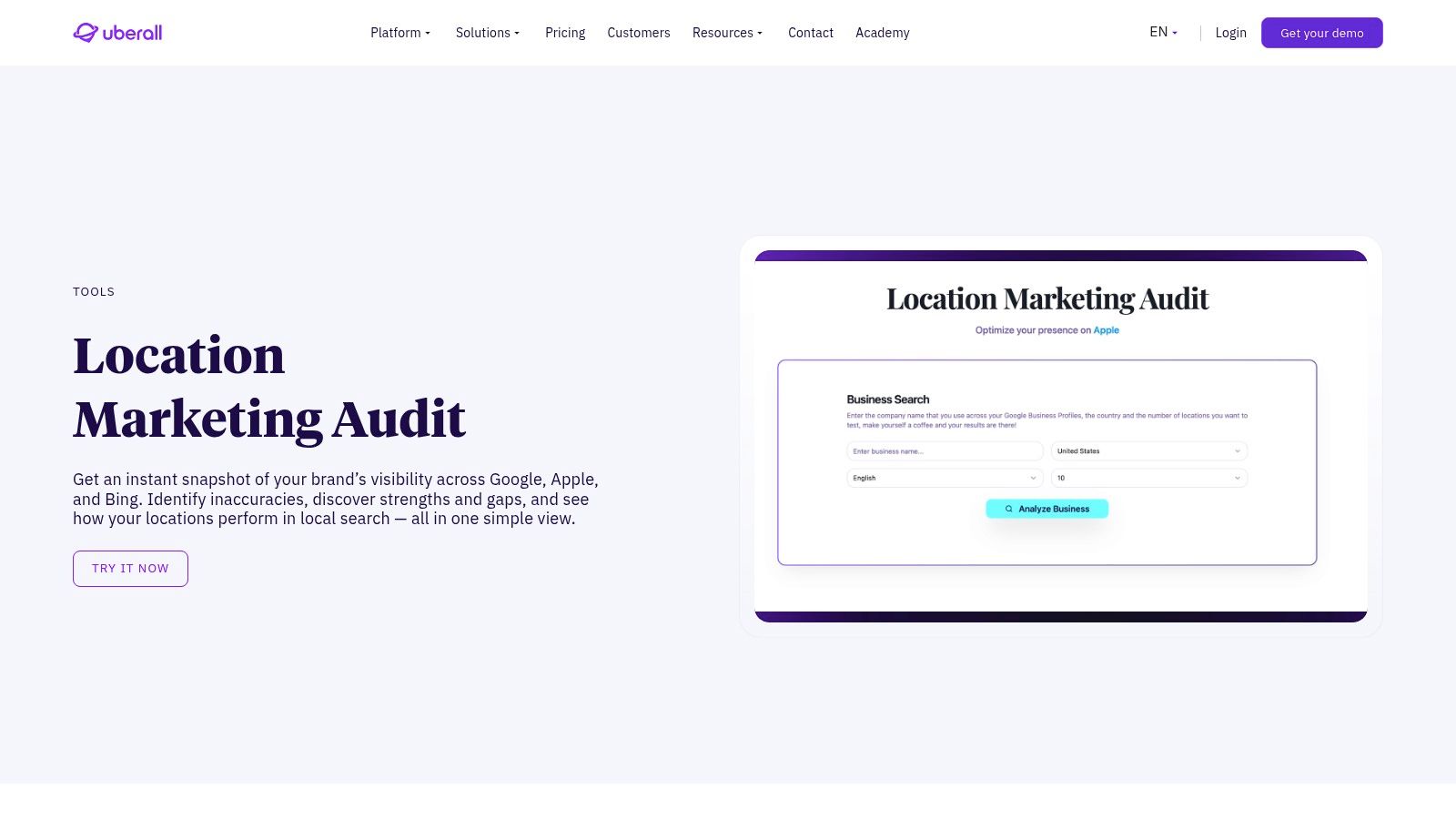
Uberall is useful for that kind of cleanup. Its free Location Marketing Audit gives you a quick first scan, which helps answer a simple question: do we have a few profile issues, or do we have a location governance problem? That distinction matters because a single-store owner can usually fix gaps by hand, while a franchise or regional operator needs controls, approvals, and repeatable workflows.
The free scan is the entry point. The paid platform is where Uberall becomes more relevant, because it combines listings management, review handling, and reporting across many locations in one place.
For operators, the value is coordination. Uberall helps surface missing or inconsistent business data across locations and gives teams a way to standardize updates instead of relying on each manager to remember them. It also helps when the job is comparing one region against another, spotting which locations are falling behind on review response, or checking whether location data is staying aligned outside Google too.
That makes Uberall a better fit for chains, healthcare groups, hotel brands, and franchise systems than for a single storefront. If you are evaluating other tools in that wider location-operations category, these retail location analytics tools help frame the bigger picture.
The trade-off is depth at the single-profile level. If your immediate job is a close Google Business Profile inspection, or a quick competitor check before making edits, browser-based tools and GBP-specific auditors are usually faster. Uberall is stronger once you need to turn findings into a weekly repair process across many locations.
- Best for: Multi-location operators who need a free first scan, then a system for fixing issues across branches.
- Watch out for: More useful for centralized operations than one-off profile audits or fast competitor research.
- Website: Uberall Location Marketing Audit
8. Yext
A common Yext use case is simple: one location updates holiday hours, another forgets, and a third changes its phone number in Google but nowhere else. The audit problem is no longer "what field is missing on this one profile?" It is "where are the inconsistencies across the business, and who is going to fix them?"
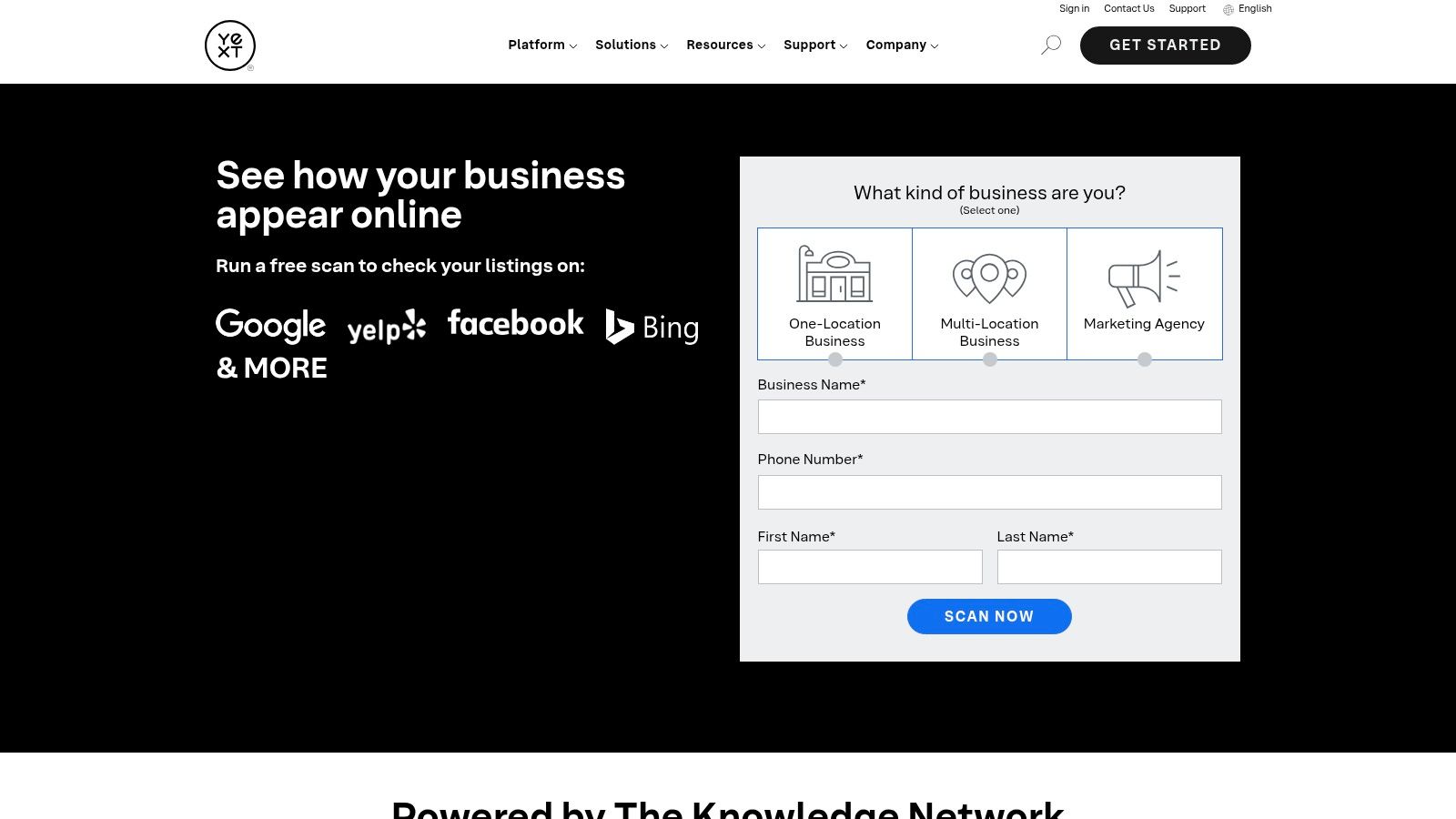
Yext fits that second job. Its free Business Scan gives a quick first pass on listing accuracy and completeness across major directories, and the paid platform is built for teams that want one place to control updates. If you manage frequent changes across multiple locations, that matters more than a detailed one-time score.
The strongest part of Yext is operational control. Hours, phone numbers, addresses, and service details tend to drift when local teams make edits one by one. Google's own documentation on business hours explains how regular hours, special hours, and temporary closures should be handled, especially around holidays and short-term changes (Google Business Profile hours guidance). Yext helps reduce that drift by centralizing those updates.
Where it helps:
Where it falls short: Yext is not the tool I would pick for close competitor checks or a detailed Google Business Profile inspection on a single storefront. The free scan is broad. It points you toward gaps, but it will not replace a field-by-field GBP review.
Use Yext if your main problem is control at scale. If your main problem is diagnosing one profile or comparing nearby competitors before making edits, choose a more GBP-specific tool first.
- finding inconsistent core business data across directories
- getting a free first scan before committing to a larger platform
- managing repeated fixes across many locations
- turning audit findings into a weekly location data workflow
- Best for: Multi-location businesses that need centralized control over listing data and recurring updates.
- Watch out for: Limited depth for single-profile audits and competitor research.
- Website: Yext Business Scan
9. Birdeye
A common local search problem looks like this. The profile is filled out, the phone rings some weeks, but reviews have slowed down and no one is sure whether the weak spot is the GBP itself, the listings, or customer feedback. Birdeye is useful in that situation because it checks those pieces together instead of treating the profile as an isolated asset.
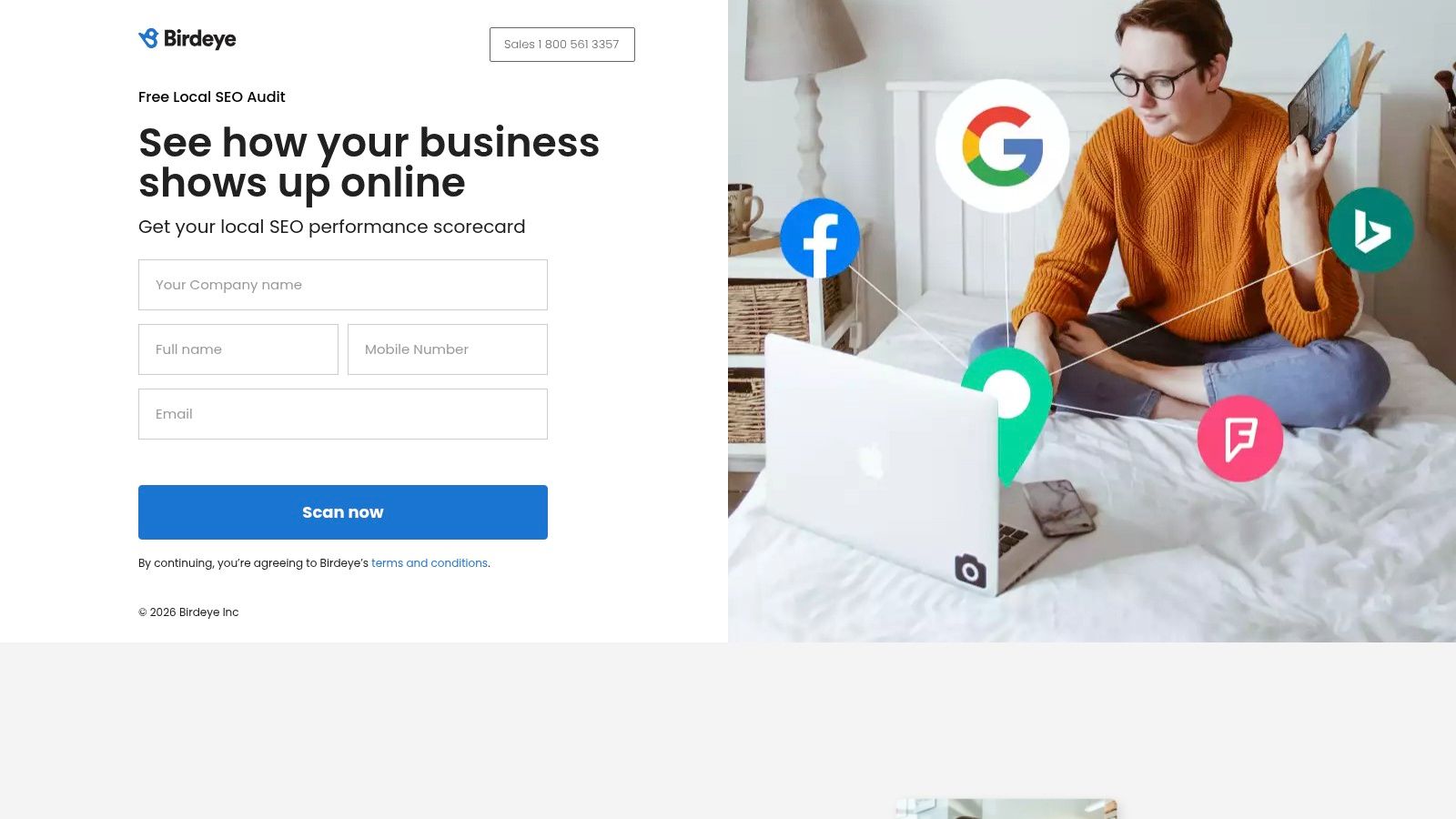
The free local SEO audit gives a quick first scan of profile completeness, listings consistency, and review presence. That makes it a practical starting point for operators who need a free first pass before deciding where to spend time. It is also easier to use if the business already treats reviews as part of daily operations, not just a marketing side task.
Birdeye helps most with diagnosis across channels. A clinic, restaurant, hotel, or service business can spot mismatches such as a mostly complete profile with thin review activity, or strong review volume attached to messy business data elsewhere. That matters because customer trust problems rarely show up in one place only.
Analysts cited in this Google Maps reviews study coverage found that reviews matter more as businesses compete higher in local results. I would not use that as a promise about rankings, but it is a good reason to include review count and review text in an audit, not just star rating and profile fields.
Where Birdeye is weaker is single-profile inspection. It will not give the close field-by-field examination that a GBP-specific checker or browser extension can provide. It is also less useful for close competitor comparisons if the main question is, "Why does the business across the street show up ahead of me?"
For multi-location teams, Birdeye makes more sense after the audit. The platform is built to turn findings into repeatable review and messaging work across locations. For one storefront that only needs missing fields fixed, it can be more software than necessary.
Use Birdeye if the problem to solve is connecting audit findings to weekly reputation work. Use a more GBP-specific tool first if the immediate job is finding missing profile fields or checking nearby competitors before making edits.
- Best for: Owners and multi-location operators who want a free first scan tied to reviews, listings, and follow-up reputation work.
- Watch out for: Limited depth for close competitor checks and detailed single-location GBP inspection.
- Website: Birdeye Local SEO Audit
10. Vendasta
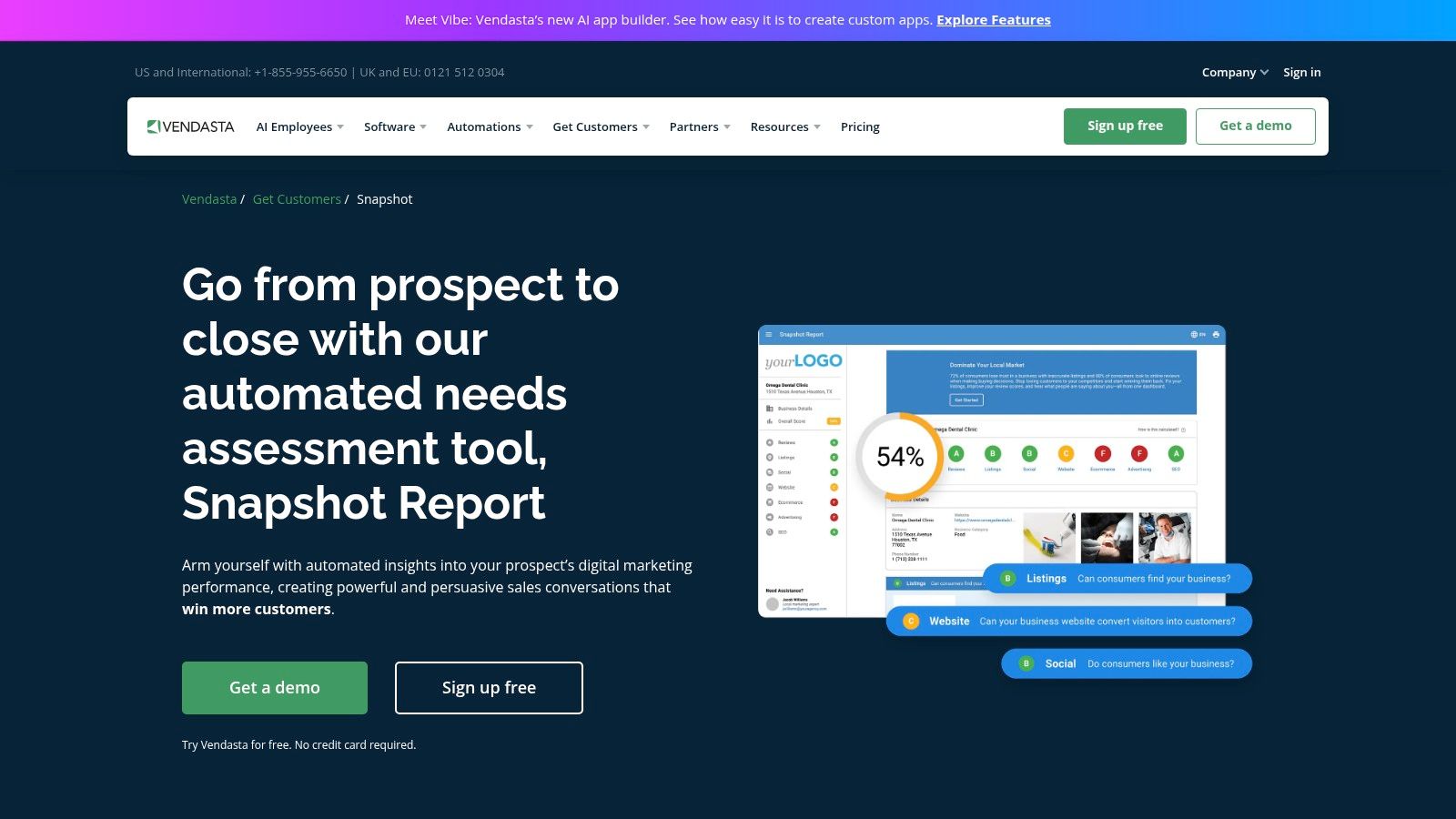
A common situation: the owner wants to know what is wrong with the profile, but the fixes will be handled by a consultant, agency, or internal marketing lead. Vendasta fits that handoff better than tools built for solo operators clicking through every GBP field themselves.
Its Snapshot Report checks business listings, reviews, website signals, and parts of the profile-to-web connection, then turns that into a report made for discussion. The value is not a close field-by-field Google Business Profile inspection. The value is giving one document to the person who will approve work, assign work, or sell the work internally.
That makes Vendasta useful for a different problem than tools like PlePer or GMB Everywhere solve.
If the immediate job is finding missing profile fields, categories, attributes, or photo gaps on one location, Vendasta is not the first tool I would open. If the job is comparing several locations, spotting broader presence issues, and getting a free first scan that can start a client conversation, it makes more sense.
It also helps when multiple locations are involved. Operators often need a quick way to see which stores have weak review coverage, inconsistent listing data, or thin visibility signals before they decide where to spend time first. Vendasta can support that prioritization, but it will not replace a weekly repair workflow on its own. Someone still needs to turn the report into edits, review requests, duplicate cleanup, and follow-up checks.
One caution matters here. Broad reporting can hide GBP-specific risks. A profile can look fine in a summary report and still have category problems, weak business descriptions, missing services, or verification friction that only shows up in a closer GBP inspection.
Use Vendasta if you need an agency-friendly audit that helps organize conversations across stakeholders and locations. Pair it with a more GBP-specific tool if you also need competitor checks or a detailed repair list for this week.
- Best for: Agencies, consultants, and multi-location businesses that want a free first scan and a report built for handoff.
- Watch out for: Limited detail for single-profile troubleshooting and nearby competitor analysis.
- Website: Vendasta Snapshot Report
Top 10 Google Business Profile Audit Tools, Comparison
| Product | Core features | Quality & UX ★ | Price / Value 💰 | Target & USP 👥✨ |
|---|---|---|---|---|
| RecensioAI B.V. 🏆 | Automated review requests (email/SMS/QR/one‑tap), AI replies in brand voice, GBP audit, auto‑posting, competitor tracking | ★★★★☆, fast setup, multi‑language detection | 💰 Pro €77/mo; Multi €177/3 loc (+€59/extra); Pro Managed €249/mo; 14‑day trial | 👥 Restaurants, hotels, salons, franchises, ✨ Google‑compliant flow, RecensioAI Score, hands‑off review velocity |
| BrightLocal, GBP Audit | GBP audit + competitor tabs, rank tracking, review monitoring, client reports | ★★★★☆, mature agency reporting | 💰 Paid plans (some pricing via sales/contact) | 👥 Agencies & multi‑location brands, ✨ structured audits + reporting |
| Localo, GBP Audit | Automatic GBP audit, weekly task list, AI prioritizer, review mgmt & posts | ★★★★☆, actionable task lists, easy onboarding | 💰 SMB‑friendly / affordable tiers | 👥 SMBs & small teams, ✨ step‑by‑step optimization guidance |
| PlePer, GBP Analysis | Deep GBP analytics, Category Helper, duplicate finder, Scrape API | ★★★☆☆, power‑user toolset, utilitarian UI | 💰 Very affordable tiers, generous analysis limits | 👥 SEOs & researchers, ✨ exhaustive data + automation APIs |
| GMB Everywhere (Chrome) | One‑click audits in Maps, review/post visualizations, teleport rank checks | ★★★☆☆, instant in‑map insights | 💰 Freemium; some paid/in‑app features | 👥 Consultants & quick auditors, ✨ browser extension for fast checks |
| Semrush, Listing Mgmt | Presence scans, listings cleanup, GBP optimization, Map Rank Tracker | ★★★★☆, integrates with wider SEO stack | 💰 Requires Semrush + Local add‑on (costly at scale) | 👥 SEO teams & agencies, ✨ within full‑funnel marketing platform |
| Uberall, Location Audit | Cross‑platform visibility audit, reputation intelligence, location analytics, APIs | ★★★★☆, enterprise‑grade scale | 💰 Enterprise pricing; sales‑assisted | 👥 Franchises & large brands, ✨ scales across Google/Apple/Bing |
| Yext, Business Scan | Quick scan for listing consistency, centralized listings & review monitoring | ★★★☆☆, strong listings infrastructure | 💰 Free scan; paid platform with custom pricing | 👥 Brands & enterprises, ✨ centralized control of listings |
| Birdeye, Local SEO Audit | GBP completeness, review footprint, listings accuracy, path to reputation tools | ★★★☆☆, smooth handoff to execution tools | 💰 Free audit → paid reputation suite | 👥 SMBs & multi‑location businesses, ✨ integrated messaging & reputation workflows |
| Vendasta, Snapshot Report | Agency audit (listings, reviews, website‑GBP links), AI‑readiness checks, exportable reports | ★★★★☆, sales/agency focused UX | 💰 Agency platform; upsell ecosystem | 👥 Agencies & resellers, ✨ client‑ready reports mapped to resellable fixes |
RecensioAI B.V. 🏆
BrightLocal, GBP Audit
Localo, GBP Audit
PlePer, GBP Analysis
GMB Everywhere (Chrome)
Semrush, Listing Mgmt
Uberall, Location Audit
Yext, Business Scan
Birdeye, Local SEO Audit
Vendasta, Snapshot Report
Turn the Audit Into This Week's Work
The audit itself isn't the win. The repair work is.
Start with urgent corrections first. Check the business name, primary category, address, phone number, hours, attributes, services, and photos. Those are the fields customers rely on when they find you in Google Maps, and they're also the profile elements Google repeatedly ties to relevance and completeness in local search guidance. If your restaurant closes on Mondays, your clinic moved suites, or your salon added services, fix that before you think about anything more advanced.
Then separate one-time fixes from ongoing maintenance. One-time fixes include wrong hours, missing attributes, weak category choices, broken links, or missing photos. Ongoing maintenance includes reviews, fresh media, special hours, service changes, and checks after any operational update like a holiday schedule, staffing change, renovation, or relocation.
A simple working rhythm is enough for most businesses.
If you run one location, don't overcomplicate this. A quick free scan plus a guided workflow is usually enough to get control. If you manage several locations, choose a tool that helps you compare sites consistently and keep hours, categories, and attributes aligned.
One more point matters. Don't judge the profile by one overall score alone. A clinic may perform well near its own building and poorly a few neighborhoods away. A contractor may look strong in one town and nearly invisible in the next. Competitor-aware and location-aware checks give you a more useful picture than a generic “health score” by itself.
Run one audit for the location that matters most this week. Fix the highest-priority missing fields first. Don't add another tool until that location is clean and current.
---
If you want one place to scan your Google Business Profile, spot missing fields, track competitors, and keep reviews and profile updates moving without a lot of manual work, RecensioAI B.V. is built for that. It gives you a free starting scan, then helps turn audit findings into weekly upkeep for one location or many.
- Assign one owner: One person should be responsible for making profile edits. If five people touch the listing, details drift.
- Record every change: Keep a basic log with the date, what changed, and why. This helps when a location manager asks what happened or when you need to check whether an edit stuck.
- Recheck after changes: If you update hours, categories, or services, confirm the live profile after the change is published.
- Match the tool to the problem: Use a free scan for a baseline, a guided tool for a small team, a specialist tool for category and competitor analysis, or a centralized platform for multiple locations.
Frequently asked questions
You might also like
Handpicked articles for you
Hotel Review Management: Automate Post-Stay Requests with Apaleo, Mews and Your PMS
A practical guide to turning hotel checkouts into timely review requests, with Apaleo live, Mews early access and flexible PMS alternatives.
Why the Business Around the Corner Beats You on Google: What 21,373 Profiles Reveal
We compared 21,373 Google Business Profiles with their three strongest nearby competitors. The gap is smaller than most owners think, but it has two sides: rating and volume.
Treatwell Review Management for Salons: One Reputation View Alongside Google
Bring your public Treatwell rating and recent reviews into RecensioAI, then combine salon signals with Google for faster, better decisions.