Dental Clinic Website: How to Structure Your Site for 2026
Restructure your dental clinic website with dedicated procedure pages and seamless booking to ensure AI search assistants recommend your practice to local patients.
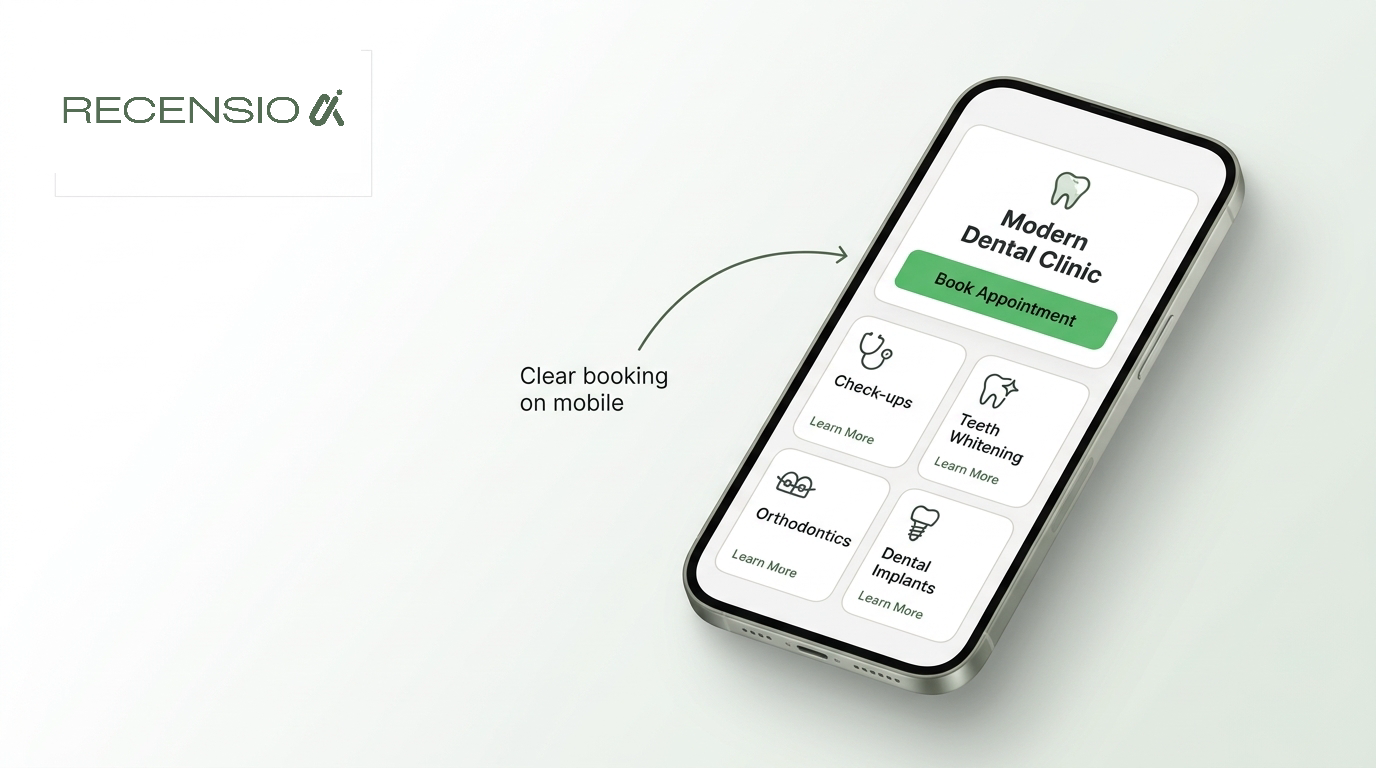
Table of Contents
The short answer
A successful dental clinic website in 2026 needs more than a simple list of services and a phone number. With Google Maps and new conversational search tools now actively checking availability and answering specific patient questions, your website structure dictates whether you get recommended. You must give these systems precise details about treatments, accepted insurance, and real availability.
The most critical step is moving away from a single services page. Clinics need dedicated landing pages for specific procedures, comprehensive provider profiles, and seamless online booking. This structure allows AI search assistants to confidently match a local patient searching for a specific treatment directly to your practice.
Procedure pages that search engines can read
Generic service pages fail in modern search. If a patient asks an AI assistant about the cost of a root canal in your city, the assistant looks for websites with detailed root canal pages. A single page listing twenty different services lacks the depth required to answer the patient.
You must build a dedicated page for every major treatment your clinic offers. A page for Invisalign needs different information than a page for emergency extractions. Detail the exact process, the technology used in your clinic, and what the patient will experience.
When you break down your services into individual pages, you also build authority for local search. Search engines scan these dedicated pages and understand exactly what your clinic handles. This allows them to suggest your clinic when a user searches for specific dental procedures rather than just a general dentist.
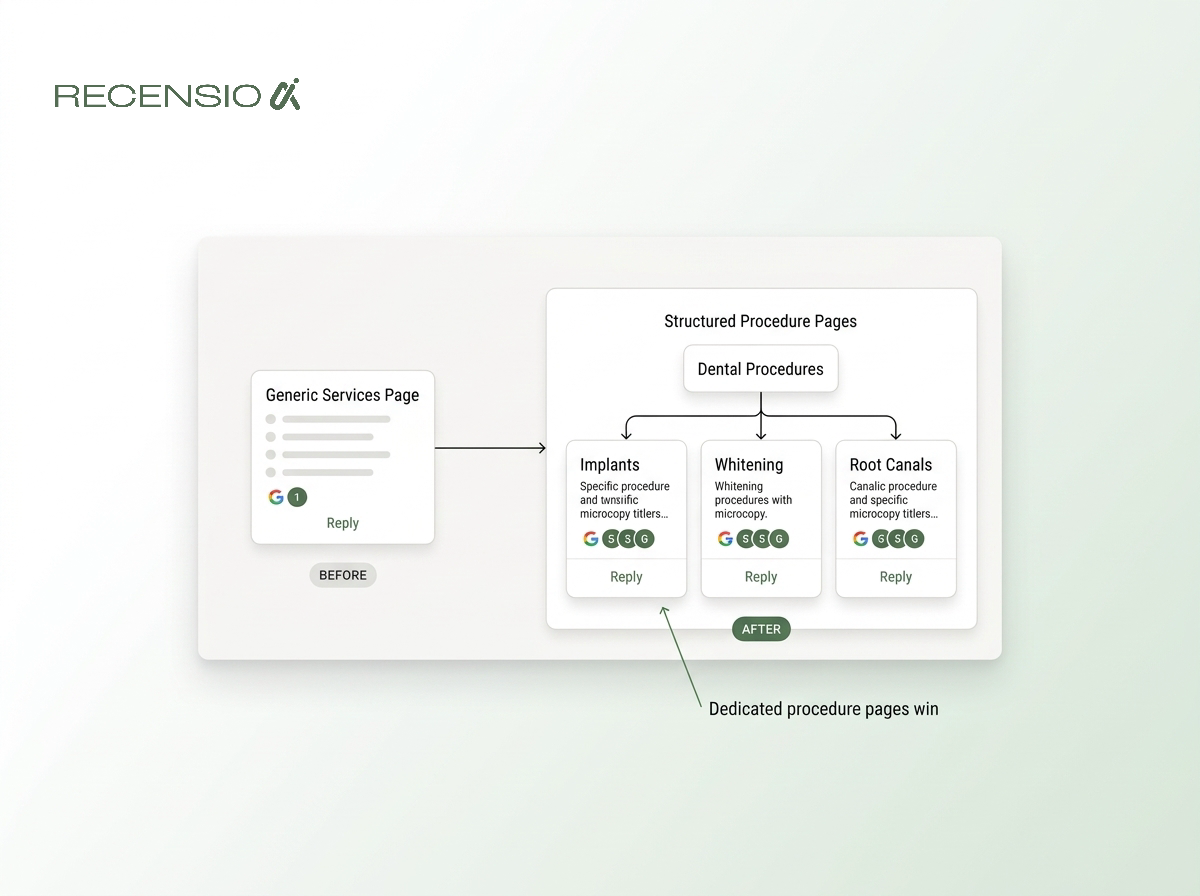
- Specific URLs: create separate pages for crowns, implants, and root canals.
- Clear definitions: explain exactly what the procedure involves in plain language.
- Recovery times: list expected healing periods for surgical treatments.
- Who needs it: describe the common symptoms that lead to this specific treatment.
- Direct booking: include an appointment link specific to that procedure on the page.
Dentist credentials and team profiles
Trust is the primary factor for new patients choosing a dental clinic. Patients want to know exactly who will be working on their teeth before they sit in the chair. A strong team page showing your providers builds this trust immediately.
Search engines also look for credentials. They want to verify that the medical information on your site comes from qualified professionals. Listing your dentists with their full qualifications, years of experience, and specific areas of focus helps satisfy these requirements.
Make sure the profiles are easy to read. A busy patient scanning the site on their phone wants to see a friendly face, verify the doctor is qualified, and feel comfortable booking. Include high quality photos of your team working in the clinic to show a clean and professional environment.
- Full names: list the complete names and degrees of all practising dentists.
- Specialties: highlight specific training in areas like paediatric dentistry or oral surgery.
- Professional headshots: use bright, welcoming photos of the doctors in the clinic.
- Board certifications: mention all relevant local and national dental board memberships.
- Personal touch: include a brief note on why they chose dentistry.
Clear pricing, sliding scales, and insurance
Many local searches focus on affordability. People regularly look for a sliding scale dentist near me no insurance, or search for free dental clinics. If your clinic offers payment plans, sliding scales, or specific affordable dental services, you must state this clearly on your website.
Hiding pricing or insurance details frustrates patients. If a patient cannot tell if you accept their insurance, they will simply click back and choose a competitor. Create a dedicated patient information page that outlines the financial side of visiting your clinic.
Even if you cannot list exact prices for complex procedures, you can provide starting costs for basic exams. This transparency sets expectations and reduces the number of phone calls asking basic billing questions. It also helps your site rank for patients specifically seeking clinics based on income or financing options.
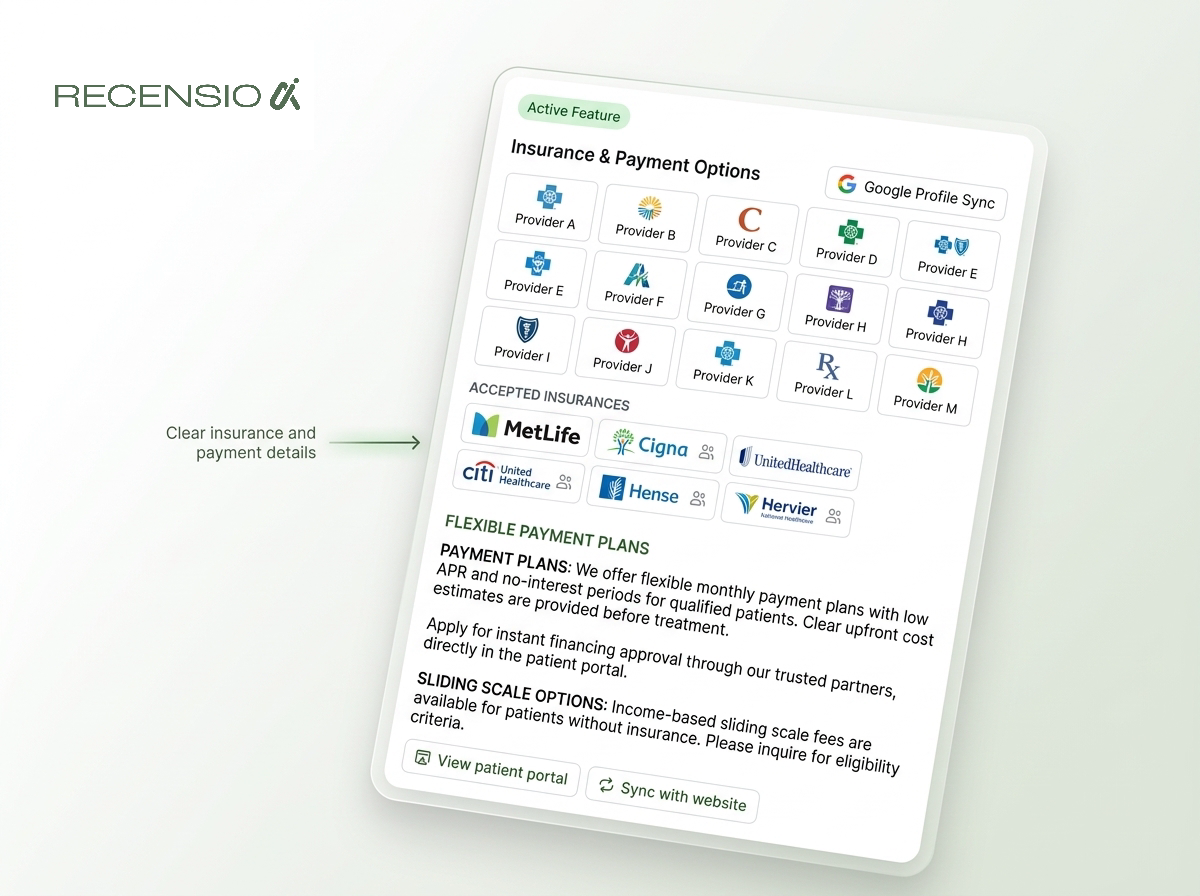
- Insurance lists: clearly name the major insurance networks you accept.
- Sliding scales: explain your policy for uninsured or low income patients.
- Payment plans: detail any third party financing options your clinic offers.
- Consultation fees: state the starting price for a basic exam and x-ray.
- Accepted methods: list if you take credit cards, cash, or health savings accounts.
Seamless online intake and booking
Google Maps now features AI driven appointment finding. This means your online intake system needs to be fast, clear, and integrated. A simple contact form asking for preferred days is no longer enough. Patients expect to see a calendar, pick a time, and secure the appointment immediately.
Integrating your practice management software directly into your website allows for this seamless booking. The patient never has to leave your site to secure their slot. This reduces friction and drastically increases the number of website visitors who actually become patients.
Make sure the digital intake process is simple. Allow new patients to fill out their medical history forms online before they arrive. This saves time in the waiting room and creates a much better first impression of your clinic.
- Real availability: show actual open slots rather than just a contact form.
- Mobile friendly: ensure the booking calendar works perfectly on small screens.
- New vs returning: offer different intake paths for new patients and existing ones.
- Pre visit forms: allow patients to fill out medical history securely online.
- Instant confirmation: send an immediate text or email when the booking is complete.
Bespoke websites versus DIY builders
Many clinic owners try to build their own sites using builders like Wix, Squarespace, or WordPress. These platforms offer good templates, but they require significant time to design, manage, and update. Busy dentists rarely have hours to spend resizing images or fixing mobile layouts.
A bespoke website is built from the ground up for your specific business. When you choose a bespoke option like RecensioAI websites, a human team designs the site, writes the code, and ensures the local SEO basics are perfect. You get a modern design without the hassle of managing plugins or template restrictions. Packages start from 349 one-time.
DIY builders often produce sites that load slowly on mobile phones. A bespoke site is optimised for speed, meaning patients can load your site instantly from a car park or while commuting. You also get real human support, so if you need to update your clinic hours or add a new dentist, a professional handles it for you.
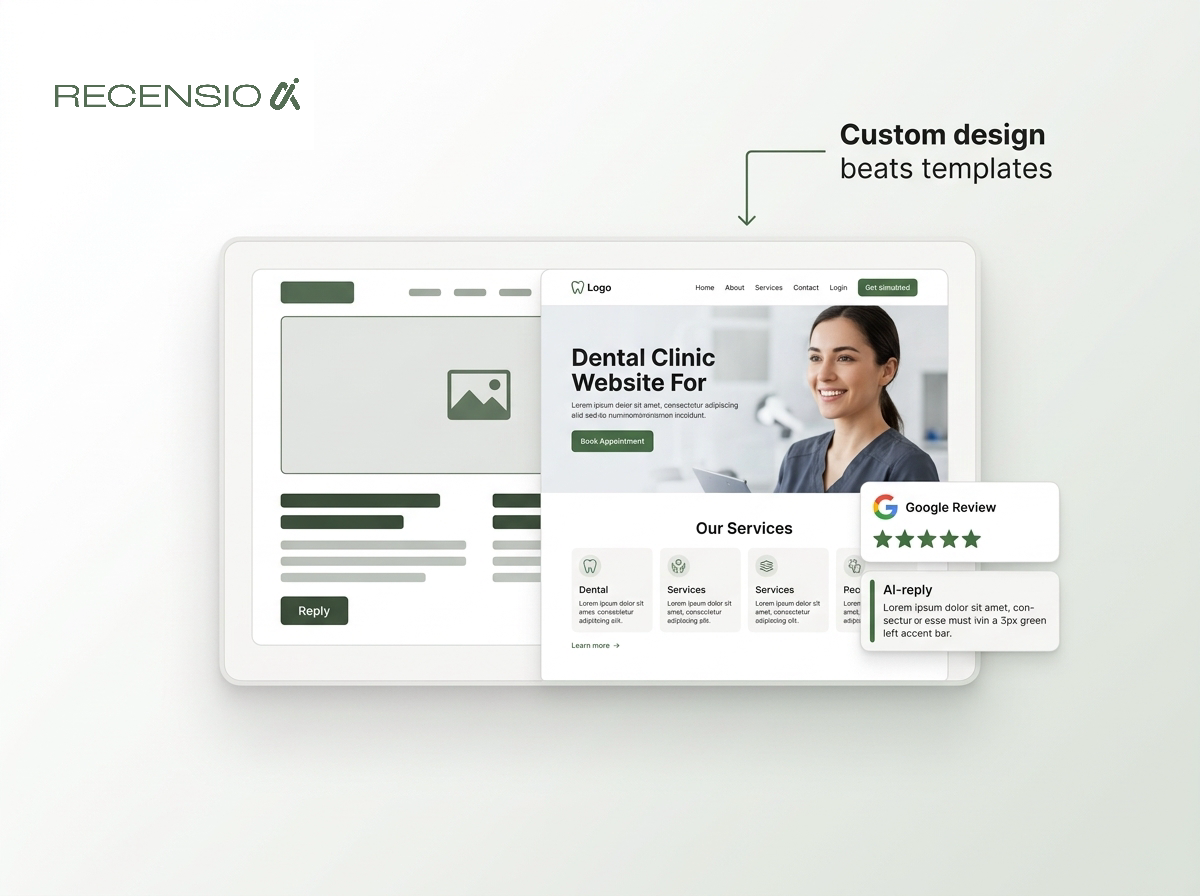
- Custom design: tailored exactly to your clinic brand and patient needs.
- Human support: real people available via email or meetings instead of automated tickets.
- Mobile tested: guaranteed to look perfect and load fast on all phones and tablets.
- Managed hosting: security, SSL, and updates are handled for you completely.
- Local SEO basics: built with the right tags and structure to help you rank locally.
The ideal dental website layout
Structuring your dental clinic website correctly makes navigation effortless for patients. Start with a clean homepage that states exactly where you are and what you do. Place a prominent booking button in the top corner that stays visible as the user scrolls.
Your main menu should be simple. Include a dropdown for your procedure pages, a link to meet the team, and a link for patient information. Keep the navigation intuitive so an anxious patient in pain can find emergency contact details within seconds.
Finally, ensure your contact page is highly detailed. Include your exact address, an embedded map, and instructions for finding the building or parking. Keep your opening hours updated. A well structured site removes all guesswork, turning local searches into booked appointments.
- Homepage: clear headline, instant booking button, and a summary of your expertise.
- Procedure menu: dropdown navigation linking to each specific treatment page.
- The team: a dedicated page for dentist profiles and clinic staff.
- Patient info: a single place for insurance, forms, and payment details.
- Reviews page: pulling in recent patient feedback to build social proof.
- Contact: embedded map, clear hours, phone number, and parking instructions.
Frequently asked questions
You might also like
Handpicked articles for you
Hotel Review Management: Automate Post-Stay Requests with Apaleo, Mews and Your PMS
A practical guide to turning hotel checkouts into timely review requests, with Apaleo live, Mews early access and flexible PMS alternatives.
Why the Business Around the Corner Beats You on Google: What 21,373 Profiles Reveal
We compared 21,373 Google Business Profiles with their three strongest nearby competitors. The gap is smaller than most owners think, but it has two sides: rating and volume.
Treatwell Review Management for Salons: One Reputation View Alongside Google
Bring your public Treatwell rating and recent reviews into RecensioAI, then combine salon signals with Google for faster, better decisions.