Google Business Profile Booking Link Guide 2026
Learn how to add a booking link to your Google Business Profile to capture instant appointments. This setup takes minutes and connects directly to Google's new AI Mode.
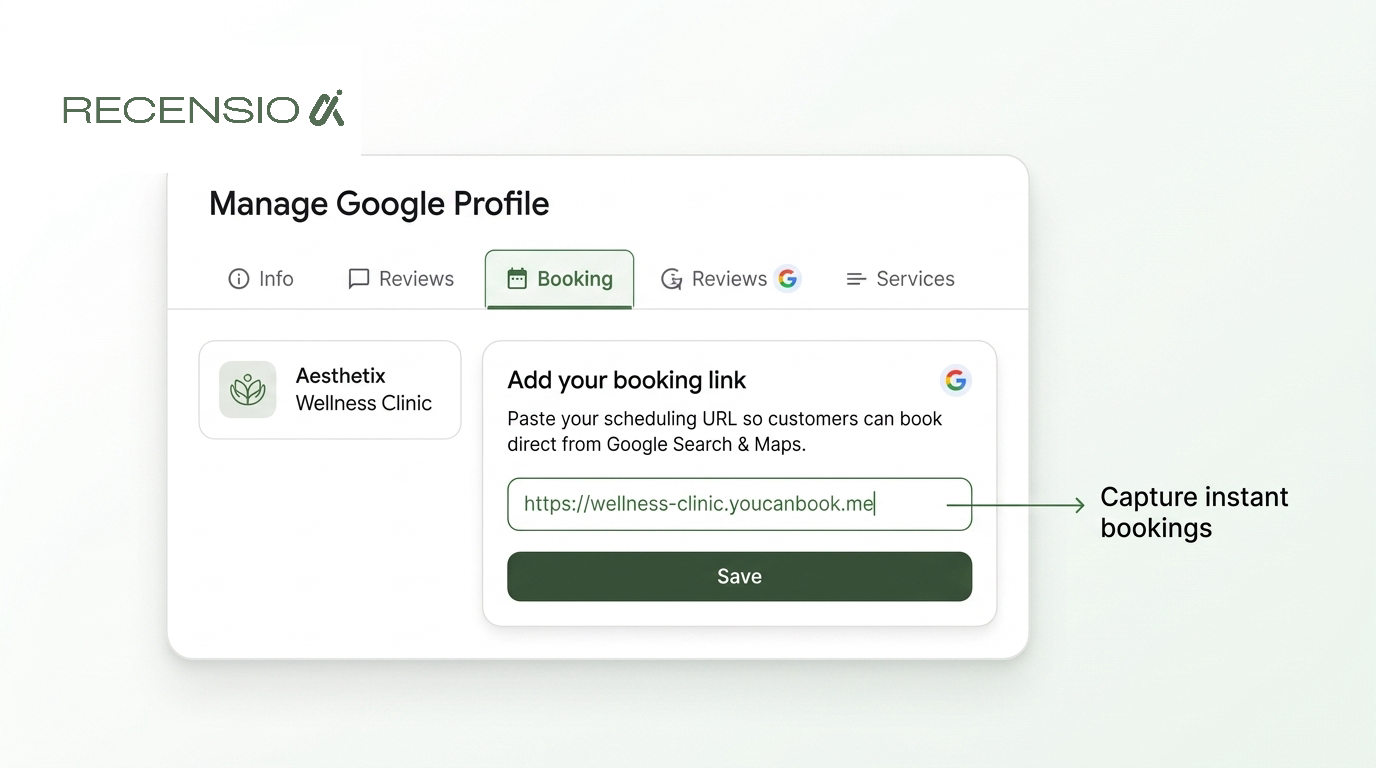
Table of Contents
The short answer
The fastest way to add a booking link is directly from Google search. Make sure you are logged into the Google account that manages your business. Search for your business name or type "my business" to open the merchant dashboard.
Click the "Edit profile" button. Scroll down to the "Booking" section and click the pencil icon to edit. Paste your direct scheduling URL into the box and click save. The new link will usually appear on your profile within a few minutes.
Why AI Mode changes local booking
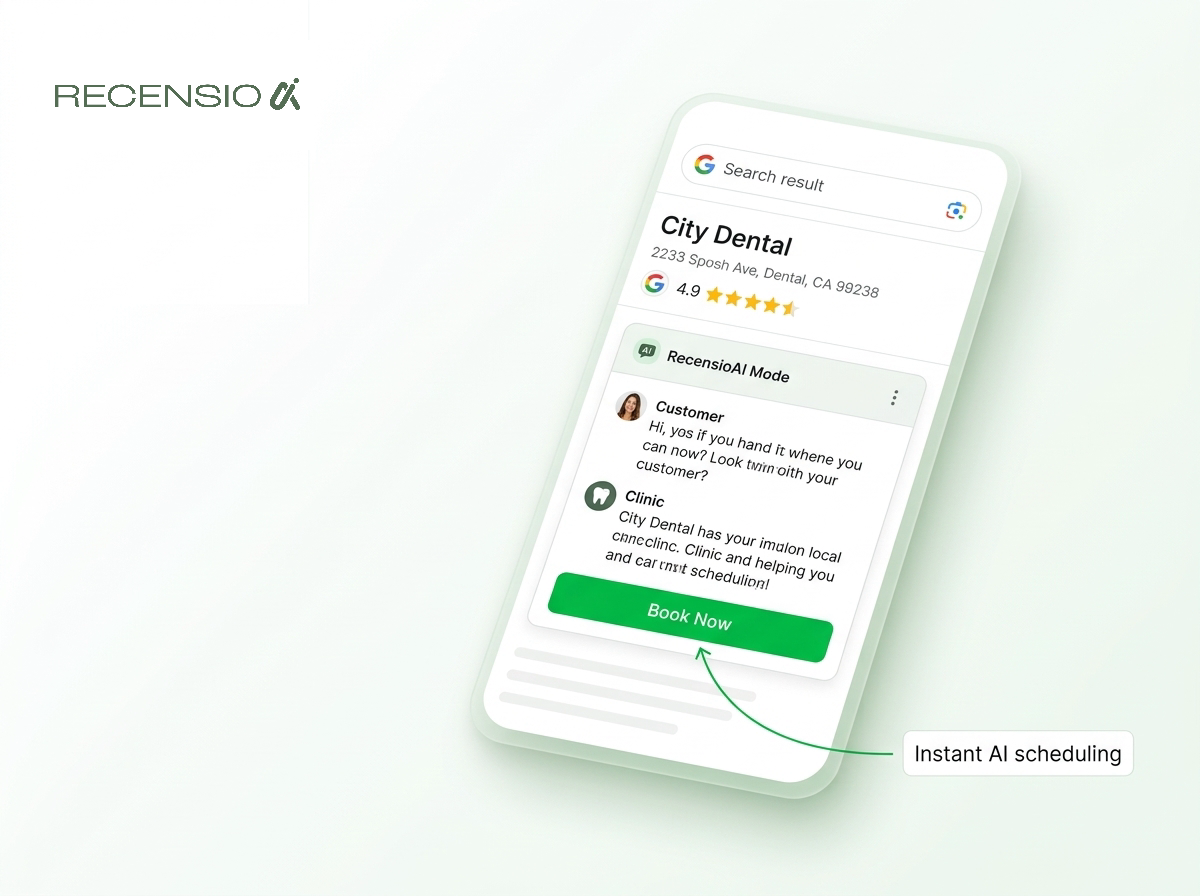
Google launched direct booking and quote request links inside AI Mode in November 2026. This changes how searchers interact with local businesses. When users ask an AI query about a local service, Google now surfaces a direct path to book an appointment.
You no longer rely entirely on users clicking through to your website. The AI conversational interface handles the initial intent. If a user searches for a plumber or a dental clinic, the AI summary presents your business alongside a prominent booking button.
Your Google Business Profile booking link is the engine behind this feature. If your profile lacks a connected calendar or booking URL, the AI will simply suggest a competitor who has one. This makes the booking link an essential requirement for local lead generation.
Local home service businesses and clinics must ensure their scheduling URLs are active. A broken link means lost revenue from this new search format. You must test your link regularly to confirm customers can complete the booking process without errors.
- Speed: AI Mode users expect instant answers and fast scheduling.
- Visibility: Profiles with booking links get prominent buttons in AI summaries.
- Quotes: Home services can now receive structured quote requests via AI.
- Checkout: Some regions now support direct checkout within the search interface.
Adding a direct URL vs a provider
You have two options for setting up your Google Business Profile booking link. The first is adding a custom URL. This directs the customer to a specific page on your website where they can fill out a form or select a time.
The custom URL method gives you complete control over the user experience. You can track the traffic easily and manage the scheduling software yourself. This is ideal for trades and home services that need to ask specific qualifying questions before confirming an appointment.
The second option is using a Reserve with Google partner. Google integrates with dozens of third-party scheduling platforms. If you use one of these supported providers, your calendar syncs automatically with Google.
Using a native provider often adds a highly visible "Book Online" button directly to your profile. The customer completes the entire booking process without leaving Google. This reduces friction and often leads to more confirmed appointments for clinics and salons.
- Custom URLs: Paste a link to your own website contact page.
- Direct forms: Use a simple Google Form for quote requests.
- Native providers: Connect partners like Mindbody or Square directly.
- Priority: Native providers often place a "Book Online" button on your listing.
Troubleshooting missing or locked links
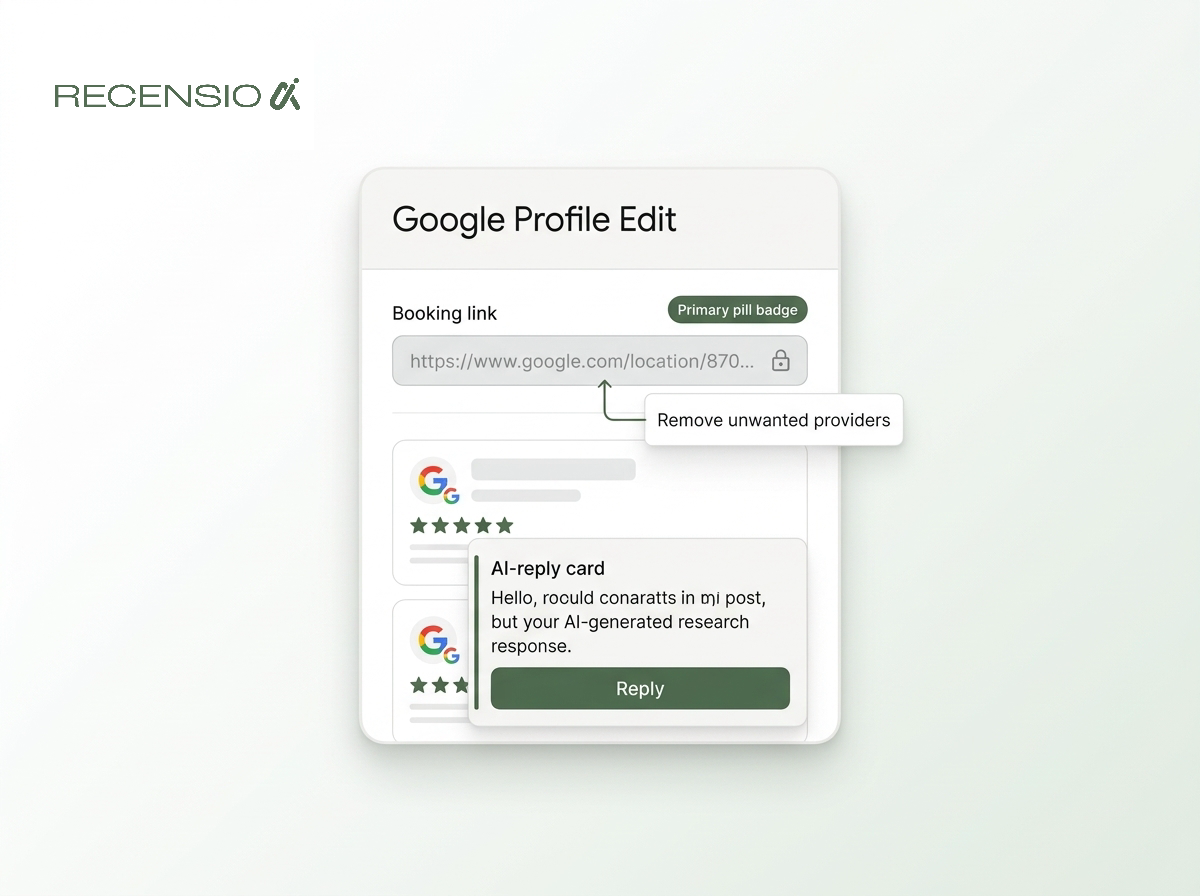
Many business owners find their Google Business Profile booking link is locked. You might see a link you did not authorize, or the field might be greyed out. This usually happens when a third-party scheduling software automatically connects to your profile.
If you recently tested a booking app and then canceled it, the integration might still be active on Google's end. You cannot always delete this link from the standard Google dashboard. You must log into the third-party software and disable the Google integration from their settings.
If you cannot access the software, you must contact their customer support. Ask them to disconnect the Reserve with Google integration for your business. Once they release it, the field in your Google dashboard will unlock.
If your new link simply fails to display after saving, check for typos. Google will reject URLs that lead to broken pages or redirect endlessly. Always test your scheduling link in an incognito window before adding it to your profile.
- Check providers: See if a third-party app is overriding your link.
- Contact support: Ask the provider to release control of your listing.
- Clear cache: Sometimes the dashboard shows old cached data.
- Wait 48 hours: New links sometimes need manual review by Google.
Using booking links for clinics
Medical clinics and health services face specific challenges with online scheduling. Patients often need to provide sensitive information before an appointment. Your Google Business Profile booking link must direct them to a secure, compliant environment.
Do not use simple contact forms if you collect medical data. Always use a dedicated patient portal or scheduling software designed for healthcare. When patients click the booking link from Google, they should immediately see that their data is protected.
You must also manage patient expectations. Use your booking page to explain your cancellation policy and what insurance you accept. This reduces confusion and prevents no-shows.
Make sure the scheduling interface is simple to use on a mobile phone. A patient searching for an urgent appointment on Google Maps wants to book in three clicks or fewer. If your scheduling page is confusing, they will simply go back and choose the next clinic on the map.
- HIPAA compliance: Ensure your booking portal meets local privacy laws.
- Clear instructions: Tell patients what to bring to their appointment.
- Service selection: Let users choose the specific treatment they need.
- Staff matching: Allow patients to select their preferred practitioner.
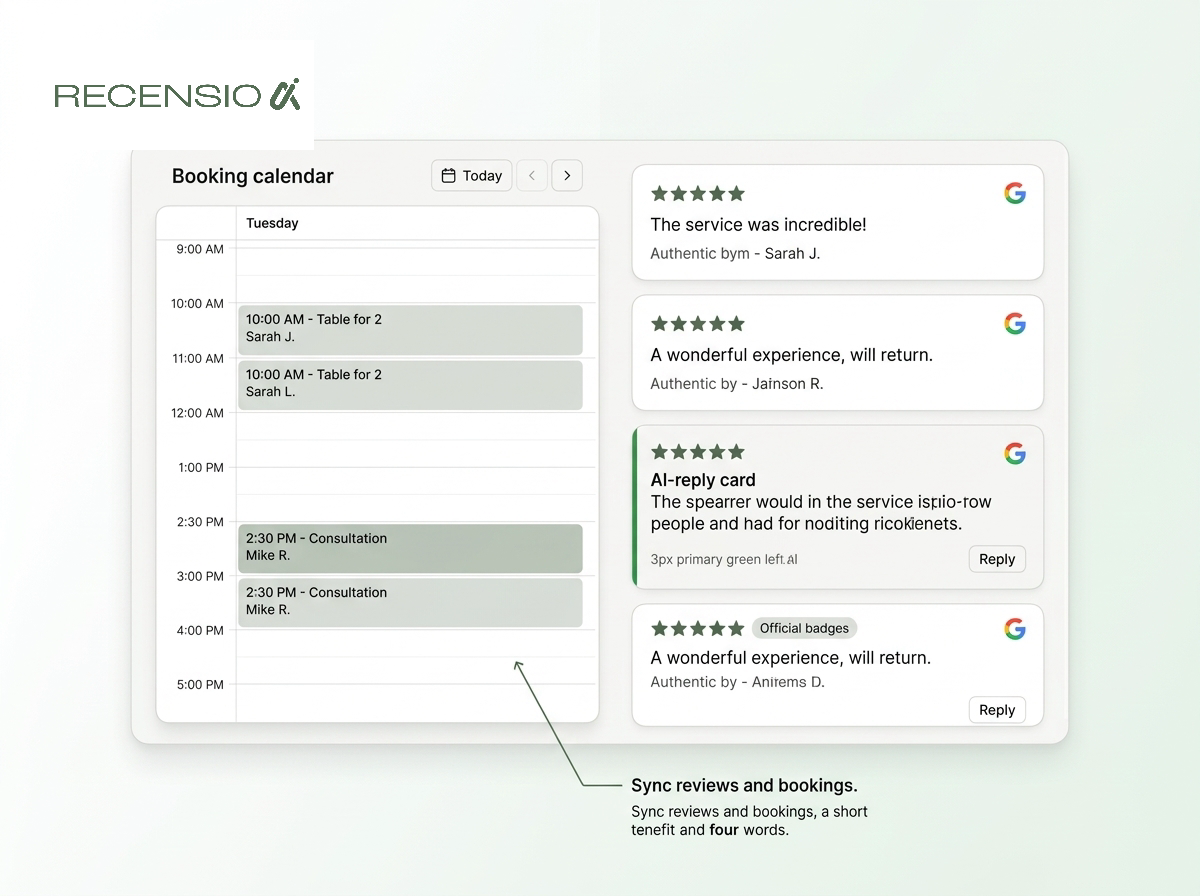
Keeping your calendar and reviews synced
A functioning booking link is only one part of a successful local presence. Customers will look at your star rating and recent reviews before they decide to click that link. A strong reputation directly increases your conversion rate.
You need to know if your profile is fully optimized. You can run a free Google Business Profile scan to check your setup. It takes 30 seconds, requires no signup, and highlights missing fields that could cost you bookings.
Managing the influx of new customers means you will also receive more reviews. You must reply to all of them, both positive and negative. If a new patient sees that you ignore feedback, they may hesitate to book an appointment.
You can automate this process using RecensioAI. Our tools read your incoming reviews and generate professional, accurate replies instantly. This keeps your profile active and builds trust with future customers, ensuring your new booking link performs at its best.
- Consistent hours: Ensure your profile hours match your booking calendar.
- Review replies: Always reply promptly to build trust before they book.
- Monitor links: Click your booking link weekly to ensure it works.
- Track conversions: Use tracking parameters on your custom URLs.
Frequently asked questions
You might also like
Handpicked articles for you
Why the Business Around the Corner Beats You on Google: What 21,373 Profiles Reveal
We compared 21,373 Google Business Profiles with their three strongest nearby competitors. The gap is smaller than most owners think, but it has two sides: rating and volume.
How to Protect Your Google Business Profile: Stop Unwanted Changes and Suspensions
The complete guide to protecting your Google Business Profile: who can change it, why suggested edits lead to suspensions, a security checklist, what to do if your profile is suspended, and how 24/7 monitoring restores your details where Google permits.
Free Google Business Profile Audit (2026): the only GMB audit that scores you like Google does
The definitive 2026 guide to auditing your Google Business Profile. Learn exactly what to check, how Google's local ranking actually works, and how to run a free GMB audit in 60 seconds, the most in-depth free audit on the market.