
Local SEO Audit Checklist for Google Spam Updates 2026
Follow this practical local SEO audit checklist to clean up bad citations, fix Map spam, and protect your Google Business Profile visibility.
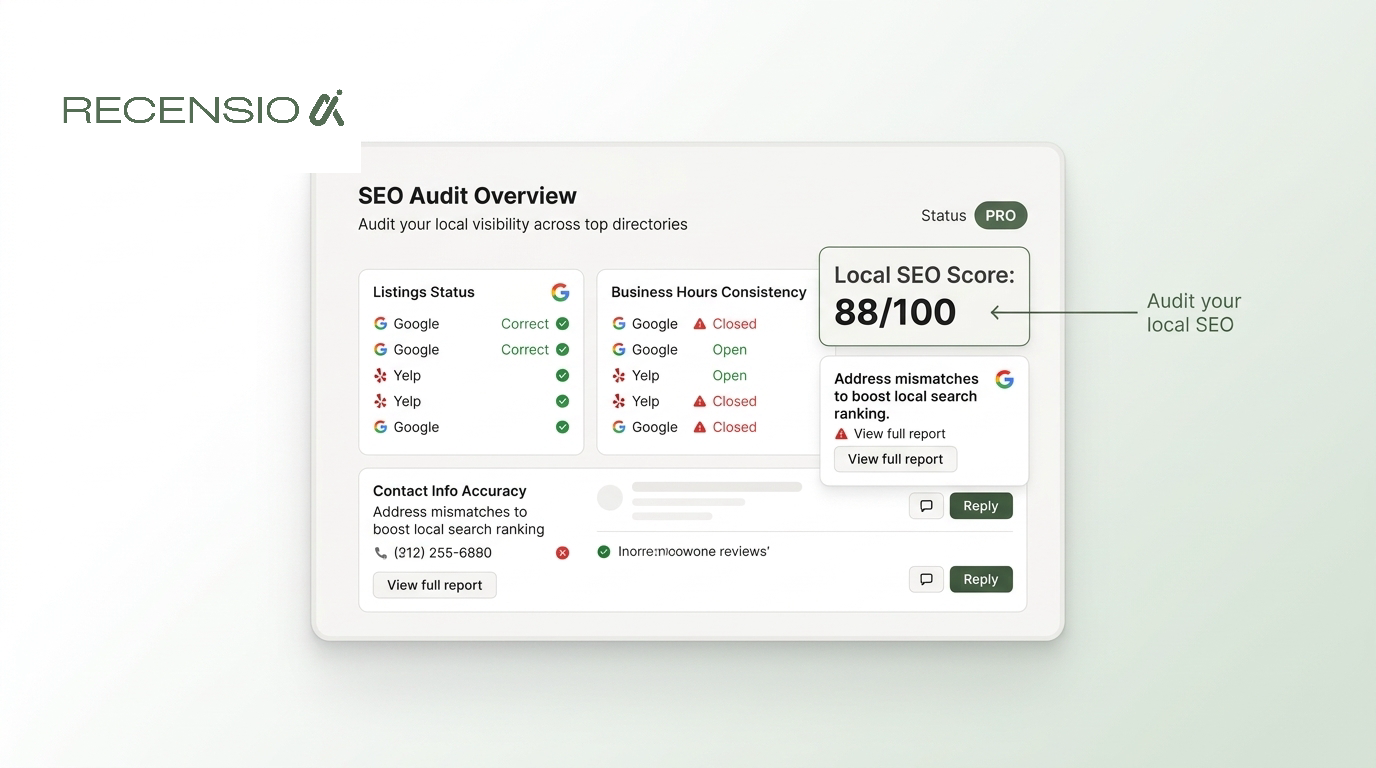
Table of Contents
The short answer
A local seo audit checklist is a step-by-step process to find and fix the errors holding back your search visibility. In 2026, it is no longer just about adding keywords to your website. Google has widened its crackdown on search spam, meaning local businesses must actively clean up their digital footprint to survive.
If your profile details are scattered, or if your local market is filled with fake competitor listings, your visibility will drop. This checklist shows you exactly how to protect your rankings. You need to verify your core business information, clean up outdated third-party citations, report map spam, and maintain a steady stream of reviews. Doing this protects your business from sudden algorithmic traffic drops.
Check your core profile details
Your Google Business Profile is the most important asset for local search. Google relies on the data here to understand exactly what you do and where you are located. Any mismatch between your real-world business and your digital profile can trigger a suspension or a drop in rankings.
Start your audit by reviewing the core fields. Business owners often forget to update their hours for holidays or fail to adjust their primary category as their services evolve. A simple mistake here can cost you customers who show up to a closed store.
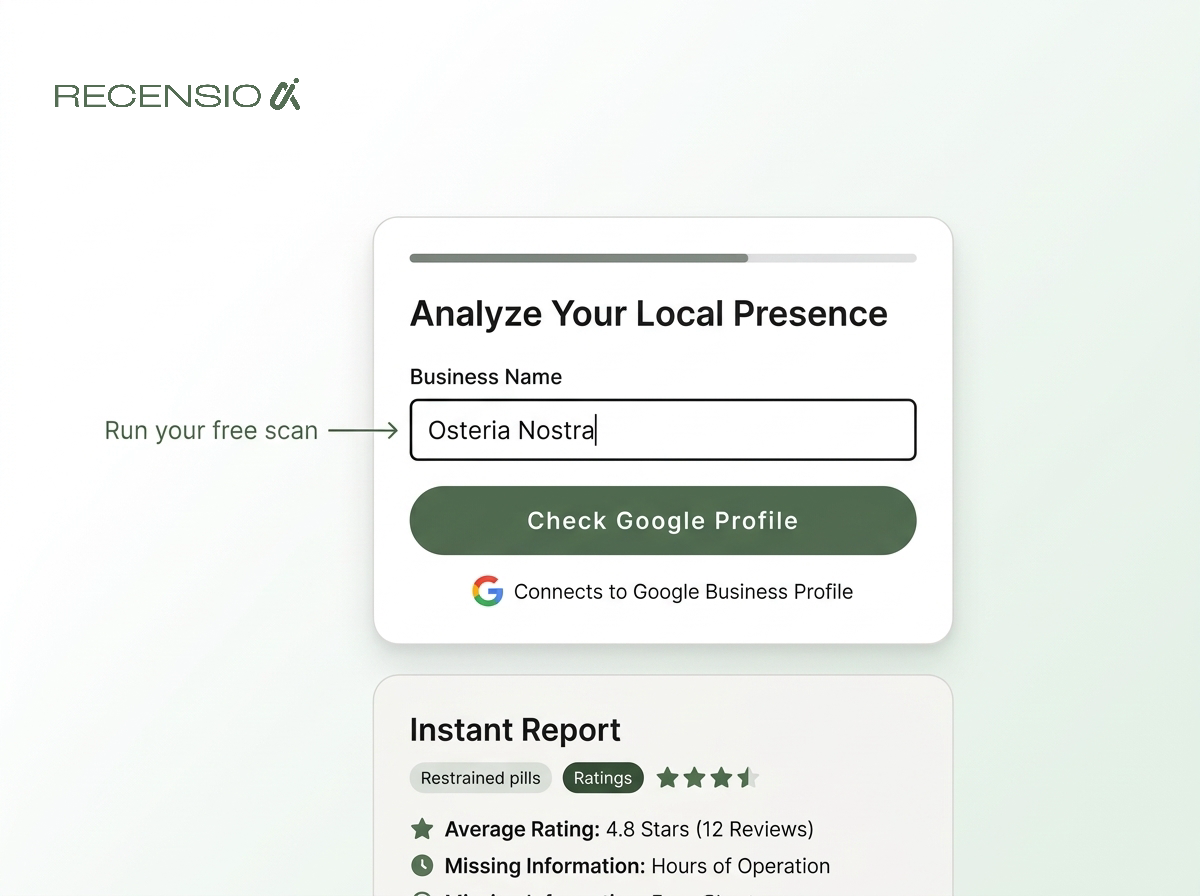
You can run a free Google Business Profile scan to catch these errors quickly. It is a free scan, takes 30 seconds, and requires no signup. This gives you an immediate baseline of where your profile stands.
Always document the exact spelling of your business name, your exact address format, and your primary phone number. You will need this exact format for the next steps in your audit. Consistency is the only way to build trust with local search algorithms.
- Ensure your business name matches your legal signage exactly.
- Check that your primary category is the most accurate description of your business.
- Verify your physical address and pin location on the map.
- Confirm your phone number is correct and actively monitored.
- Update your operating hours, including upcoming holidays.
Audit and clean up citations
Citations are mentions of your business name, address, and phone number on other websites. Years ago, businesses would create hundreds of these to boost their rankings. Today, Google's spam updates actively penalize scraped content and low-quality shared pages.
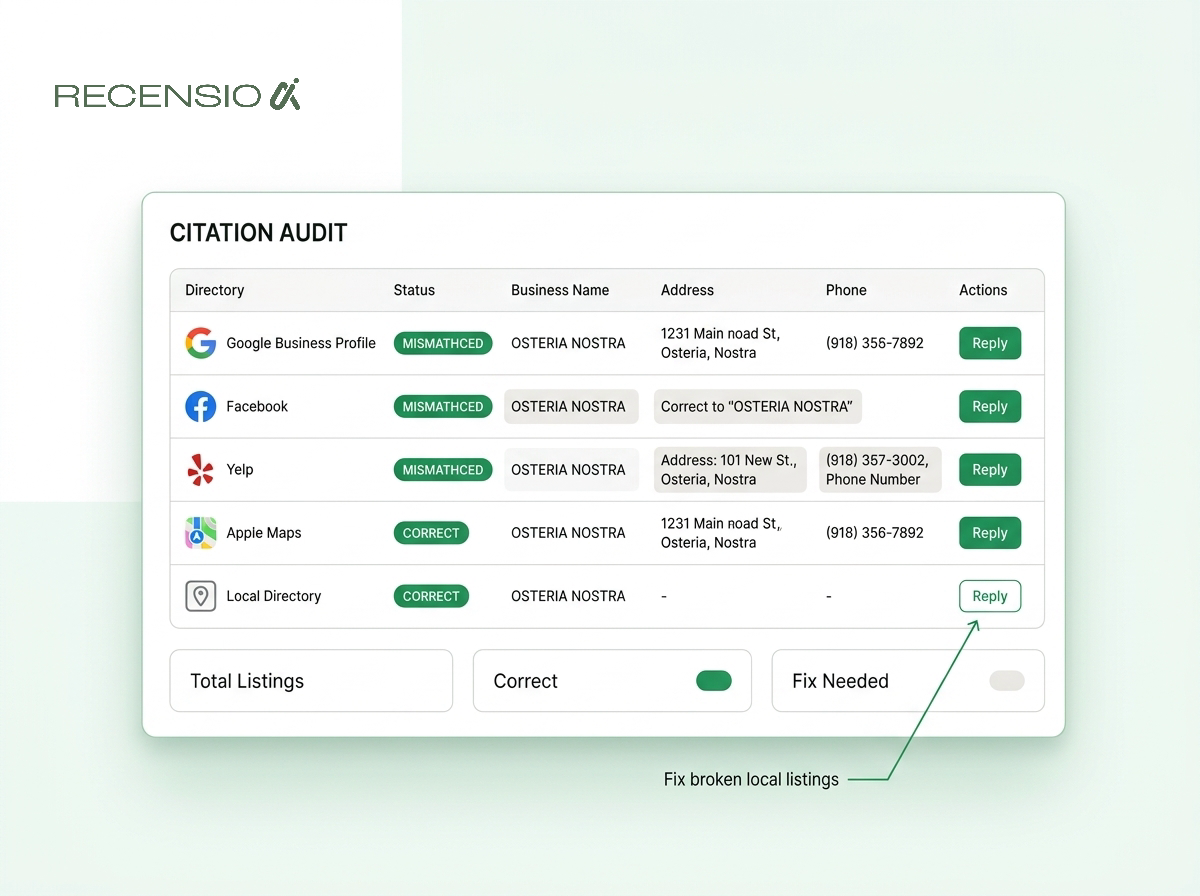
If your business information is scattered across broken directories with conflicting phone numbers, Google loses confidence in your local authority. You must find and fix these inconsistencies. Start by searching for old phone numbers or previous addresses you may have used.
When you find incorrect listings on major platforms, claim the profile and update the details. For low-quality spam directories, it is often better to ignore them, as Google already discounts their value. However, major mapping apps and social platforms must be perfectly aligned with your Google Business Profile.
Managing this manually takes hours. Many agencies use RecensioAI, a tool that automates the work of monitoring local signals and keeping your reputation data clean. Clean citations protect you from the confusion caused by AI data scrapers pulling outdated information.
- Search for your old business names or phone numbers on Google.
- Log into major aggregators and ensure your data is locked in.
- Contact directory owners to remove duplicate listings.
- Ensure your social media pages display the correct address.
Fight back against map spam
Your local SEO audit is not just about your own website. It is also about your environment. Local map spam is a massive problem in 2026. Fake listings and competitors stuffing keywords into their business names can push your legitimate profile down the rankings.
Google relies on users to help police the map. If you see a business ranking above you because they added "Best Plumber Near Me" to their actual business name, you should report it. Open Google Maps, click on the listing, and suggest an edit to correct the name.
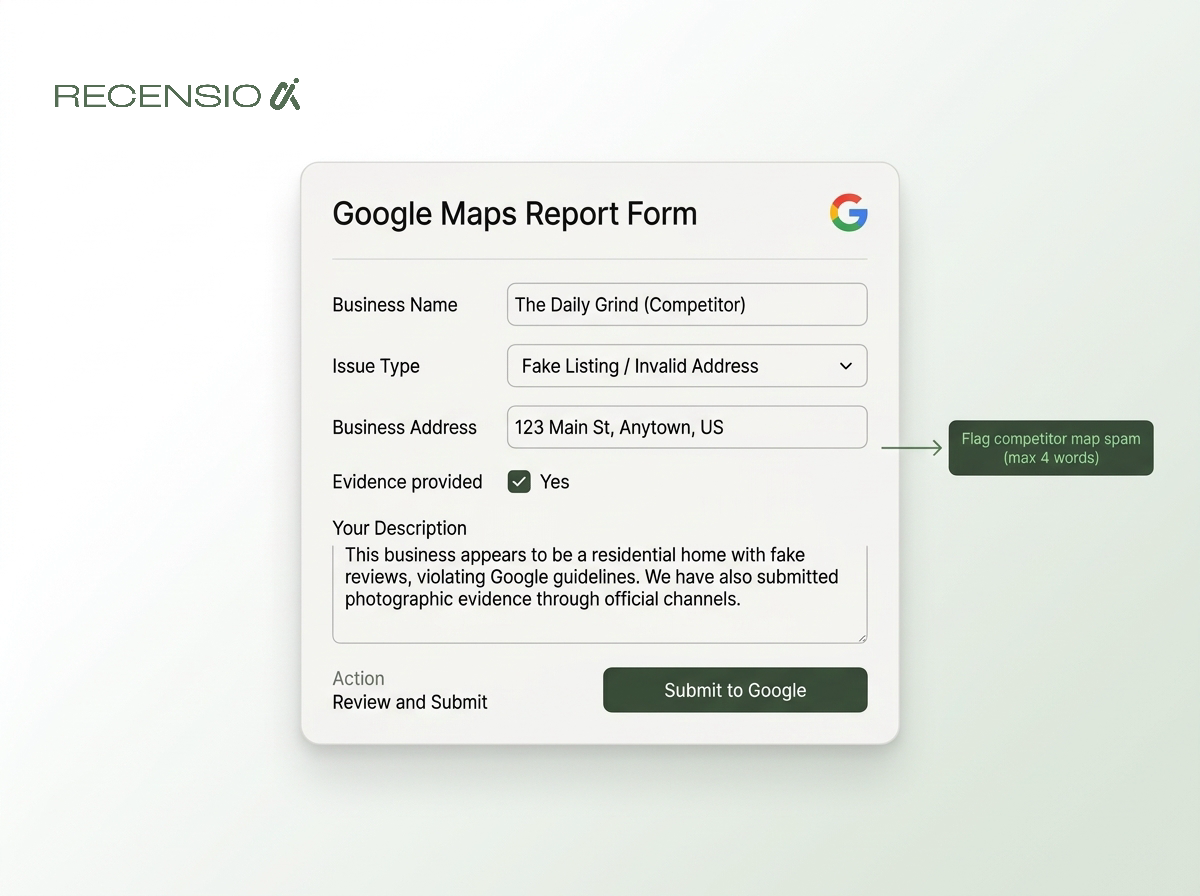
For more severe spam, such as fake locations or lead generation networks using virtual offices, you need to escalate. Gather evidence. Take screenshots of the fake listing and photos of the actual street view showing no business exists there.
Submit this evidence through the official redressal form. Cleaning up your local map area directly improves your own visibility by removing the illegitimate listings taking up space in the top three results.
- Search your main keywords in Google Maps.
- Look for competitors keyword-stuffing their business names.
- Identify listings that claim to be local but use residential addresses.
- Use the Google Business Redressal Complaint Form to report them.
Check your review velocity and replies
Reviews dictate local trust. A complete local seo audit checklist must include a review of your online reputation. Google looks at the total number of reviews, the overall rating, and the velocity - how often new reviews come in.
If you get fifty reviews in one week and zero for the next six months, the algorithm sees this as unnatural. You need a steady, consistent flow of feedback. Furthermore, how you handle that feedback matters just as much.
You must be replying to every review, both positive and negative. Replying shows active management and provides another signal to search engines that your business is alive and engaging with customers. Never ignore a negative review. A professional, calm reply often matters more to future customers than the original complaint.
Use an AI review reply generator if you struggle to find the right words. It helps maintain a professional tone and ensures you never miss a chance to engage. Consistent replies build the localized trust that protects you from algorithm shifts.
- Count how many new reviews you get each month.
- Check if you are replying to every single review.
- Ensure you are replying quickly, ideally within 24 hours.
- Look for common themes or keywords customers use in their feedback.
Audit your website signals
Your Google Business Profile relies heavily on the website you link it to. If your website is slow, broken, or contains conflicting information, your map rankings will suffer. The technical health of your website is a critical part of your local audit.
Start with your contact page. The name, address, and phone number must exactly match your Google profile. If you have multiple locations, you need a dedicated page for each one. Never dump all your locations onto a single page without providing specific, localized content for each area.
Mobile performance is non-negotiable. Most local searches happen on phones. If a customer taps your website link from Google Maps and the page takes five seconds to load, they will leave. Google tracks these bounces.
Finally, ensure you have local business schema markup installed. This is background code that tells search engines exactly what kind of business you are and where you are located. It leaves no room for AI summaries to misinterpret your location data.
- Check that your website loads quickly on mobile devices.
- Ensure your contact page lists the exact same address as your Google profile.
- Embed a Google Map pointing to your location on the contact page.
- Add local schema markup to help search engines read your data.
- Check that all internal links to your location pages work correctly.
Frequently asked questions
You might also like
Handpicked articles for you
How to Beat Your Competitors on Google in 2026
The complete playbook to outrank local competitors on Google Maps in 2026: how many reviews you need to overtake the business above you, how to break into the top 3, and how RecensioAI runs the work for you, with real screenshots from the app.
Connect Your POS or CRM and Get Google Reviews Automatically (2026)
Integrate your POS, online store, booking system or CRM with RecensioAI and every customer gets a review request automatically. How it works, every integration we support, and how to go live in 3 steps.
Google Review Link or QR Code: Which Works Better for More Reviews?
Should you send customers a review link or have them scan a QR code? We compare both methods on conversion, ease of use and results. With data and practical tips.