How to Get Booked on Google Maps with AI Search
Learn how to connect your calendar to Google Maps so Ask Maps AI can book appointments directly for your local business.
Table of Contents
The short answer
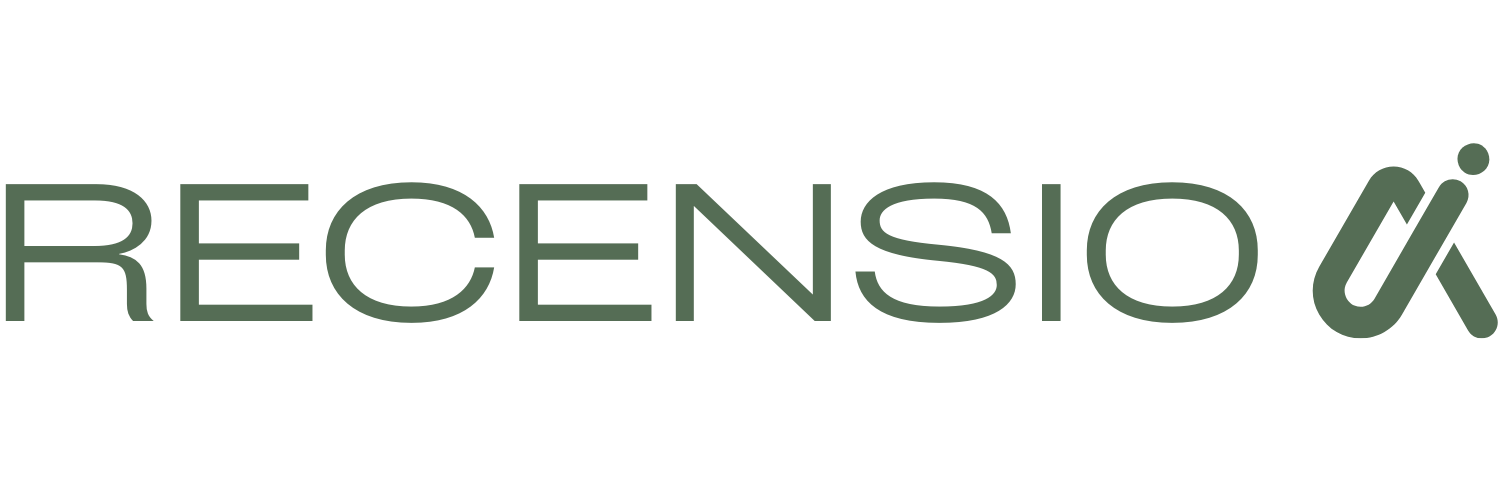
To get booked on Google Maps, you need to connect a supported scheduling provider to your Google Business Profile. This enables the Reserve with Google feature. Once connected, a "Book" button appears on your profile, allowing customers to schedule appointments without leaving Maps or Search.
Google recently upgraded Ask Maps with conversational AI. This means users can now ask Google Maps for specific appointment times or services, and the AI will check your availability and facilitate the booking. If you do not have a booking integration, you miss out on these direct AI-driven appointments.
How Ask Maps AI changes local booking
Google Maps is no longer just for directions. With the introduction of Ask Maps AI conversational search, the platform now actively helps users find services and book appointments. When someone asks Maps, "Find a dentist open now with availability," the AI sorts through local profiles.
This shift means your Google Business Profile must be more than an online brochure. It needs to be a functional booking tool. Ask Maps AI looks for structured data, specifically your connected scheduling software, to confirm you have open slots.
If your profile lacks a booking integration, the AI skips you and shows a competitor who does. Connecting your calendar is now a basic requirement for visibility in conversational search.
You can check if your profile is set up correctly with a free Google Business Profile scan. It takes 30 seconds and requires no signup.
Setting up Reserve with Google
Reserve with Google is the system that connects your scheduling software to your business profile. It is the engine behind the "Book" button.
When you integrate a partner provider, your availability syncs in real time. A customer searching on Maps sees exactly when they can come in. They choose a time, enter their details, and book the appointment directly within the Google interface.
The booking flows straight into your existing calendar. You do not have to manage a separate Google schedule.
Not all scheduling tools work with Reserve with Google. You must use a supported provider. If you use a custom system, you will only be able to add a standard link, not the native booking experience.
- Choose a provider that partners with Reserve with Google.
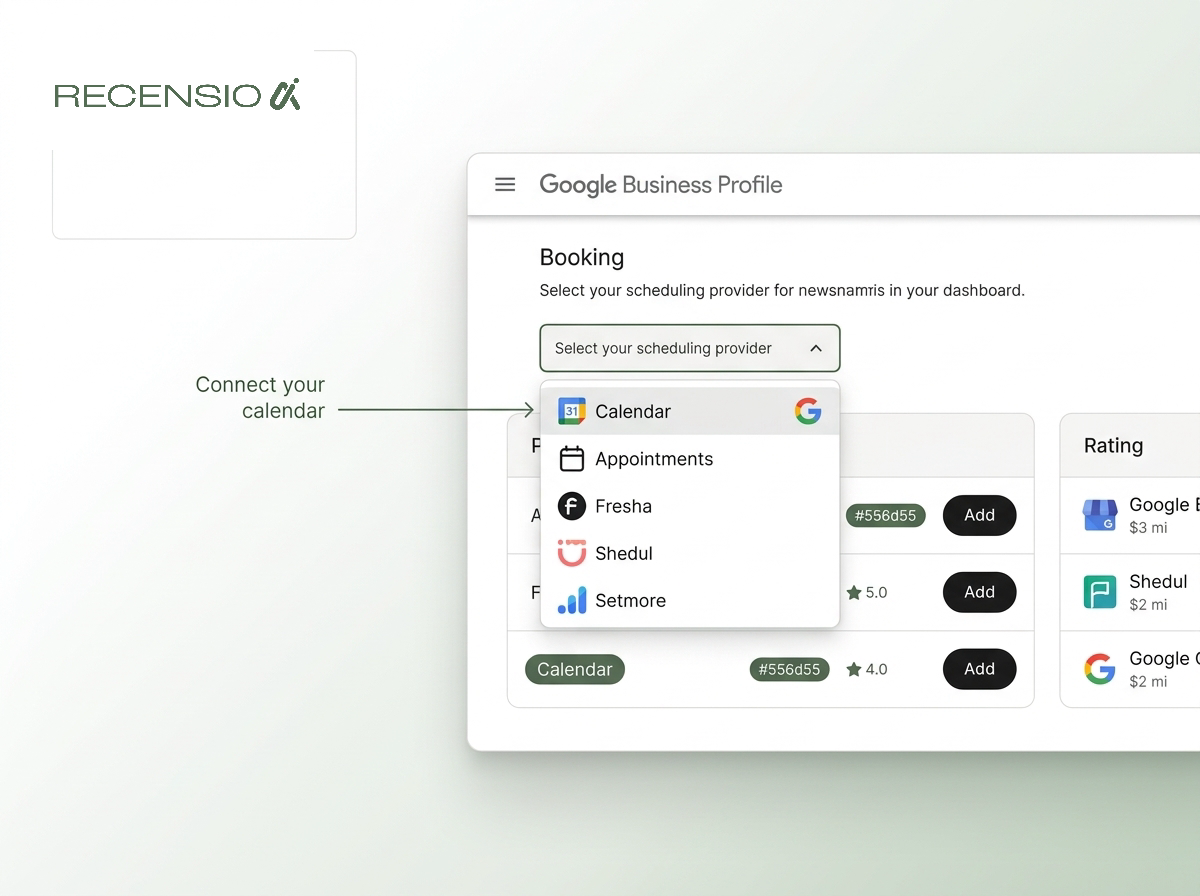
- Log into your Google Business Profile dashboard.
- Click the Booking section.
- Select your scheduling provider from the list.
- Follow the prompts to authorize the connection.
Optimizing for conversational search
Having the "Book" button is step one. Step two is making sure Ask Maps AI actually recommends your business. The AI uses details from your profile to answer user queries.
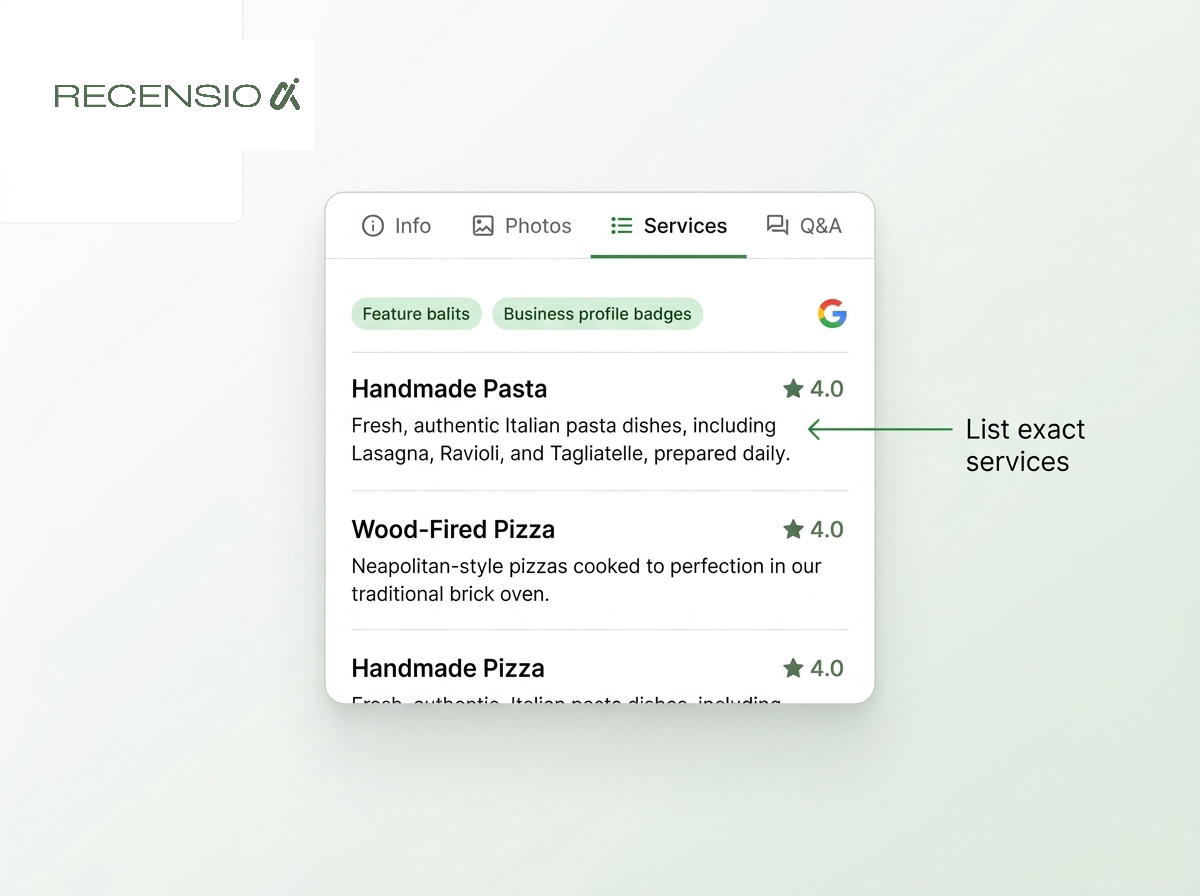
If a user asks, "Can I get a fade here?" the AI scans your services menu and your reviews. If you have clearly listed your services, the AI can confidently suggest your shop and present the booking option.
Another major update is that Ask Maps AI can now call businesses on behalf of the user to check availability if online booking is not available or clear. This makes having an accurate phone number crucial.
To handle the influx of customer feedback that comes with more bookings, tools like RecensioAI can help you manage replies efficiently.
- Keep hours accurate: the AI checks your listed hours first.
- List specific services: do not just say "haircut," list "men's fade."
- Update your phone number: Ask Maps AI can now call businesses directly.
- Reply to reviews: active profiles signal reliability to the AI.
Adding a standard booking link
If your scheduling software does not partner with Reserve with Google, you can still get booked. You will just use a standard booking link.
In your profile dashboard, there is a field for a booking link. Paste the URL of your appointment page here. Customers will see a link that says "Appointments" or "Book," but clicking it will take them to your website rather than keeping them inside Google Maps.
While this is not as seamless as the native integration, it is far better than having nothing. The AI can still read the link and know that you offer online booking.
Always test the link after you publish it. A broken booking link frustrates customers and hurts your profile's performance.
Managing your Google Maps appointments
Once your booking system is live on Google Maps, you need to manage it. The biggest mistake is letting your availability get out of sync.
If a customer books a slot through Google Maps and then arrives to find you are closed or double-booked, they will leave a bad review. Ask Maps AI favors businesses with reliable availability and good reviews.
Make sure your staff understands how the system works. If Ask Maps AI calls your business to check an appointment, whoever answers the phone needs to handle it correctly.
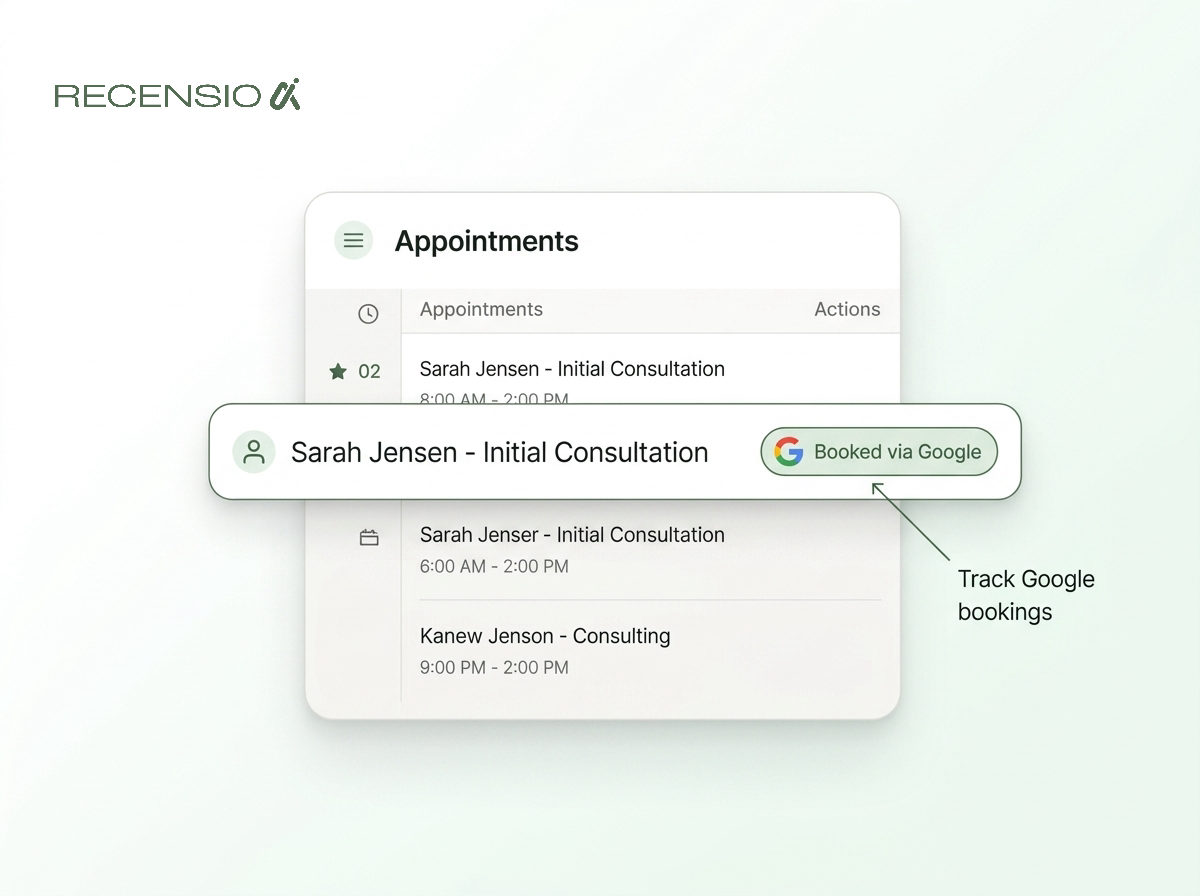
Regularly check your booking software's dashboard. Most providers will tag appointments that originated from Google, allowing you to see exactly how much value the integration is bringing to your business.
- Check the connection weekly: integrations can sometimes disconnect.
- Monitor the booking source: track how many appointments come from Google.
- Train your staff: ensure they know how Google bookings appear in the calendar.
- Keep availability updated: block out times you are closed.
Frequently asked questions
You might also like
Handpicked articles for you
Review Sentiment Analysis: Turn Scattered Feedback Into Clear Priorities
Combine reviews from Google, Treatwell and other platforms, detect recurring patterns, and see where your team and service can genuinely improve.
White-Label Local SEO Tools for Agencies
What RecensioAI offers agencies: an embeddable white-label Google Business Profile audit that works as a lead magnet on your own site, plus an agency account where you run every client workspace, report, SMS credit and invoice. With pricing, margin and a 30-day rollout.
How to monitor your business in ChatGPT, Gemini and Perplexity (AI visibility 2026)
Complete guide to AI visibility in 2026: how to measure whether ChatGPT, Gemini and Perplexity recommend your business, which signals matter, and step-by-step how to get more visible in AI search engines.