Google Core Update Local Business Guide: Surviving Nov 2026
Protect your local rankings during the November 2026 Google Core Update by perfectly aligning your website content with your verified Google Business Profile entity signals.
Table of Contents
The short answer
Google began rolling out its November 2026 Core Update on November 10. Local business owners are already seeing significant shifts in where they show up. These changes affect both regular website results and Google Maps listings.
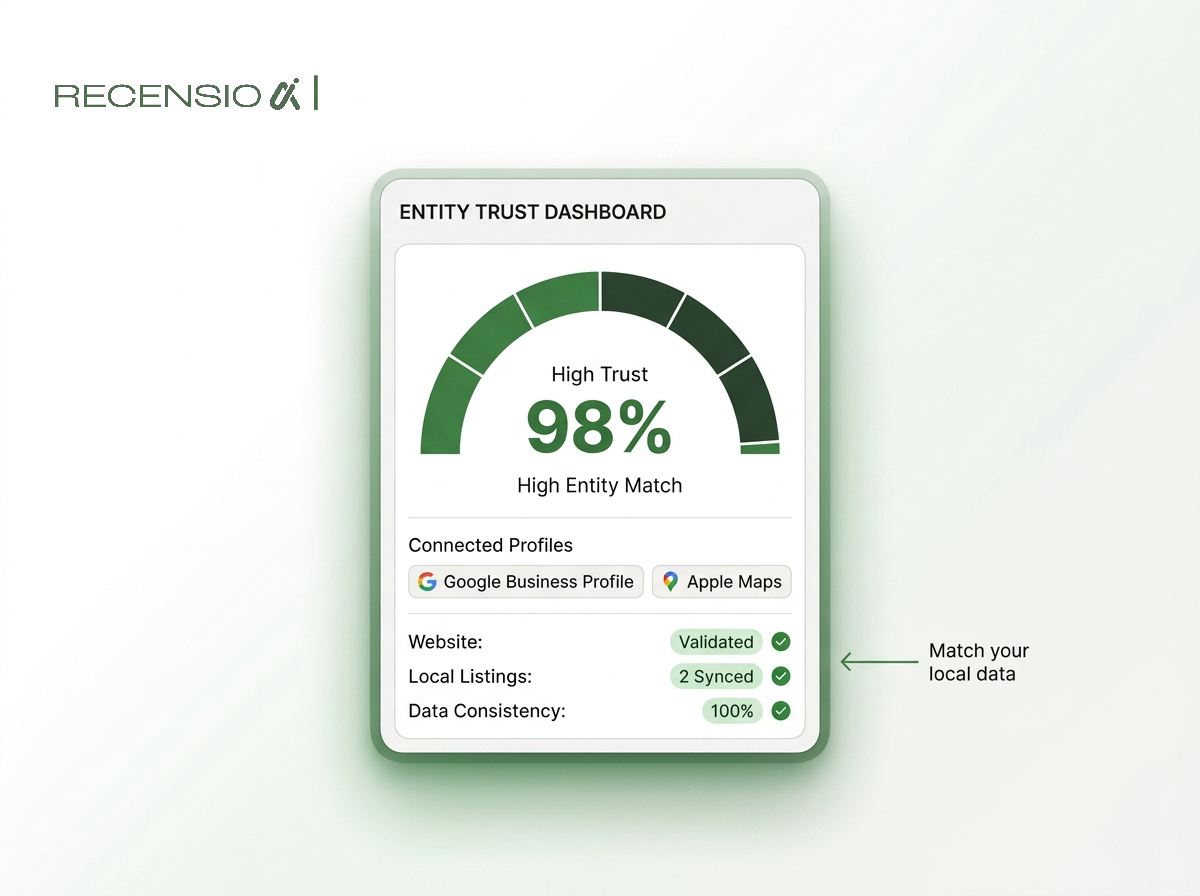
The core issue for local businesses right now is entity alignment. Google wants absolute certainty that the business on your website is the exact same entity as the business on your map listing.
If your website provides different services, different hours, or different locations than your profile, Google loses trust. This loss of trust causes a fast drop in visibility. You must align your signals perfectly to survive the rollout.
What the November 2026 Core Update targets
Core updates adjust the primary formula Google uses to understand search queries and rank pages. They are not local-specific, but they heavily influence local search results. Local map rankings rely deeply on the trust Google has in your attached website.
In late 2026, Google is heavily focused on real-world entities. An entity is just a clear, singular concept, like a specific plumbing company or dental clinic. The algorithm looks for proof that your business actually exists in the real world.
When a core update hits, Google recalculates this trust. If your website has thin content or mismatched details, your local ranking drops. The easiest way to build trust is to ensure your website mirrors the details Google already verified.
You can verify what Google currently sees by running a free Google Business Profile scan. This takes 30 seconds and requires no signup.
Connecting your local entity signals
Connecting your local entity signals is a straightforward process. You simply need to audit what your profile says and make your website say the exact same thing. Do not guess what your profile says.
Start with the core business information. Look at your primary category on your profile. Your website homepage should clearly state this category in its main headline.
Next, review your service lists. If your map listing offers "water heater repair," your website must have a page dedicated to water heater repair. Mismatched or missing services confuse the search engine.
- Business name: use your exact real-world name.
- Address: format it exactly as it appears on maps.
- Categories: match your primary website h1 to your main category.
- Services: list the exact same services on both platforms.
- Hours: ensure your website footer matches your current hours.
Fixing thin service pages
Local service businesses often create dozens of pages targeting different nearby cities. This is called location-page spam. Core updates consistently penalize this outdated strategy.
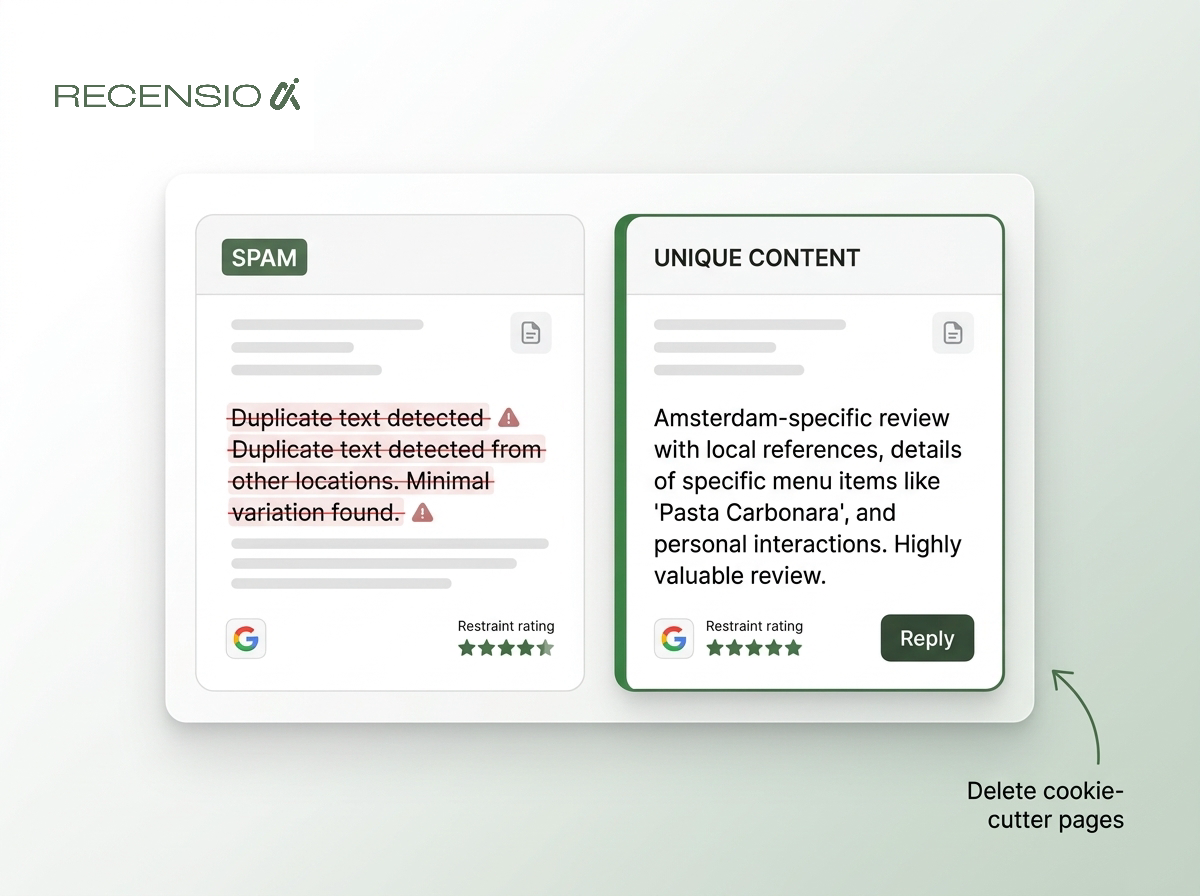
If you have city pages with identical text where only the city name changes, you are at risk. Google easily identifies these cookie-cutter pages in 2026. They provide no unique value to the user.
To protect your rankings, you must rewrite these pages. Include details that prove you actually work in that specific city. Mention local landmarks, specific local building codes, or neighborhood names.
You also need real photos of your team working in that specific area. Stock photos will not help you here. Replace them with authentic images of your staff and vehicles.
Managing reviews as a ranking anchor
Reviews act as a massive ranking anchor during turbulent algorithm updates. High-quality reviews provide the real-world proof Google craves. They confirm that actual humans are interacting with your business right now.
When your website loses a bit of algorithmic trust, strong reviews can keep your map listing visible. The key is consistent volume. Getting ten reviews in one day and zero for the next month looks unnatural.
You must also reply to every review promptly. Replying shows that the business is active and cares about customer feedback. The RecensioAI platform can fully automate this process for you, ensuring you never miss a reply.
Negative reviews happen to everyone. Do not panic if you get one during an update. Simply reply professionally and try to move the conversation offline.
- Consistency: earn new reviews steadily every week.
- Keywords: customers naturally mention your services in reviews.
- Replies: always reply to every single review.
- Photos: encourage customers to upload photos with reviews.
Steps to diagnose a traffic drop
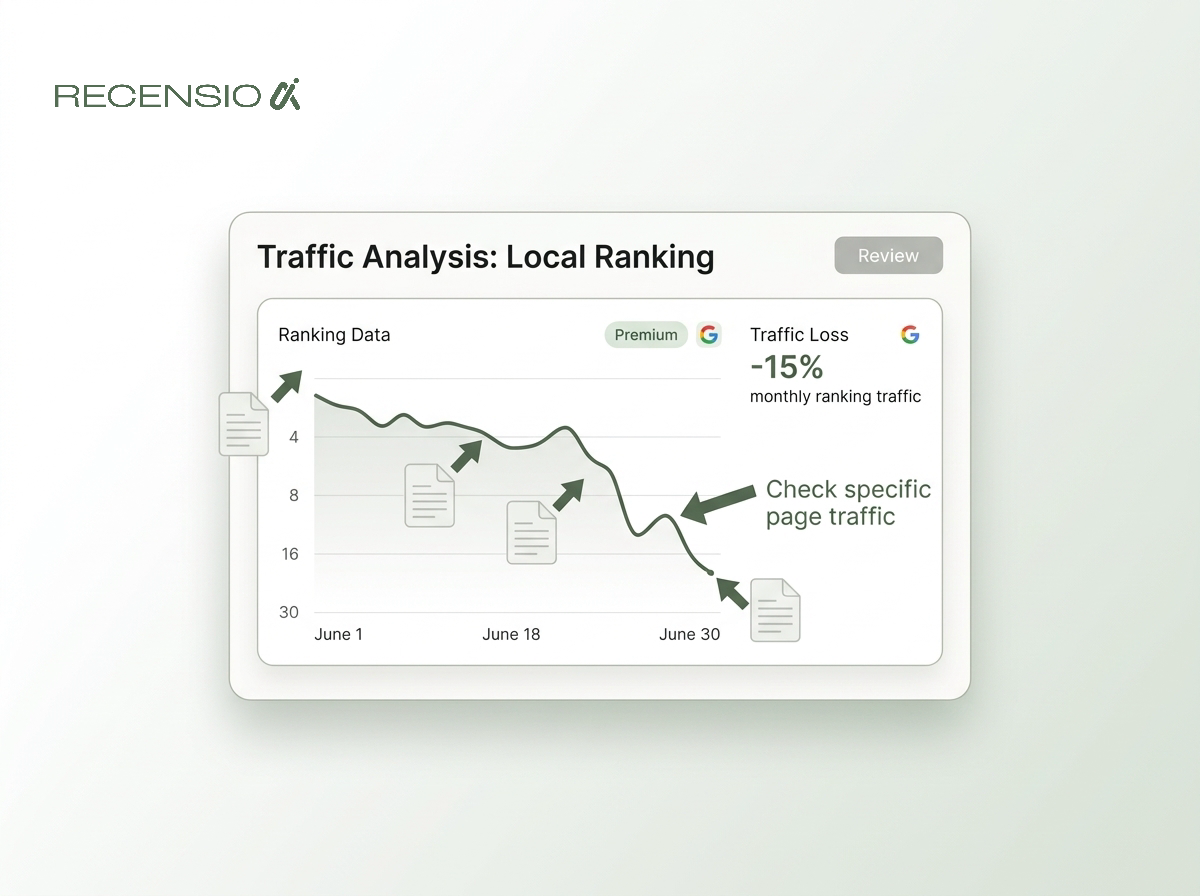
If your phone stops ringing during a core update, you need to diagnose the problem calmly. Do not assume your business profile is suspended unless you see a specific alert. First, check your organic website traffic using your analytics tools.
Look closely at which specific pages lost traffic. Did your homepage drop, or was it your service pages? If only your location pages dropped, you have a localized content quality issue.
Next, open an incognito browser window. Search for your primary service and your city. See who moved up to replace you.
Study the competitors who are suddenly outranking you. They likely align better with what Google wants right now. Note their website structure and how closely it matches their map listings.
What not to do during a rollout
The worst thing you can do during a core update rollout is panic. Google takes roughly two weeks to fully process these massive algorithmic changes. Rankings will bounce up and down wildly during this period.
Making drastic changes to your website while the update is running is dangerous. You will not know if your changes helped or if the algorithm simply settled. Wait for the dust to clear before starting major overhauls.
Never change your business name or core profile details just to cram in keywords. In 2026, this behavior is heavily monitored. It will almost certainly trigger an automatic profile suspension.
Focus entirely on providing a better experience for your actual customers. Clean up your website navigation. Ensure your contact information is easy to find on a mobile phone. These simple improvements always win in the long run.
- Do not panic: wait two weeks for the rollout to finish.
- Do not change your name: this can trigger a suspension.
- Do not buy links: artificial signals will hurt you more.
- Do not delete pages blindly: consolidate weak pages instead.
Frequently asked questions
You might also like
Handpicked articles for you
Review Sentiment Analysis: Turn Scattered Feedback Into Clear Priorities
Combine reviews from Google, Treatwell and other platforms, detect recurring patterns, and see where your team and service can genuinely improve.
White-Label Local SEO Tools for Agencies
What RecensioAI offers agencies: an embeddable white-label Google Business Profile audit that works as a lead magnet on your own site, plus an agency account where you run every client workspace, report, SMS credit and invoice. With pricing, margin and a 30-day rollout.
How to monitor your business in ChatGPT, Gemini and Perplexity (AI visibility 2026)
Complete guide to AI visibility in 2026: how to measure whether ChatGPT, Gemini and Perplexity recommend your business, which signals matter, and step-by-step how to get more visible in AI search engines.