How Google AI Mode Impacts Local Businesses in 2026
Learn how Google AI Mode changes local search and exactly what steps to take to keep your business visible.
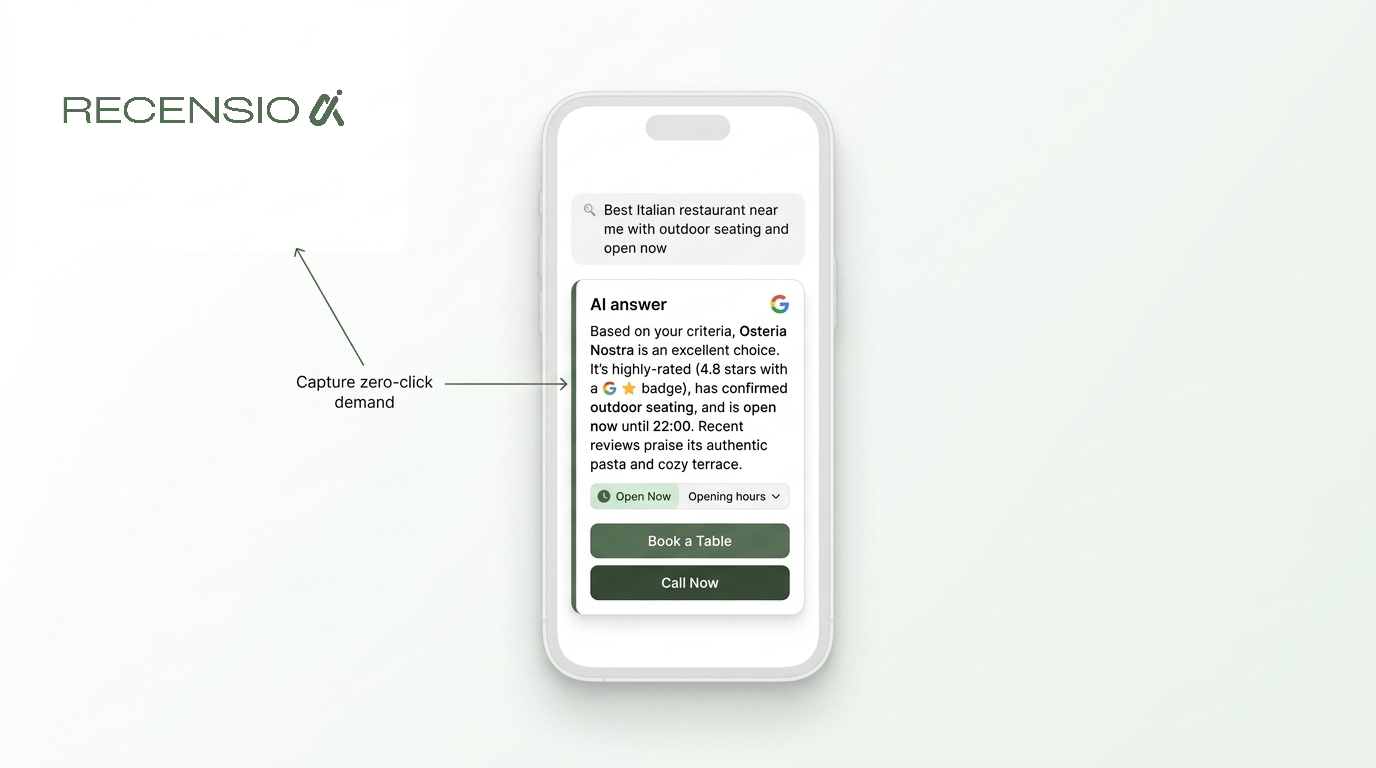
Table of Contents
The short answer
Google AI Mode changes how customers find your local business. Instead of just giving a list of links, Google reads your profile, website, and reviews to give customers a direct answer. This shifts local discovery entirely.
To stay visible, your Google Business Profile must be perfectly accurate. Your website needs plain text explaining your services, prices, and current inventory. AI prefers concrete facts over fancy marketing copy.
What conversational search looks like
Customers no longer search with broken keywords like a robot. They ask complete questions. A user might type a long question about finding a plumber who is open now, fixes tankless water heaters, and takes credit cards.
Google AI Mode reads this complex question and scans local businesses instantly. It filters out anyone missing clear hours or service lists. If your website does not mention tankless water heaters, you will not appear.
The results show a conversational summary followed by a few highly relevant businesses. If your details are hidden in a PDF menu or an image graphic, the AI skips you completely.
- State your exact service area in plain text
- List every accepted payment method clearly
- Keep your business hours updated for holidays
- Ensure your contact page has a physical address
Direct actions and connected apps
Google recently expanded AI Mode with connected apps. This allows the AI to perform tasks for the user without leaving the search page. It connects directly to the tools they already use.
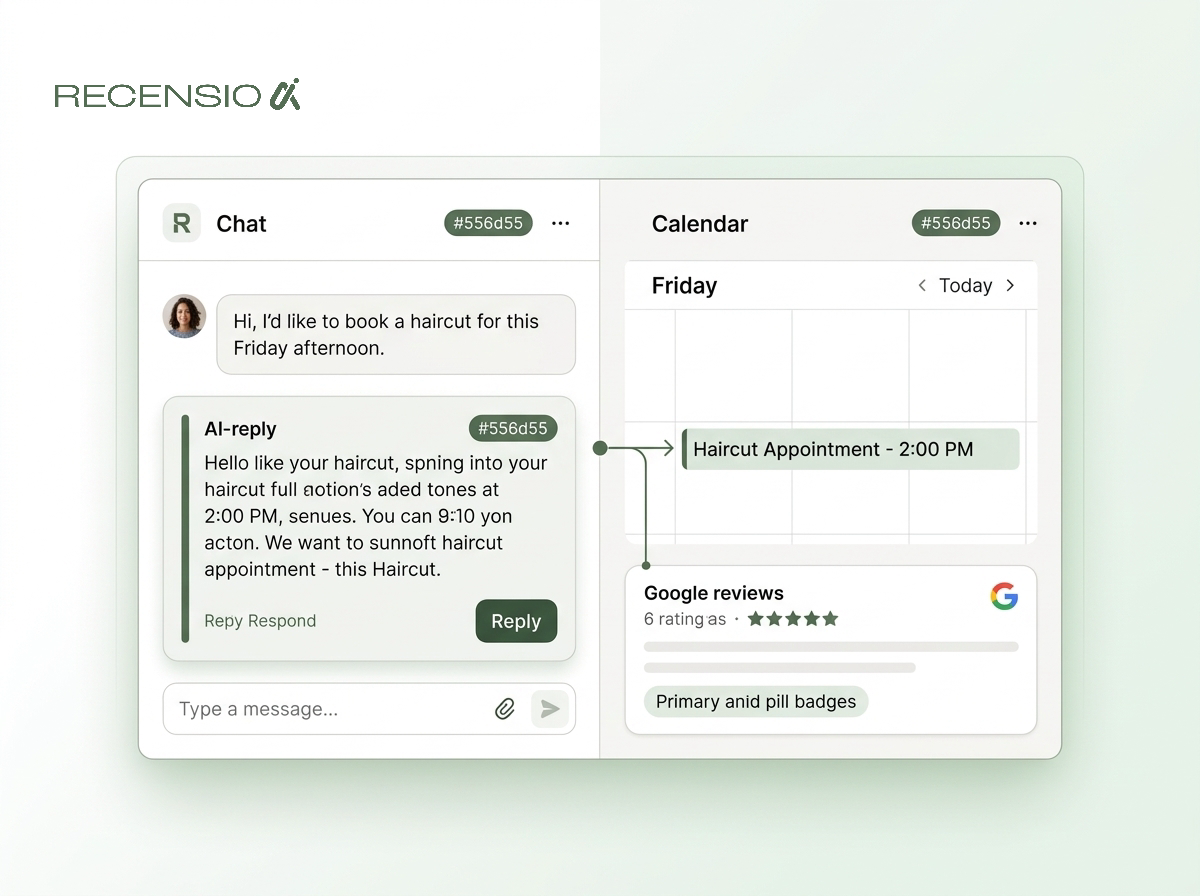
For example, Gemini AI can call your business to check if an item is in stock. It can also book appointments if you use a supported scheduling software. Customers appreciate this frictionless experience.
You need to make it easy for AI to verify your information quickly. If an AI calls to check inventory, your staff should answer clearly and politely. This interaction directly affects your local AI visibility.
- Use a supported booking system for appointments
- Train staff to answer basic questions clearly
- List your direct phone number on your profile
- Update your online inventory daily
Optimizing your profile for AI
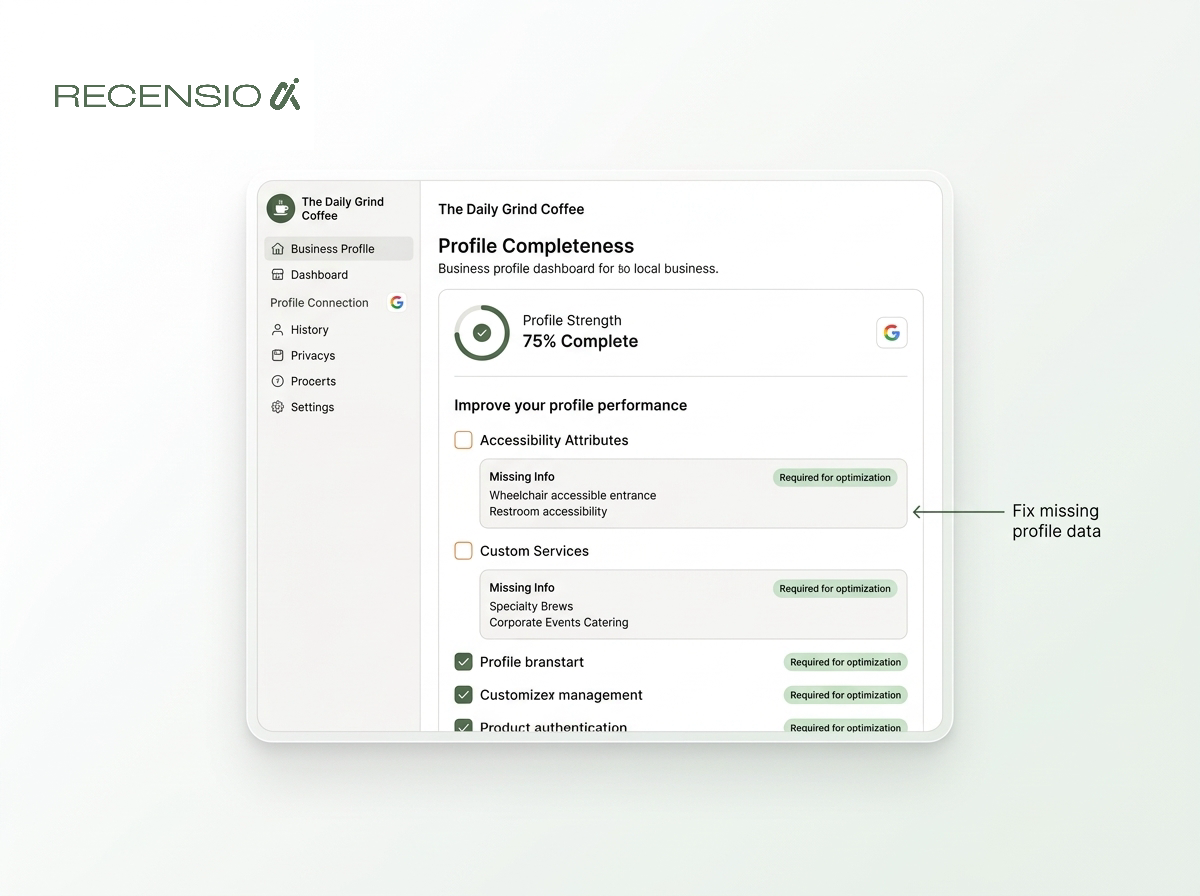
Your Google Business Profile is the primary data source for Google AI Mode. Every blank field is a missed opportunity for the AI to recommend you. The machine relies on complete data to feel confident.
You can run a free Google Business Profile scan to find missing fields. It takes 30 seconds and requires no signup. This is the fastest way to spot simple errors that hold you back.
Fill out all service categories, attributes, and product lists. Do not stuff keywords into your descriptions. Just state exactly what you offer in plain English.
- Select the most accurate primary category
- Add custom services with clear descriptions
- Update accessibility and parking attributes
- Upload clear photos of the outside of your building
- Add prices to your services menu
On-page details and inventory
Google AI Mode cross-checks your profile against your website. If the information does not match, the AI loses trust in your business. Consistency is still mandatory for local search results.
If you sell physical products, local product inventory feeds are critical. Customers frequently ask Google if a specific item is in stock locally. Connecting your inventory system ensures you capture these zero-click sales.
Service businesses need a dedicated page for every main service. A generic page listing all your skills is too vague for AI parsing. Break them apart so the AI understands exactly what you do.
- Match the contact details on your site and profile
- Create one page for every distinct service
- Use simple text tables for pricing lists
- Connect your point of sale to Google for inventory
The power of detailed reviews
Google AI Mode reads customer reviews to understand your business better. It looks for specific details rather than just a star rating. It mines the text for context about your quality and specific offerings.
If a customer writes that your bakery has great gluten-free options, the AI remembers that fact. When someone searches for gluten-free cakes, the AI suggests you based heavily on that review.
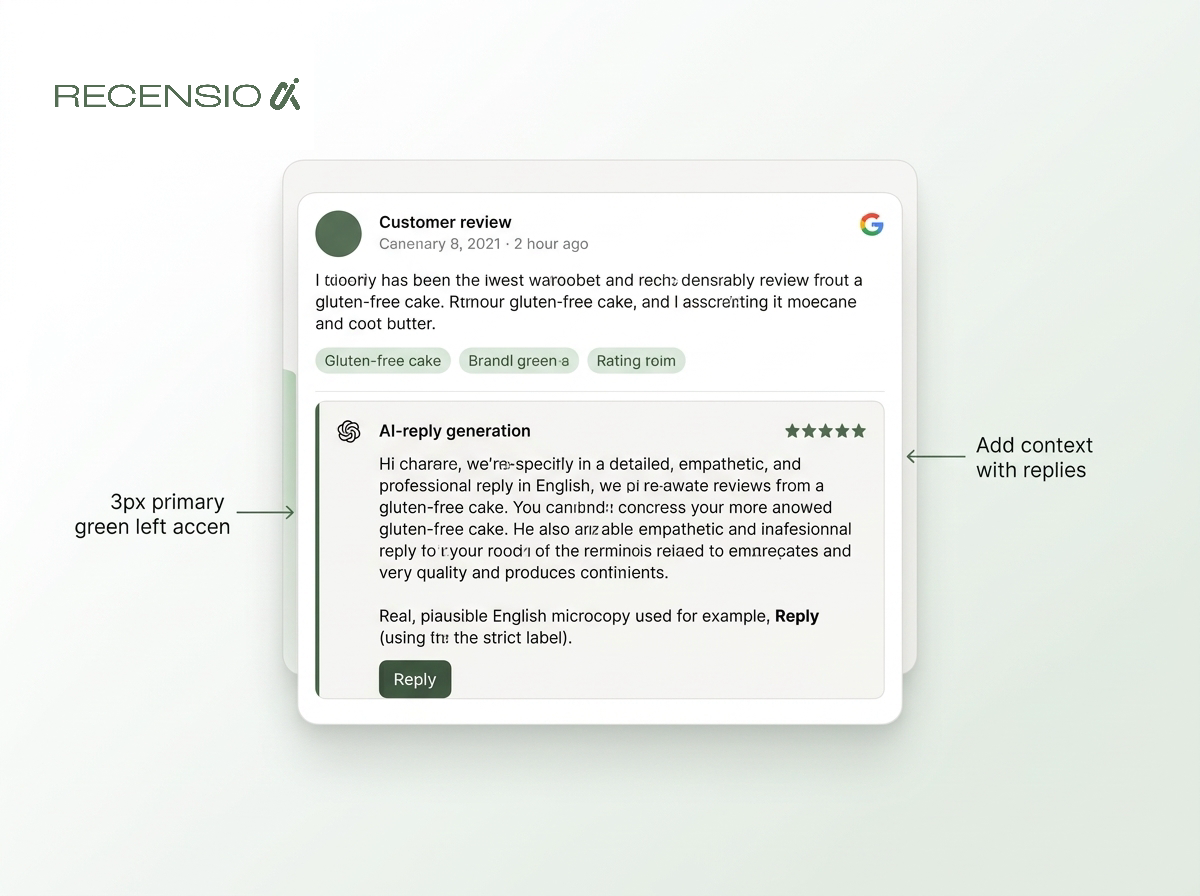
Replying to reviews also adds vital context. Using a tool like RecensioAI helps you write detailed replies that add helpful keywords naturally. This trains the AI on your specific strengths.
- Ask customers to mention what service they bought
- Reply to all reviews within two days
- Include the product name in your reply
- Never argue with negative feedback
- Thank customers for specific details they shared
Your action plan
Preparing for Google AI Mode requires a shift in habits. Focus on feeding the machine accurate data instead of chasing tricks. Clean, factual data is the best local strategy for 2026.
Start by auditing your Google Business Profile today. Check that your hours are correct and your service list is comprehensive. Make sure your special hours are updated for upcoming holidays.
Then review your website text. Remove empty marketing phrases and replace them with concrete facts about your business. Ensure your phone number, address, and service area are incredibly easy to find.
- Audit your profile once a month
- Fix broken links on your website
- Sync your booking calendar with Google
- Monitor the questions customers ask most often
- Add a frequently asked questions page
Frequently asked questions
You might also like
Handpicked articles for you
Review Sentiment Analysis: Turn Scattered Feedback Into Clear Priorities
Combine reviews from Google, Treatwell and other platforms, detect recurring patterns, and see where your team and service can genuinely improve.
White-Label Local SEO Tools for Agencies
What RecensioAI offers agencies: an embeddable white-label Google Business Profile audit that works as a lead magnet on your own site, plus an agency account where you run every client workspace, report, SMS credit and invoice. With pricing, margin and a 30-day rollout.
How to monitor your business in ChatGPT, Gemini and Perplexity (AI visibility 2026)
Complete guide to AI visibility in 2026: how to measure whether ChatGPT, Gemini and Perplexity recommend your business, which signals matter, and step-by-step how to get more visible in AI search engines.