
Manage locations (multi-location)
Add branches, switch between locations and see a portfolio overview.
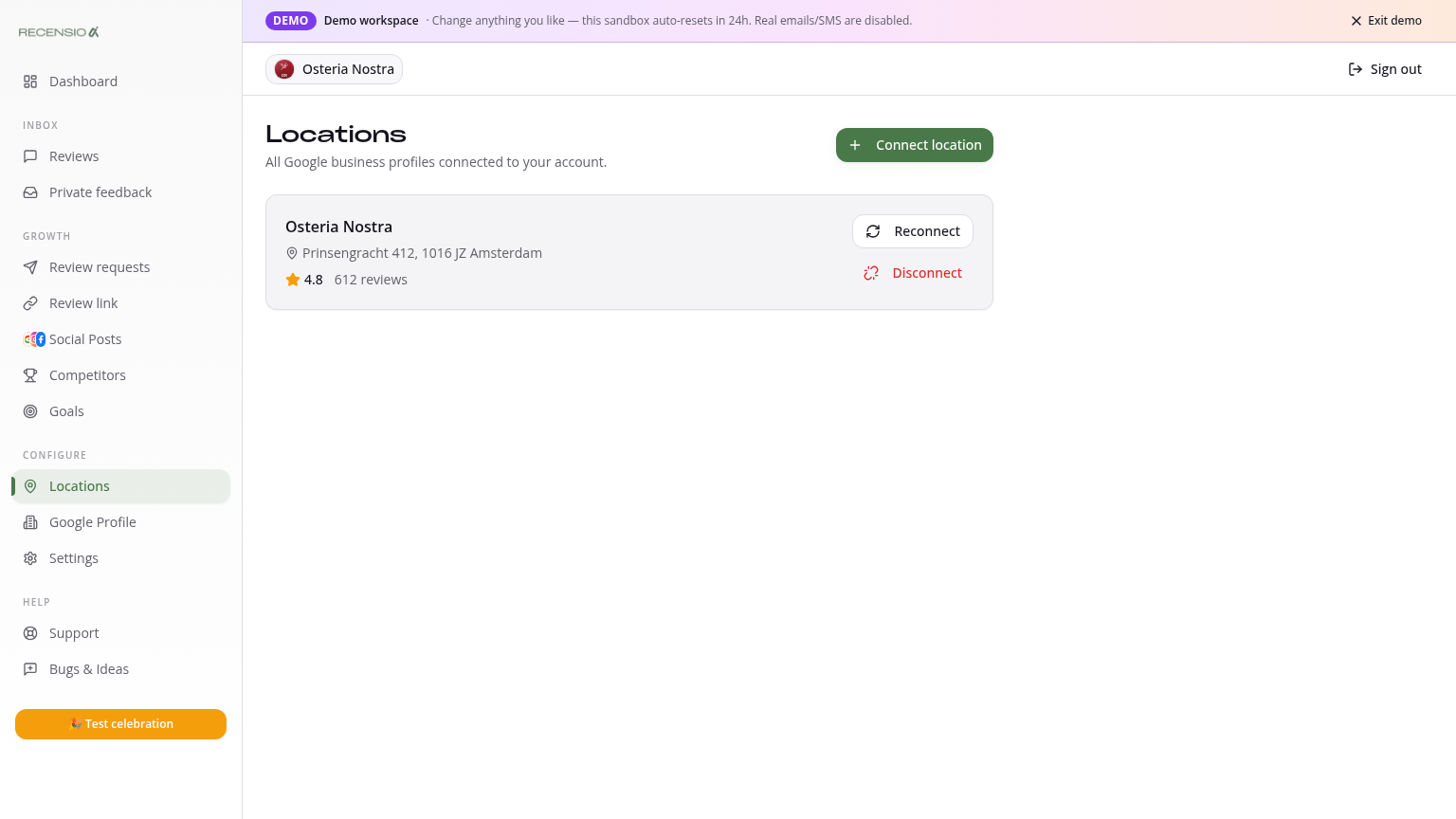
Table of Contents
Open the Locations page
Click Locations in the sidebar. You see each branch with name, address, average rating and review count.
Add a location
Click '+ New location' in the top-right. Run the mini-onboarding (find Google Business Profile, branding, review link). A new location requires the Multi plan.
Switch locations
Every page shows a location switcher at the top. Pick one branch to see only its data, or 'All locations' for an aggregated portfolio view.
Portfolio overview
With 'All locations' active your Dashboard becomes a portfolio: total reviews, average across branches, best/weakest leaderboard and alerts for unreplied reviews per branch.
Per-location settings
AI style, branding, review link and goals are per location. So a branch in Boston can have a different tone than a branch in NYC.
Disconnect a location
Click the three dots next to a location and pick 'Disconnect'. Review data is kept 30 days for recovery, then permanently deleted.
Was this article helpful?
Ready to try RecensioAI?
Collect more reviews, respond with AI and protect your reputation.
Get started free