
Send review requests
Send invitations by email, SMS, WhatsApp or QR — one by one or in bulk via Excel.
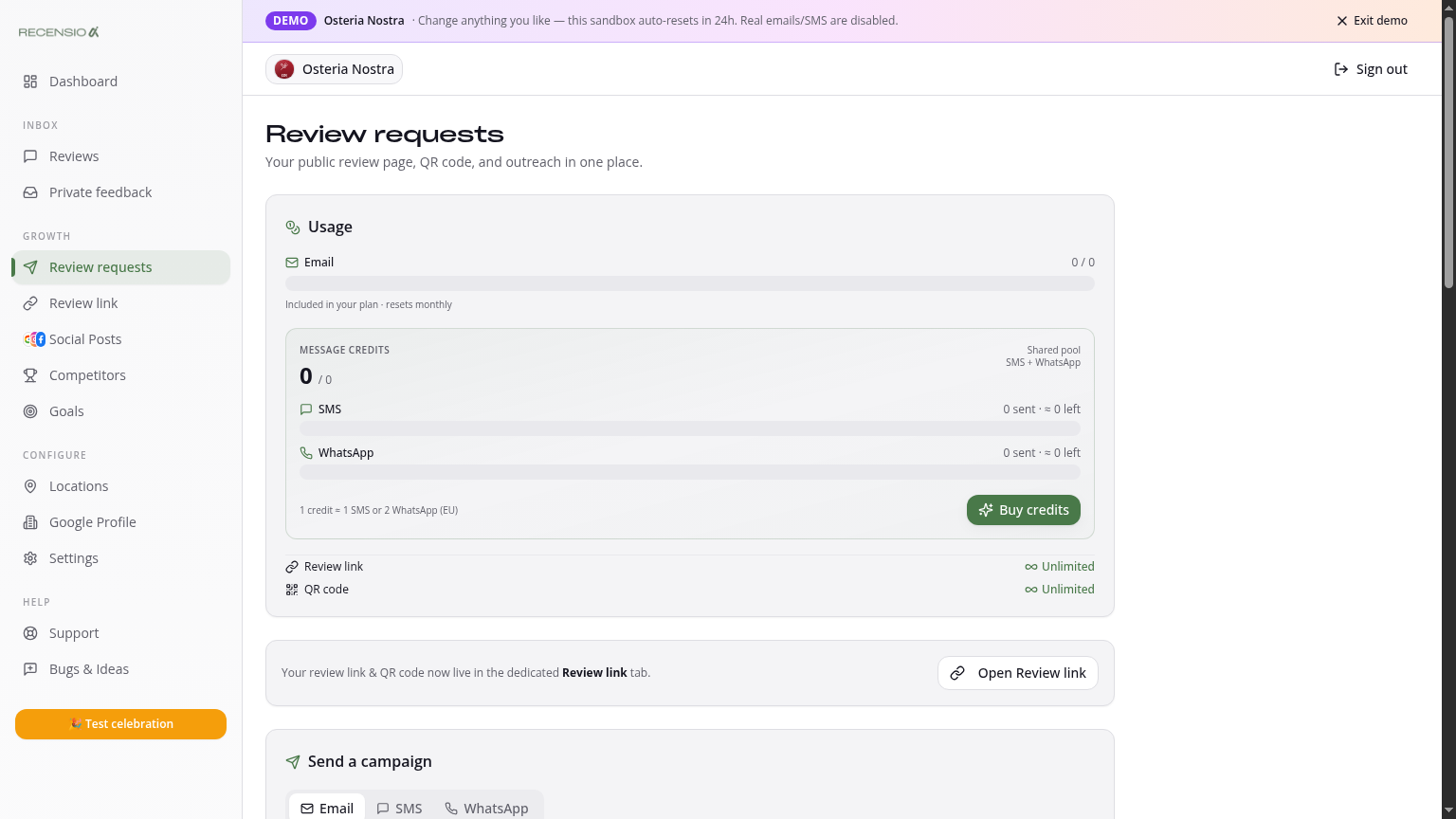
Table of Contents
Open the Requests page
Click Requests in the sidebar. At the top you see your balance: how many emails, SMS and WhatsApp messages you can still send this month. SMS and WhatsApp are paid credits.
Send a single request
Enter name, email or phone and click 'Send'. The message automatically contains your Smart Review Link. The customer receives the invitation within seconds.
Bulk via Excel
Click 'Bulk upload' and drag in a CSV or Excel with columns `first_name, email` (and optionally `phone`). Max 500 rows per upload. We auto-filter duplicates and invalid addresses.
Edit templates
Edit subject and body under the Email, SMS and WhatsApp tabs. Use placeholders `{first_name}`, `{business}` and `{link}`. Keep SMS under 160 chars to stay in one segment.
QR at the counter
Click 'Download QR' for a 600×600 px PNG with your logo. Stick it on the receipt, on the table or near the exit. A counter QR averages 3× more reviews than email alone.
Track status
Under History see every send: delivered, opened, clicked, reviewed. No reply after 7 days? Click 'Reminder' to send a friendly second nudge automatically.
Was this article helpful?
Ready to try RecensioAI?
Collect more reviews, respond with AI and protect your reputation.
Get started free