
Social Posts — Google, Instagram & Facebook with AI
Generate posts or let AI auto-share your best reviews across your social channels.
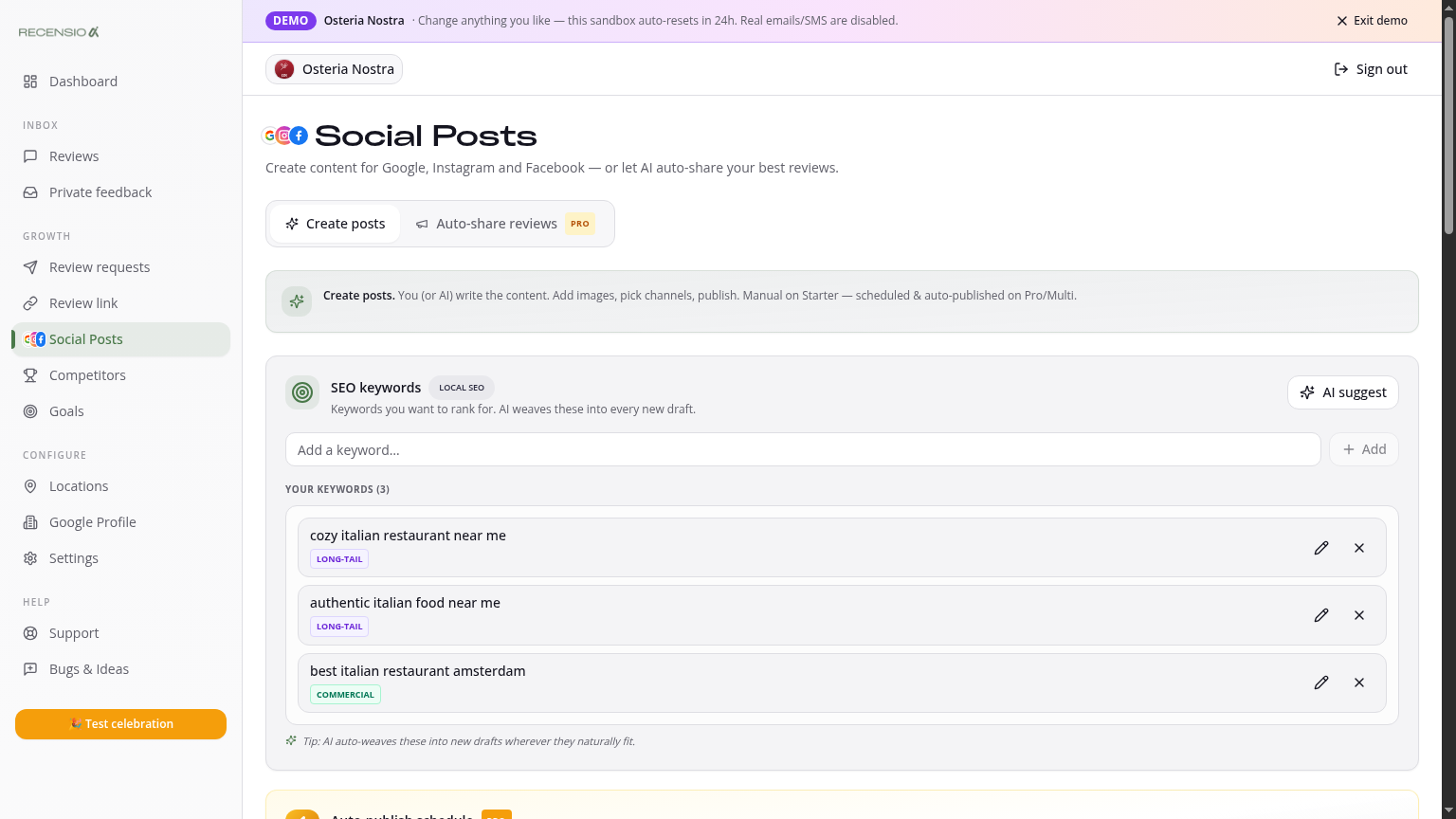
Table of Contents
Open the Posts page
Click Social Posts in the sidebar. Two tabs: 'Create posts' (manual) and 'Auto-share reviews' (automatic — Pro).
Create a post with AI
Describe what the post is about in one sentence ('summer terrace deal', 'new lunch menu'). Click 'Generate' — you get 3 variants with emoji, hashtags and local SEO keywords. Pick one and tweak if needed.
Publish or schedule
Pick the channels: Google Posts, Instagram, Facebook (or all three). Click 'Publish now' or 'Schedule' with date and time. Images are auto-resized per channel.
Live preview
Before you publish you see a mockup of how it will look on Google, Instagram and Facebook. No surprises.
History
At the bottom: list of published and scheduled posts. Edit a scheduled post by clicking it and choosing 'Edit' or 'Cancel'.
Was this article helpful?
Ready to try RecensioAI?
Collect more reviews, respond with AI and protect your reputation.
Get started free