
Management
Improvements — report a bug or request a feature
Vote on feature requests, report bugs and see what the team is shipping.
2 min read4 sections
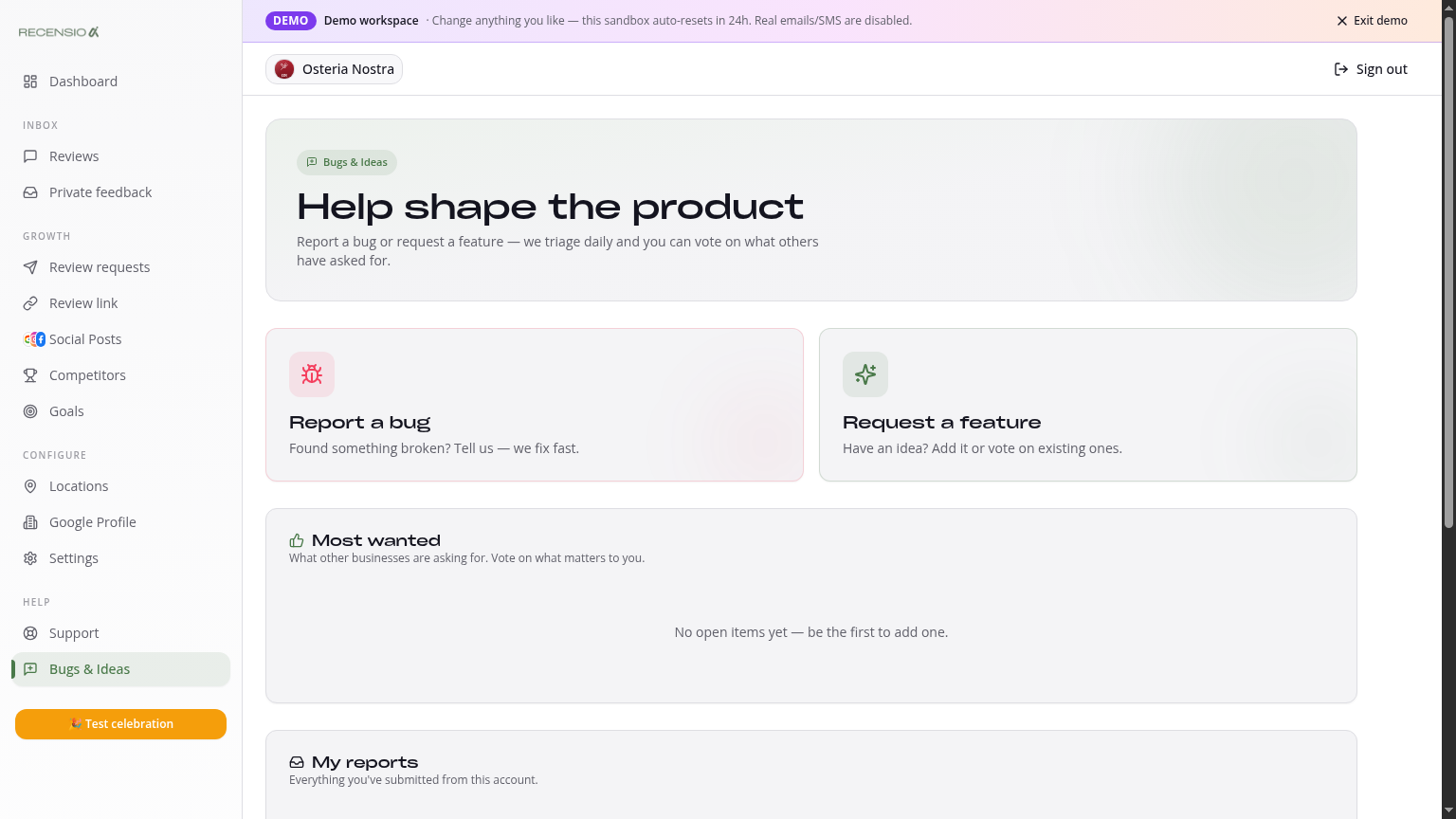
Table of Contents
01
Open Improvements
Click Improvements in the sidebar. Two tabs: a public roadmap with every submitted idea, plus your own submissions.
02
Report a bug or suggest a feature
Click '+ Report bug' or '+ Suggest feature'. Give title, description and the area (e.g. 'Reviews', 'Posts'). We auto-group duplicate submissions.
03
Vote
Click the thumbs-up next to any idea to vote. The most-voted items get priority. You can always remove your vote.
04
Track status
Every card shows a status: New, Triaged, Planned, In progress, Shipped, Won't fix. On 'Shipped' you get an automatic email.
Was this article helpful?
Ready to try RecensioAI?
Collect more reviews, respond with AI and protect your reputation.
Get started free